


GBP Guides · 19 guides
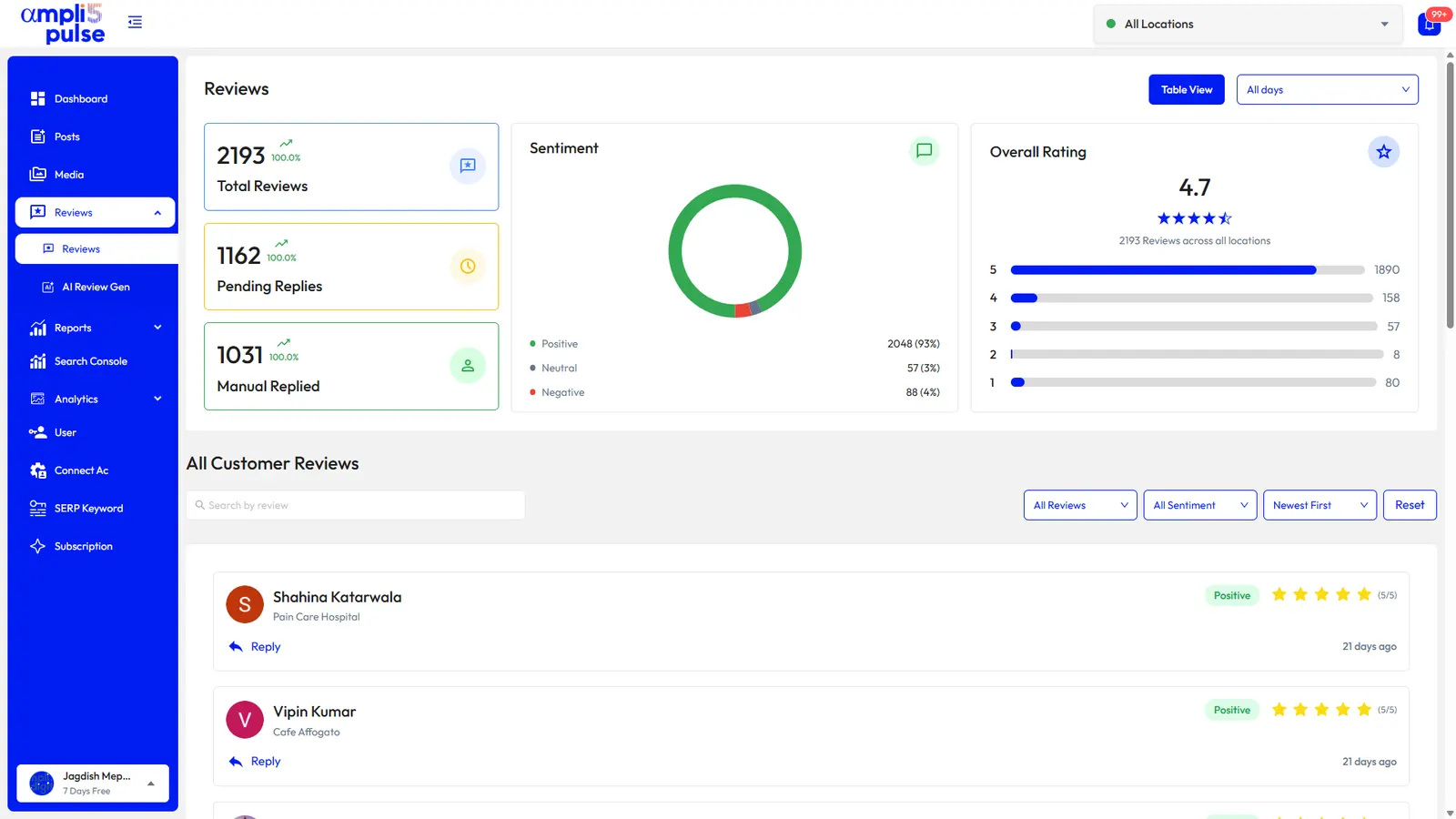
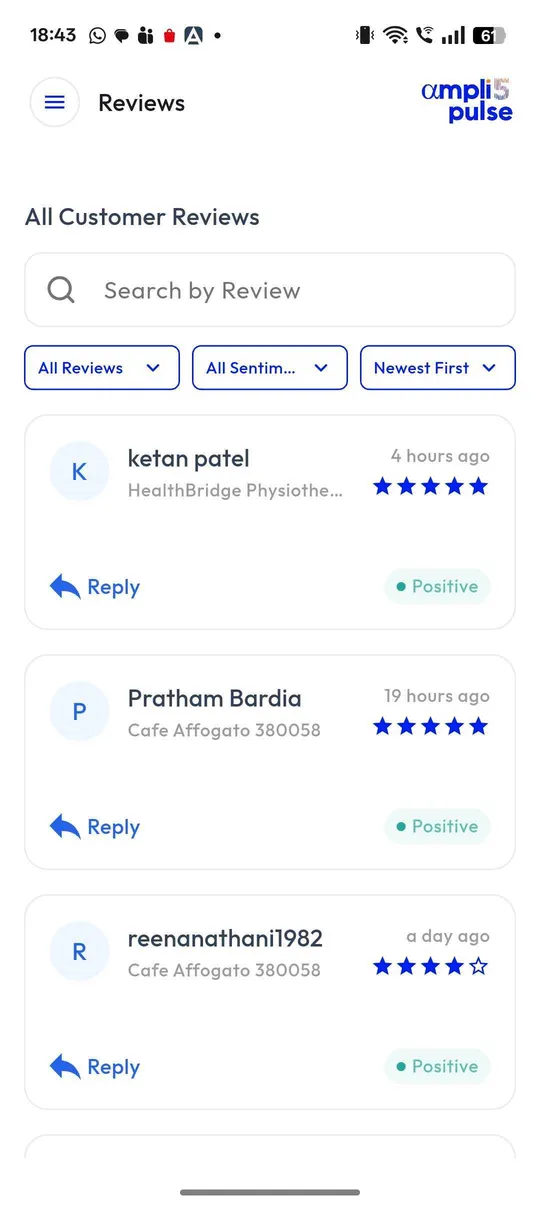
Every Review Is an Opportunity to Build Trust.
Find practical ways to request honest reviews, respond with care and manage customer feedback consistently across locations and teams.
-
 01
01Organising Google Review Management
Organising Google Review Management. Assign responsibility for daily monitoring, standard replies and complex escalations.
Read guide
-
 02
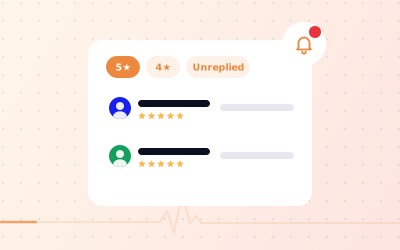
02Finding Reviews Written About Your Business
Finding Reviews Written About Your Business. Sign in with an account that manages the correct Business Profile.
Read guide
-
 03
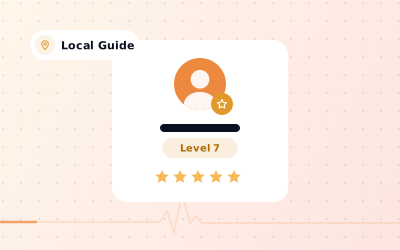
03Understanding Google Maps Local Guides
Google Maps Local Guides. Understand that contributor levels and points belong to Google’s participation programme.
Read guide
-
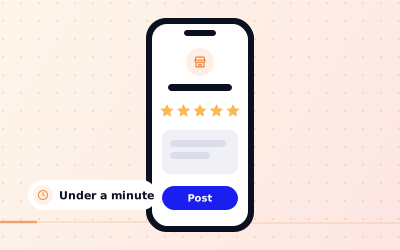 04
04Leaving a Genuine Google Review
Leaving a Genuine Google Review. Sign in to the Google account you intend to use and locate the correct business on Search or Maps.
Read guide
-
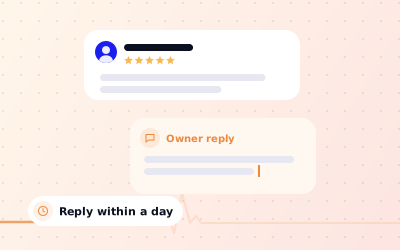 05
05Writing Helpful Replies to Google Reviews
Writing Helpful Replies to Google Reviews. Thank the reviewer for the specific experience without copying a generic template verbatim.
Read article
-
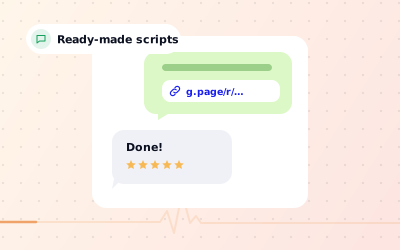 06
06Asking Customers for Honest Google Reviews
Asking Customers for Honest Google Reviews. Ask after a genuine completed interaction when the customer has enough experience to comment.
Read guide
-
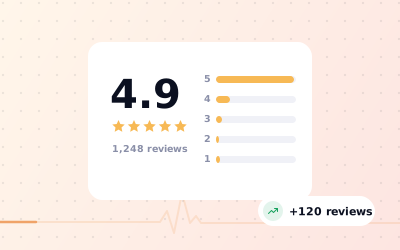 07
07Building Better Reviews Without Manipulation
Building Better Reviews Without Manipulation. Look for repeated operational problems in existing customer feedback.
Read guide
-
 08
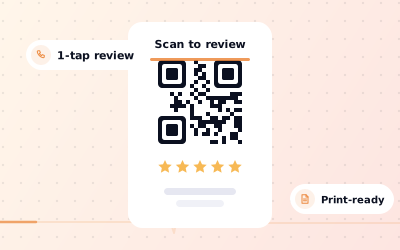
08Creating a Google Review QR Code
Creating a Google Review QR Code. Obtain the correct review link from the Business Profile and verify it opens the intended location.
Read guide
-
 09
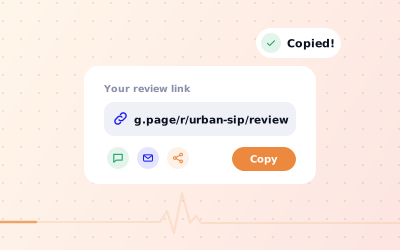
09Finding and Sharing a Business Review Link
Finding and Sharing a Business Review Link. Use an authorised Business Profile to find the current share-review option.
Read guide
-
 10
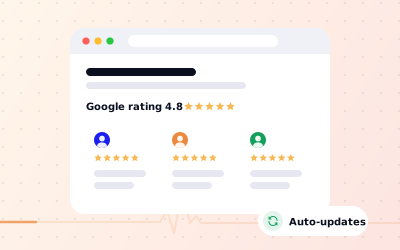
10Displaying Google Reviews on Your Website
Displaying Google Reviews on Your Website. Choose whether the goal is displaying feedback, linking to the original source or explaining review themes.
Read guide
-
 11
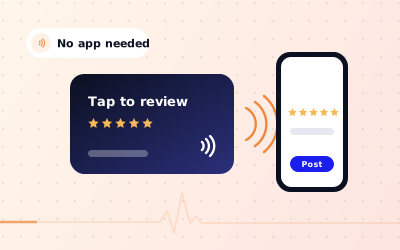
11Using NFC and QR Review Cards Responsibly
Using NFC and QR Review Cards Responsibly. Choose a durable card format with an accurate QR code or NFC destination.
Read guide
-
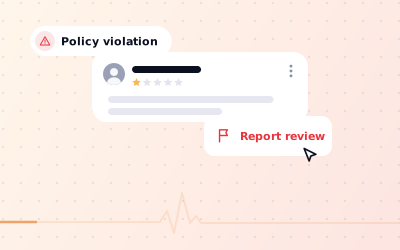 12
12Understanding Google Review Removal
Google Review Removal. Read the content and identify whether it might breach a specific Google content policy.
Read guide
-
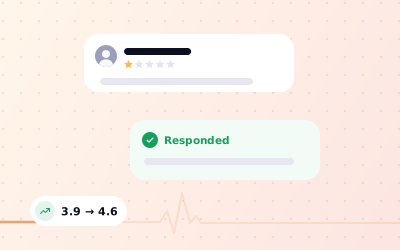 13
13Handling Negative Google Reviews Fairly
Handling Negative Google Reviews Fairly. Separate service criticism from content that may violate Google review rules.
Read guide
-
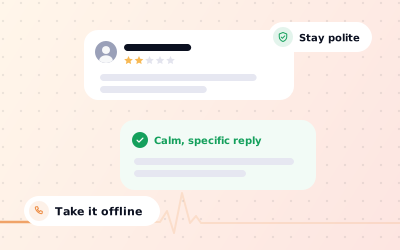 14
14Responding to Critical Google Feedback
Responding to Critical Google Feedback. Read the complaint carefully and check the underlying facts with the relevant team.
Read article
-
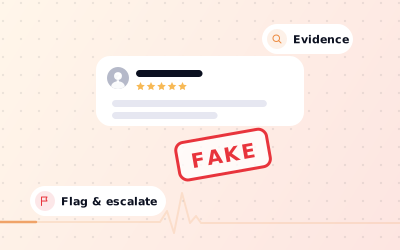 15
15Reporting Suspected Fake Google Reviews
Reporting Suspected Fake Google Reviews. Review the contribution for concrete signs that may breach policy rather than relying on its star rating.
Read guide
-
 16
16Understanding Why a Google Review Disappears
Why a Google Review Disappears. Verify that the correct profile and review view are being checked.
Read guide
-
 17
17What Businesses Can Do About Bad Reviews
What Businesses Can Do About Bad Reviews. Assess whether the review is permitted criticism or contains a demonstrable policy violation.
Read guide
-
 18
18Why Purchased Google Reviews Put Trust at Risk
Why Purchased Google Reviews Put Trust at Risk. Identify whether any agency or vendor proposes incentives or fabricated profiles as part of its offering.
Read guide
-
 19
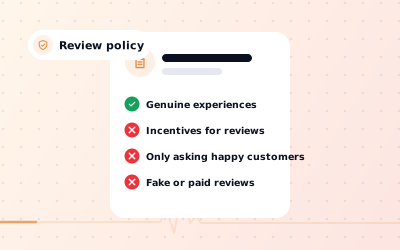
19Reading Google Review Policy in Practice
Reading Google Review Policy in Practice. Review the official Maps user-contributed content policies rather than relying on a third-party summary alone.
Read guide
Put it to work on every location.
Explore the platform, or Request a Demo and we’ll walk you through Ampli5 Pulse with your own locations.

