Updated October 2026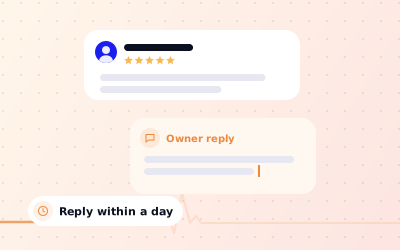
 In short
- Only owners and managers of a verified Business Profile can reply, from Google Search, the Google Maps app or Business Profile Manager.
- coordinate responses to customer feedback, ideally within a day or two, and answer negative reviews first.
- Thank the reviewer, be specific, fix what you can and move complaints to a private channel.
- Never argue, share customer details or offer rewards in a reply.
Who can reply to Google reviews
Start with the correct Google Account and a clear view of which business or location is involved. Platform interfaces can change, so use Google’s current Help instructions for sensitive account, policy or verification decisions.
Your reply is public. It appears under the review, labelled as a response from the owner, and Google usually lets the reviewer know that you have replied. Future customers read it too, so a reply is written as much for them as for the person who left the review.
How do I reply to a Google review? Step by step
In Google Search, on a computer or phone
Search for your business
Signed in with your owner or manager account, search Google for your business name. Your Business Profile appears with its management tools.
Open your reviews
Choose Reviews or Read reviews. On some layouts it sits under a Customers menu.
Choose Reply
Find the review you want to answer and select Reply underneath it.
Write and post
Type your response and select Reply or Post to publish it.
In the Google Maps app
Open your profile
Open Google Maps signed in with your owner or manager account, tap your profile picture and choose your Business Profile.
Go to Reviews
Open the Reviews section of your profile.
Reply
Tap Reply under the review, write your response and post it.
In Business Profile Manager, for many locations
If you manage several locations, sign in at business.google.com to see them all in Business Profile Manager. Selecting a location opens its management tools in Google Search, where you reply as above. Google moves these buttons from time to time, so if a label on your screen is different, look for the reviews section of your profile's tools.
When to respond to Google reviews
Google doesn't set a deadline for replies, but speed matters to the reviewer and to everyone reading. A complaint that sits unanswered for weeks suggests nobody is listening. As a rule of thumb:
| Review | Aim to reply | Why |
|---|---|---|
| 1 or 2 stars | Within 24 hours on working days | Shows you take problems seriously and gives you a chance to fix things while the customer still cares |
| 3 stars or mixed | Within one to two days | The reviewer is often open to persuasion, and a good reply can shape their next visit |
| 4 or 5 stars | Within a few days | A thank-you encourages repeat visits and shows readers you are paying attention |
| Star rating only | Within a week | A short thank-you is enough, and readers notice a profile that answers everyone |
Google's own advice on improving local visibility includes responding to reviews, and regular replies keep your profile looking actively managed. Set a routine: check reviews every working day, or turn on review notifications, so nothing slips through.
How do I respond to reviews on Google? Tone and structure
A good reply is short, personal and calm. Most need only three to five sentences. Use this structure for almost any review:
Thank them
Use their first name and thank them for taking the time to write.
Be specific
Mention something they actually said, such as the dish, the treatment or the staff member, so the reply doesn't read like a template.
Own any problem
If something went wrong, apologise for their experience without excuses and say what you are doing about it.
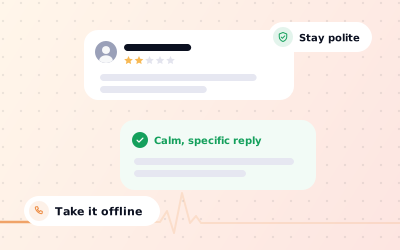
Take it offline
For complaints, give a named person and a way to contact them, so the details aren't discussed in public.
Close warmly
Invite them back or thank them again, and sign off with your name or role.
Before you post, run through this quick check:
- It uses the reviewer's name and refers to what they said.
- It contains no customer details, booking information or health information.
- It has no discount, offer or request to change the review.
- It sounds like a person, not a press release.
- It would reassure a stranger deciding whether to visit.
Google review response templates
Avoid sharing personal details, order references or disputed facts in public.
Replies to 5-star reviews
Thank you, [Name]. We're really pleased you enjoyed [dish or service], and we'll pass your kind words on to [staff name]. See you next time. [Your name], [Business name]
Thank you for such a thoughtful review, [Name]. It's great to hear that [specific detail they mentioned] made a difference. That's exactly what we aim for with every [appointment, order or job], and we look forward to helping you again. [Your name]
Thank you for the five stars, [Name]. We really appreciate you taking a moment to rate us and hope to see you again soon.
Replies to mixed reviews (3 or 4 stars)
Thank you, [Name], and we're glad you liked [positive point]. You're right about [issue], and we've [action taken, for example added an extra person at the till on Saturdays]. We hope you notice the difference next time.
Thanks for the honest feedback, [Name]. We're pleased [positive point] hit the mark, and sorry that [issue] let your visit down. That isn't the standard we aim for. If you'd like to tell us more, please contact [name] at [email or phone], and we'd value the chance to do better.
Replies to negative reviews (1 or 2 stars)
[Name], I'm sorry about your experience on [day]. [Problem] isn't acceptable, and I've shared your feedback with the team so it doesn't happen again. I'd like to put this right, so please contact me directly at [email or phone]. [Your name], [Role]
Thank you for your feedback, [Name], and I'm sorry the [charge or policy] came as a surprise. We [brief, factual explanation, for example explain our cancellation policy when you book], but we can see it could be clearer and we're updating our [booking page or confirmation email]. If you'd like to talk it through, please contact [name] at [contact].
Thank you for your review. We take every comment seriously, but we can't find a visit that matches these details. Please contact [name] at [contact] so we can look into what happened.
If you believe a review is fake or breaks Google's rules, reply calmly as above and report it as well. Our guides on removing fake Google reviews and handling negative Google reviews go into more detail.
What to avoid when replying to Google reviews
- Arguing, blaming the customer or correcting them point by point. Even if you are right, readers see a business that fights with its customers.
- Sharing private details such as booking dates, what someone bought, health or legal matters, or anything that confirms a person is your client or patient.
- Offering a discount or refund in public in return for changing the review. Make any goodwill offer privately, and never make it conditional on the review.
- Pasting the same reply under every review. A personal reply takes a minute longer and reads far better.
- Stuffing keywords, such as listing your services and town in every reply. One natural mention is fine; a list looks like spam.
- Adding promotions, links and sales messages. Keep replies about the customer, not your latest offer.
- Replying in anger. If a review stings, draft your reply, wait an hour and reread it before posting.
Replying to Google reviews with AI in Ampli5 Pulse
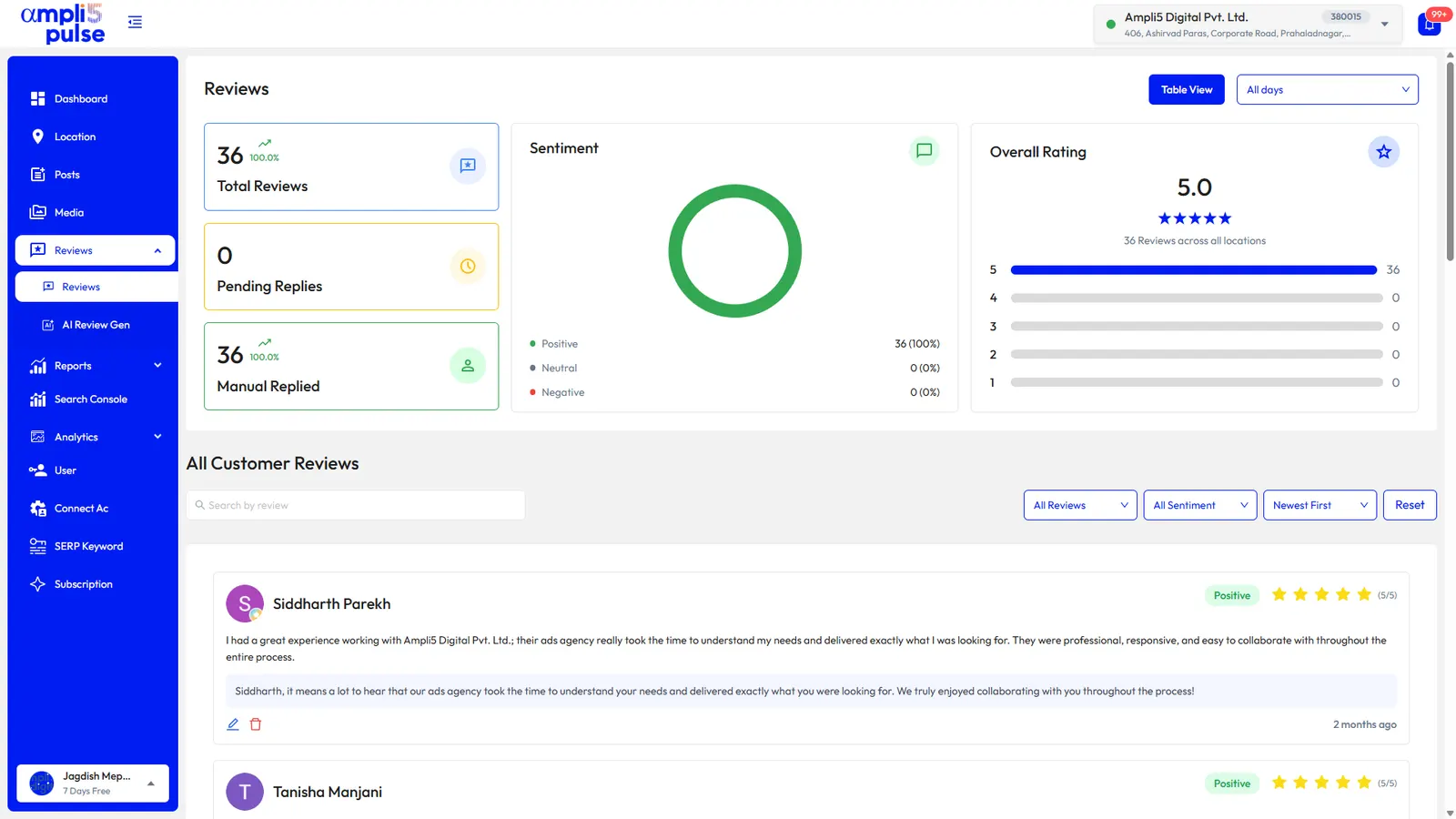
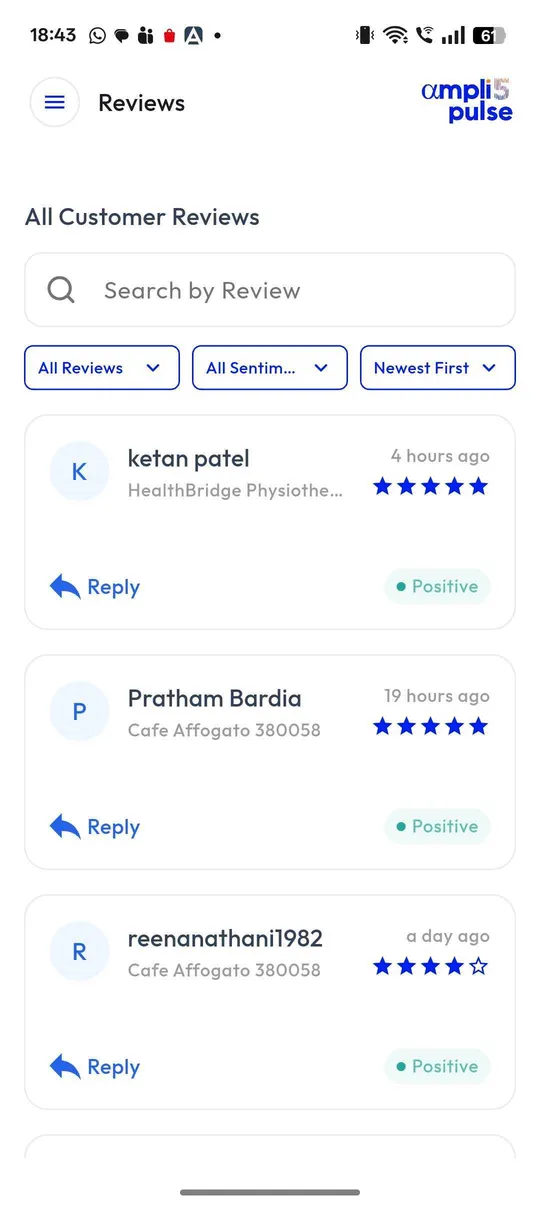
Replying to every review gets hard once you have dozens a week or several locations. Ampli5 Pulse brings the reviews from all your Google Business Profiles into one inbox, so you reply from one place instead of opening each profile in turn.
You choose how much the AI does. For straightforward praise and star-only ratings, AI auto-reply can answer in your brand's voice. For anything sensitive, use AI drafts: the reply is written for you, then you edit and post it. Sentiment and theme tracking shows what customers mention most, such as waiting times or friendly staff, so you can fix the cause rather than only answer the symptom.
Try it on your own profiles with the product walkthrough (subject to availability), or Request a Demo to see the review inbox with your team. For multi-location brands, our Google reviews management guide explains how to organise replies across branches.
Sources: Google Business Profile Help: Manage customer reviews; Google Business Profile Help: Manage your Business Profile owners & managers.