Updated October 2026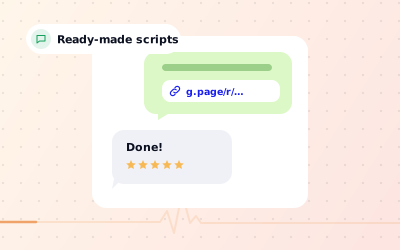
 In short
- Ask in person when the customer is pleased, then follow up once by text, WhatsApp or email.
- Always use a direct review link or QR code so customers land on the review form itself.
- Ask every customer for an honest review; never offer rewards or filter out unhappy customers.
- Make asking part of your routine, so reviews arrive every week rather than in bursts.
Before you ask: get your Google review link
Start with the correct Google Account and a clear view of which business or location is involved. Platform interfaces can change, so use Google’s current Help instructions for sensitive account, policy or verification decisions.
Open your Business Profile
Search Google for your business name while signed in as an owner or manager.
Find the review link option
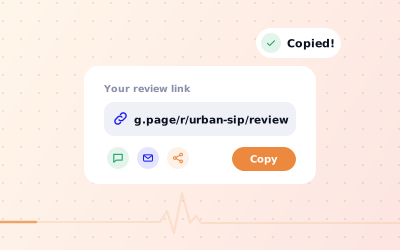
Choose Ask for reviews; on some layouts it is called Get more reviews. Google shows a short link to your review form.
Copy and test it
Copy the link and open it on your own phone to check it lands on the review form for the right location.
Save it where you'll use it
Store it in your phone's text shortcuts, your WhatsApp Business quick replies and your email templates.
You can also build the link from your Place ID, in the format https://search.google.com/local/writereview?placeid=YOUR_PLACE_ID. Our Google review link guide explains both methods, and a Google review QR code turns the same link into something customers can scan at the counter.
When to ask for a Google review
Use neutral wording that welcomes candid feedback without asking specifically for five stars.
| Business | Best moment to ask | Best channel |
|---|---|---|
| Café or restaurant | When the bill arrives or as guests leave | QR code on the table or bill, plus an in-person ask |
| Salon or spa | At the mirror, when they see the result | In-person ask, then a text the same day |
| Clinic or dentist | After the appointment, once they are home | Text or email within 24 hours |
| Trades and home services | When the job is signed off and working | WhatsApp or text with the invoice |
| Shop | At the till or when the order is delivered | QR code on the receipt or a packaging insert |
| Agency or professional services | After a milestone, or when the client thanks you | Personal email from the account lead |
How to request a Google review: the best channels
Knowing how to ask customers for Google reviews is mostly about convenience: reach them where they already are. Use more than one channel. An in-person ask followed by a link in a message reaches the people who meant to review you but forgot.
How to ask a customer for a Google review in person
A short, sincere ask from the person who served the customer works better than any sign. Keep it light and give them a way to act on it: hand over a card with a QR code, or offer to text the link.
Text message (SMS) and WhatsApp
Messages arrive on the same phone people review from, so one tap takes them to the form. Keep it to two or three lines, use their first name and put the link on its own line. Only message customers who have given you their number and expect to hear from you, and follow your local rules on electronic messages.
Email suits clinics, professional services and online bookings. Send it the same day or the next, put the request in the subject line and use a clear button or link. Make it the only request in the email rather than burying it under offers and news.
QR codes, receipts and invoices
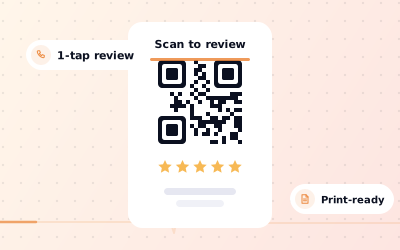
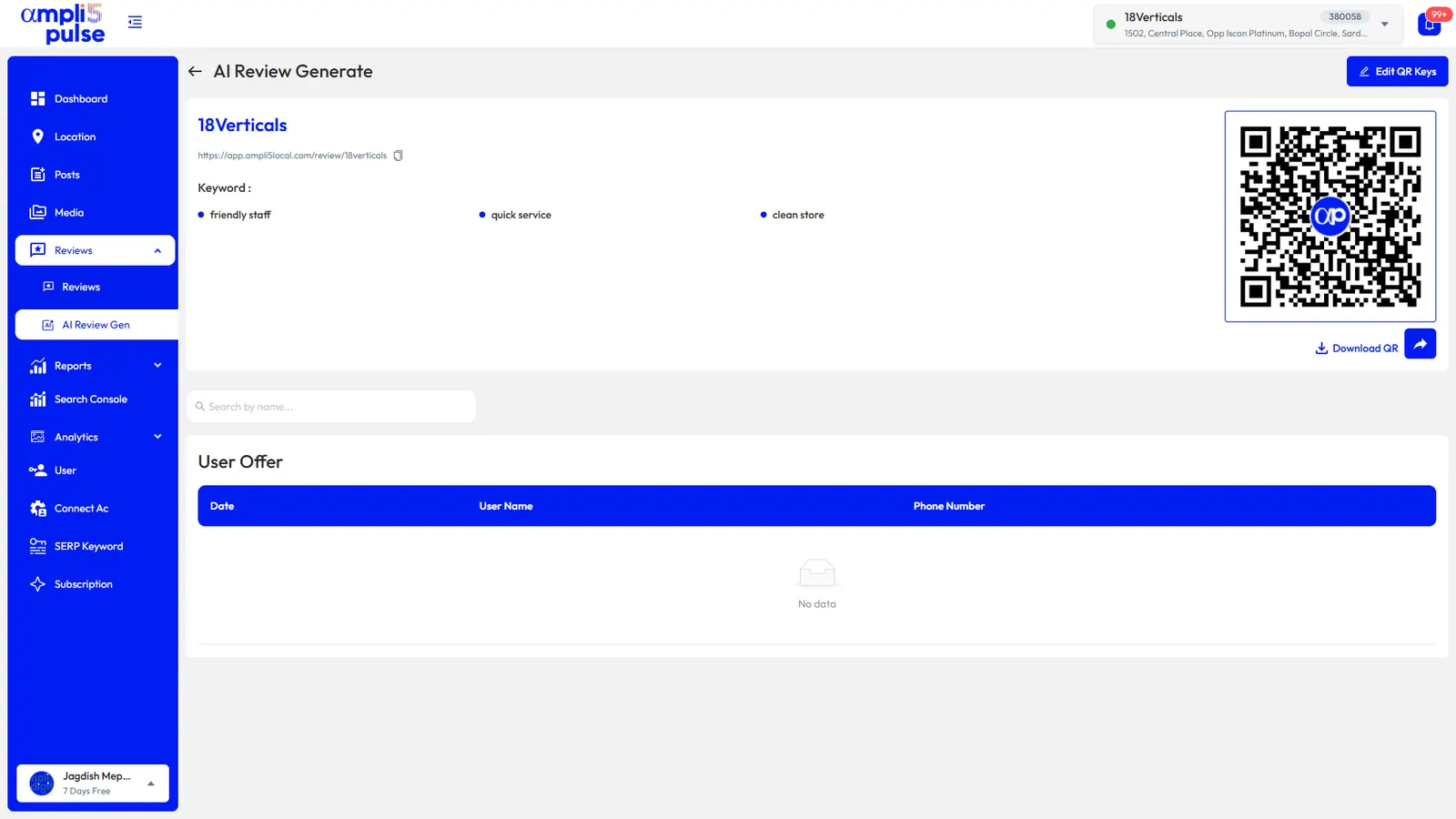
Printed codes collect reviews without staff having to remember. Put them where customers wait or pay: table cards, counters, receipts, bills, invoices, packaging and appointment cards. Add one line of text so people know what the code does. A Google review card at the till works the same way.
How to ask for a Google review: examples and scripts
Copy these, then change the words so they sound like you. Replace the brackets with real details.
Thanks so much for coming in today. If you've got a minute later, we'd really appreciate an honest Google review. It helps other people find us, and this card has a QR code that takes you straight to the form.
Hi [Name], thanks for visiting [Business] today. Would you mind leaving us a quick, honest Google review? It takes about a minute: [link]
Hi [Name], it's [Your name] from [Business]. I hope the [new boiler or repair] is working well. If you have a moment, an honest Google review would really help a small local business like ours: [link]. Thank you.
Subject: How was your visit, [Name]? Hi [Name], thank you for choosing [Business] for your [treatment]. We'd love to hear how it went. An honest review on Google helps other people decide and helps us improve: [Leave a Google review]. Thanks, [Your name]
Hi [Name], thanks again for working with us on [project]. Would you be willing to write a short Google review about your experience with the team? It makes a real difference to how new clients find us. Here is the direct link: [link]. No problem at all if you'd rather not.
Enjoyed your visit? Scan to leave us an honest Google review. It takes about a minute and helps other people find us.
Hi [Name], a gentle reminder in case our last message got buried. If you have a moment, here is the link to leave a Google review: [link]. Thanks either way.
Notice that every script asks for an honest review and none mentions stars. That keeps you within Google's rules and, in practice, customers who had a great experience say so anyway.
What Google forbids when you ask for reviews
Google allows and encourages businesses to ask for reviews. How you ask is what matters. Breaking these rules can get reviews removed, and Google can restrict or suspend profiles that manipulate reviews.
- No incentives. Don't offer money, discounts, free products, prize draws or any other reward for a review, whether you ask for a positive one or not.
- No review gating. Don't ask customers whether they are happy first and then send only the happy ones to Google. Everyone gets the same invitation.
- No asking for a particular rating. Ask for an honest review, not “five stars”.
- No reviews from staff, family or yourself. Reviews must come from genuine customers, and people connected to the business have a conflict of interest.
- No review stations. Don't hand customers a shop tablet or phone to post from. Many reviews from one device or network can be filtered as spam.
- No writing reviews for customers. Customers must post from their own Google account, in their own words.
Follow-ups: remind once, then stop
Plenty of customers say yes and then forget. One reminder is reasonable; more than that starts to feel like pressure and can sour a good relationship.
- Send the first request within 24 hours of the visit or job.
- If you asked in person and they agreed, send the link the same day so they can act on it.
- Send one reminder three to five days later, only to people who haven't reviewed yet.
- Stop after that, and don't ask the same customer again on every visit.
- If someone replies with a complaint, deal with it promptly and personally. They are still free to review you, and a quick fix often shapes what they write.
How to get Google reviews for your business every week
If you're wondering how to get customers to leave Google reviews without chasing them, the answer is routine. Businesses with a steady flow of reviews rarely rely on luck. They make asking part of the job, and they check it is happening.
- Every customer-facing team member knows the in-person ask and has review cards to hand out.
- Your review link is saved as a text shortcut, a WhatsApp quick reply and an email template.
- QR codes are on tables, counters, receipts, bills and invoices at every location.
- Someone checks new reviews every working day and replies within a day or two.
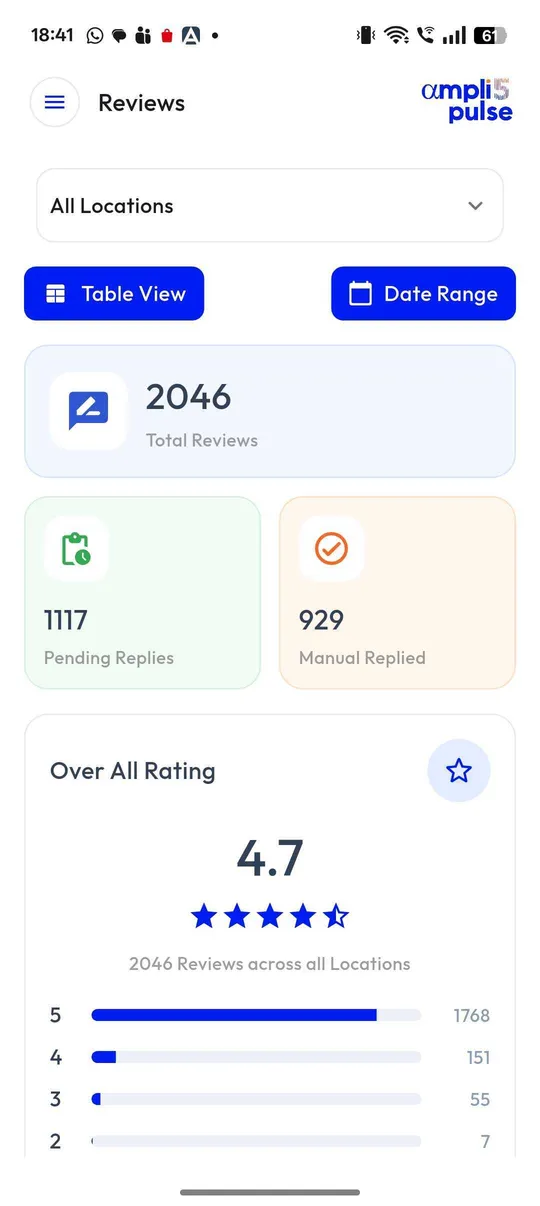
- You compare review numbers by location each month and talk to branches that fall behind.
Replying matters as much as asking. A profile where every review gets a thoughtful answer shows new customers that their feedback will be read. Our guide on how to respond to Google reviews has templates, and our guide to 5-star Google reviews explains how new reviews move your rating.
Sources: Google Business Profile Help: Tips to get more reviews; Google Business Profile Help: Create a Google link or QR code to request reviews; Google Maps content policy: Prohibited & restricted content.