Updated October 2026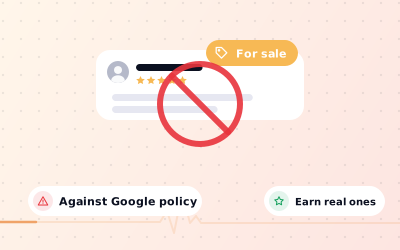
 In short
- Every kind of bought review breaks Google's fake engagement policy: positive, negative, 'real' or 'non-drop'.
- Fake reviews are unlawful under the FTC's rule in the US (from October 2024) and the UK's DMCC Act 2024 (from April 2025).
- Google can remove bought reviews, pause new ones, hide existing ones for a time and warn customers on your profile.
- Asking every real customer, with a review link, QR code or card, builds a rating that lasts.
Should you buy Google reviews? The short answer
Start with the correct Google Account and a clear view of which business or location is involved. Platform interfaces can change, so use Google’s current Help instructions for sensitive account, policy or verification decisions.
Search for 'Google reviews for sale', 'buy GMB reviews' or 'purchase Google reviews' and you'll find dozens of sellers using different labels for the same thing. Here's what each one really is.
| What's on sale | What it really is | Why it's a problem |
|---|---|---|
| Google Maps or GMB review packages | Posts from fake, hacked or 'farmed' accounts | Fake engagement; removed when detected |
| 'Real' or 'non-drop' Google reviews | Real people paid to review a place they've never used | Still fake and incentivised |
| Negative reviews on a competitor | Fake 1-star reviews posted to harm a rival | Fake engagement, unlawful, and possibly defamatory |
| Review exchange groups | Business owners reviewing each other | Conflict of interest and not a genuine experience |
| A discount or freebie for a review | Paying customers in kind | Incentivised; Google removes these reviews |
What Google's policy says about buying reviews
Google's prohibited and restricted content policy for Maps is clear. Reviews must be based on a real experience. Reviews posted because of an incentive, such as payment, discounts or free goods or services, count as incentivised and are removed, and businesses may not offer incentives for reviews, or for changing or removing them. The policy also bans asking for non-genuine content and posting on a competitor's listing to damage its reputation.
Two related rules catch many businesses out. You can't ask only happy customers for reviews (review gating), and you can't set staff review quotas or pressure customers to rate you on the spot. Our guide to Google's review policy explains each rule in plain English.
Buying reviews on Google is also against the law
United Kingdom
Since 6 April 2025, the Digital Markets, Competition and Consumers Act 2024 has banned submitting or commissioning fake reviews, hiding the fact that a review was incentivised, and publishing reviews in a misleading way. The Competition and Markets Authority (CMA) can now enforce consumer law directly and impose substantial fines, and businesses that publish reviews must take reasonable steps to prevent fake ones.
United States
The Federal Trade Commission's rule banning fake reviews and testimonials took effect in October 2024. It bans creating, buying and selling fake reviews, including AI-generated ones, offering payment for reviews that express a particular sentiment, positive or negative, and undisclosed insider reviews. The FTC can seek civil penalties for each violation.
India and elsewhere
In India, the Consumer Protection Act 2019 treats misleading practices as unfair trade practices, and the Bureau of Indian Standards has published a standard for online consumer reviews (IS 19000:2022). Most other countries have similar consumer protection rules. This page isn't legal advice; if you're unsure, speak to a solicitor or lawyer.
How Google detects bought reviews
Google says it uses automated systems, backed by human reviewers, to find fake reviews, often before they're published, and it keeps checking reviews after they go live. It doesn't publish the details, but bought reviews tend to share patterns that are hard for sellers to hide:
- Accounts with little history, or with reviews of businesses in many distant cities on the same day.
- Bursts of 5-star reviews after months of quiet, out of line with the business's normal pace.
- Similar wording, length or structure across different reviewers.
- The same accounts reviewing many unrelated clients of one seller.
- Device, network and location signals that don't match a real visit.
Removal isn't always immediate. Google can sweep out a batch of reviews weeks or months later, which is why owners who bought reviews often see their count suddenly drop. Our guide on why Google reviews disappear covers this and other causes.
What happens if you buy Google reviews
- The reviews are removed, and the money is gone. 'Refill' guarantees just mean more fake reviews to be caught.
- Your profile can be restricted. Google's page on Business Profile restrictions for policy violations lists pausing new reviews for a set period, unpublishing existing reviews for a set period, and showing customers a warning that fake reviews were removed.
- Serious or repeated abuse can lead to suspension, which takes your whole profile off Google Maps until it's reinstated.
- Legal risk under UK and US consumer law, as above.
- Lost trust. Customers who spot a wall of vague 5-star reviews from strangers often trust the business less, not more.
- Blackmail. A seller who knows you bought reviews, and has your payment details, is in a position to threaten you.
Can you buy negative Google reviews for a competitor?
People search for ways to buy negative Google reviews, buy bad reviews for a rival, or find sellers on forums such as Reddit. Don't. Posting on a competitor's listing to damage its reputation is specifically banned by Google's policy. In the US, the FTC rule covers paying for negative reviews as well as positive ones, and in the UK commissioning a fake review is a banned practice. A false review that harms a business can also expose you to a claim for defamation.
It's also easy to trace. The competitor sees a sudden burst of 1-star reviews, reports them with evidence, and Google can investigate where they came from. Many 'negative review' sellers are also scammers who take payment and deliver nothing, or who then target the buyer.
If you're on the receiving end of bought negative reviews, see our step-by-step guide on how to remove fake Google reviews, including what to do if someone demands money to stop them.
How to recognise review-selling scams
Whatever the advert says, these are signs you're dealing with a review seller rather than a genuine marketing service:
- Promises of a set number of 5-star reviews, at a price per review.
- 'Non-drop', 'refill' or 'lifetime' guarantees.
- Unsolicited messages on WhatsApp, Telegram, email or social media.
- Claims to be from Google or a 'Google partner' who can add or remove reviews.
- Offers to remove your negative reviews for a fee.
- Requests for payment in cryptocurrency or gift cards.
- Requests for your Google login so they can 'manage' reviews.
Never share your Google password with anyone. If you need help with your profile, add people as managers instead; our guide to adding a user to your Google Business Profile shows how.
Legitimate ways to get more Google reviews
Most happy customers never leave a review simply because nobody asked or it felt like effort. Fix those two things and reviews follow, without risk.
Ask every customer
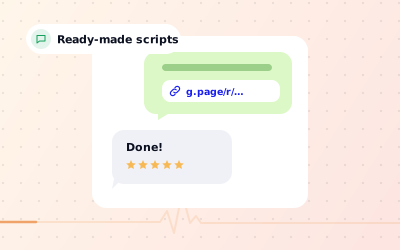
Ask at the moment they're most pleased: paying, collecting or finishing an appointment. Ask everyone, not just the ones you expect to be happy. Our guide on how to ask for Google reviews has scripts.
Make it one tap
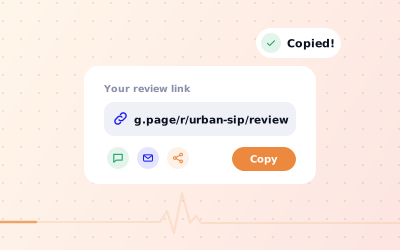
Share a direct Google review link. It follows the format https://search.google.com/local/writereview?placeid= plus your Place ID, and Google's 'Get more reviews' option gives you a ready-made link.
Put a QR code where people wait
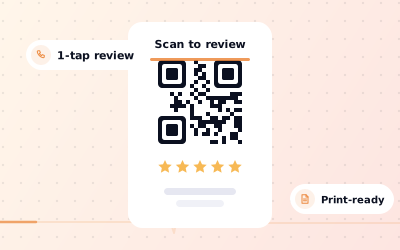
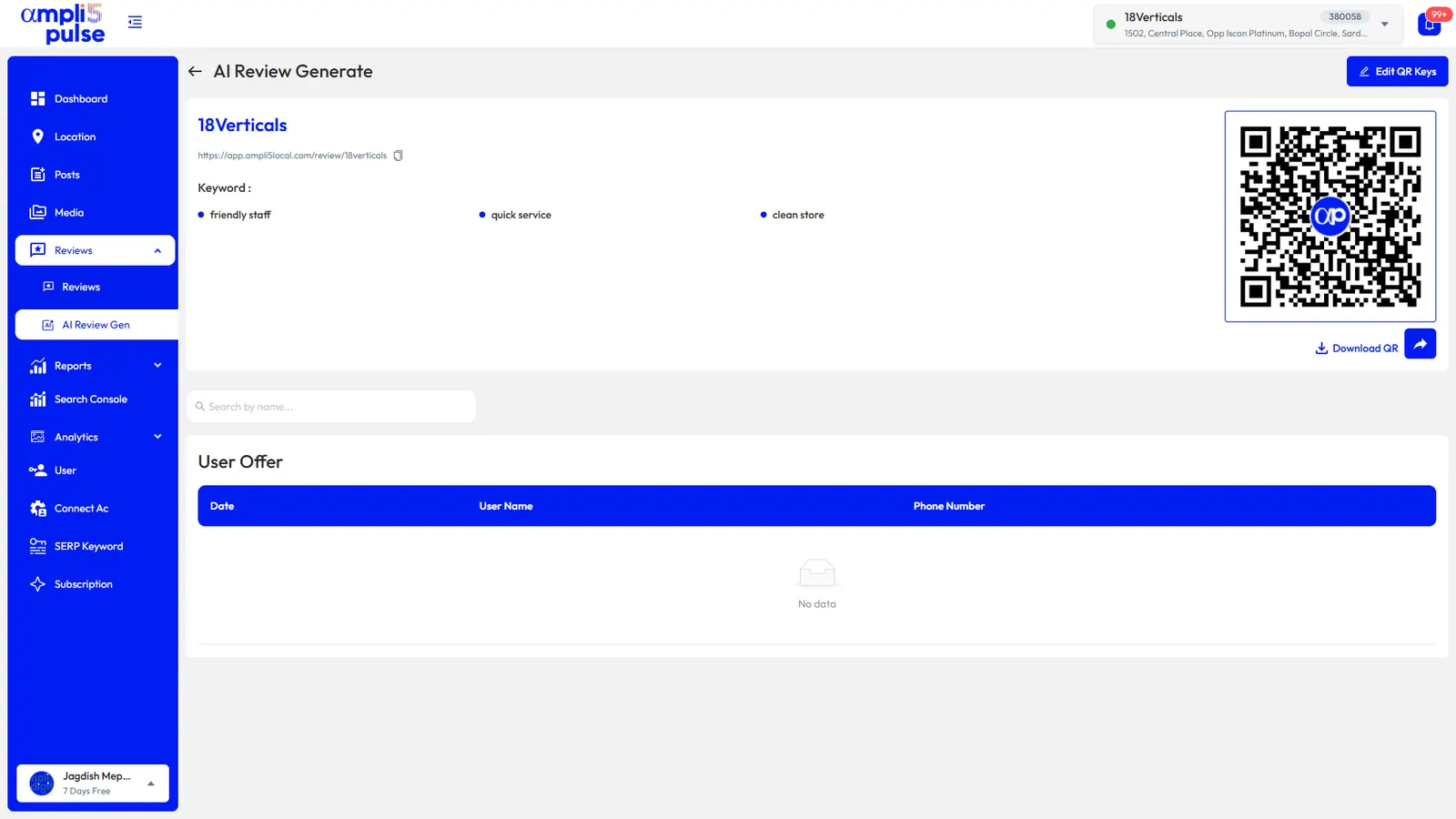
A Google review QR code on tables, counters, receipts and bills lets customers review on their own phone.
Hand out review cards
A small Google review card with the QR code works well for takeaways, deliveries and appointments.
Follow up after the visit
Send a short thank-you message or email with the link within a day or two, while the experience is fresh.
coordinate responses to customer feedback
It shows customers that reviews are read and valued, and it makes asking the next customer feel natural.