


GBP Guides · 18 guides
Keep Every Business Profile Accurate and Aligned.
Get practical guidance for updating business details, photos, opening hours, permissions and posts while keeping changes deliberate and accountable.
-
 01
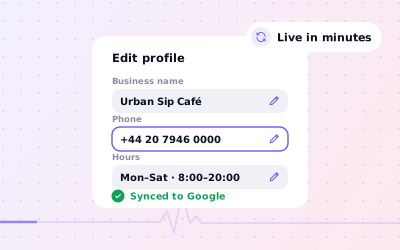
01Updating Business Information Safely
Updating Business Information Safely. Identify the field that needs changing and confirm the current accurate information with the location owner.
Read guide
-
 02
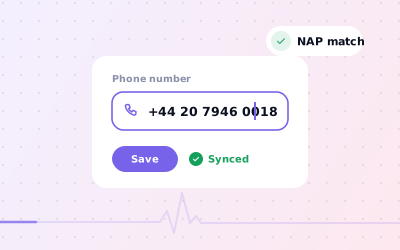
02Changing a Business Phone Number
Changing a Business Phone Number. Confirm the new public number, any call routing rules and which branch it represents.
Read guide
-
 03
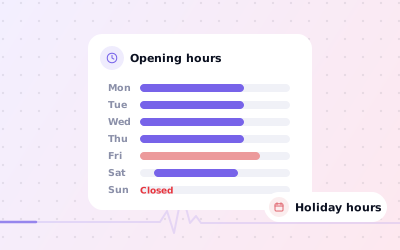
03Keeping Business Hours Accurate
Keeping Business Hours Accurate. Confirm standard opening times with the person responsible for the premises.
Read guide
-
 04
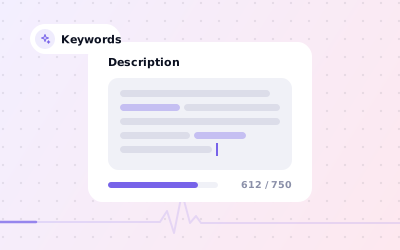
04Writing an Accurate Profile Description
Writing an Accurate Profile Description. Describe the core products or services in plain language, using terms customers recognise.
Read guide
-
 05
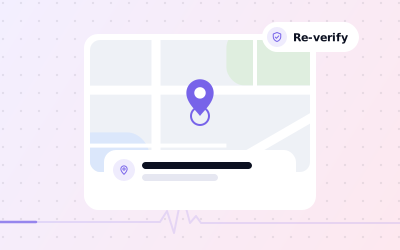
05Managing a Business Address Change
Managing a Business Address Change. Confirm the new eligible location and the date at which it is operating.
Read guide
-
 06
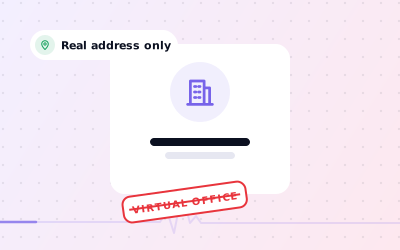
06Virtual Office Addresses and Eligibility
Virtual Office Addresses and Eligibility. Determine whether the location is genuinely staffed and operates as the business claims.
Read guide
-
 07
07When to Hide a Business Address
When to Hide a Business Address. Confirm whether customers can visit the premises during stated business hours.
Read guide
-
 08
08Diagnosing a Missing Maps Listing
Diagnosing a Missing Maps Listing. Check whether the listing exists under the correct name, address and Google Account.
Read guide
-
 09
09Changing a Business Name Correctly
Changing a Business Name Correctly. Verify the actual trading name and whether the business has formally rebranded.
Read guide
-
 10
10Adding Owners and Managers Safely
Adding Owners and Managers Safely. Decide whether the person needs owner or manager permissions based on the activities they perform.
Read guide
-
 11
11Transferring Primary Business Profile Ownership
Transferring Primary Business Profile Ownership. Verify the identity and authority of the intended new owner.
Read guide
-
 12
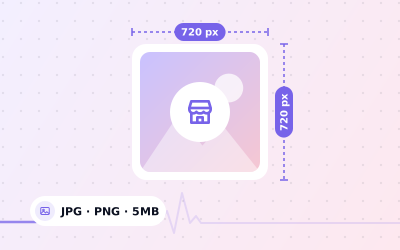
12Choosing Business Profile Logo and Photos
Choosing Business Profile Logo and Photos. Start with a sharp, correctly branded logo or genuine business photo that you have permission to use.
Read guide
-
 13
13Preparing a Business Profile Cover Photo
Preparing a Business Profile Cover Photo. Choose high-quality, relevant photography with clear subject placement.
Read guide
-
 14
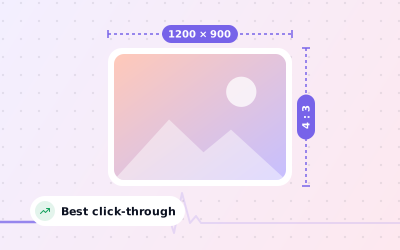
14Selecting Images for Google Business Profile Posts
Selecting Images for Google Business Profile Posts. Use a genuine photo or authorised graphic that directly supports the post subject.
Read guide
-
 15
15Removing Outdated or Inappropriate Business Photos
Removing Outdated or Inappropriate Business Photos. Identify whether the business uploaded the photo or another contributor submitted it.
Read guide
-
 16
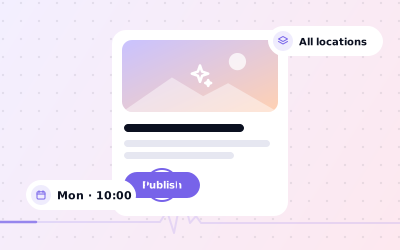
16Using Google Business Profile Posts Well
Using Google Business Profile Posts Well. Choose a real business announcement, event or service change that is useful to local customers.
Read guide
-
 17
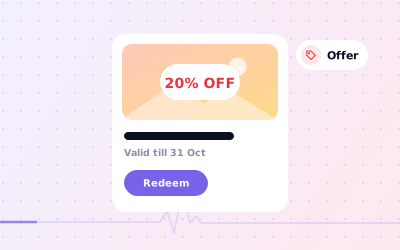
17Publishing a Business Offer Post
Publishing a Business Offer Post. Confirm the offer is genuine, current and available at the specified participating locations.
Read guide
-
 18
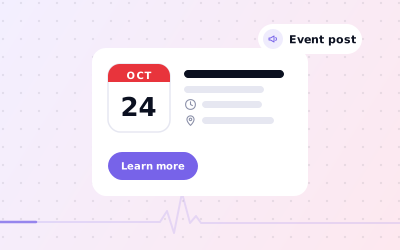
18Creating a Business Profile Event Post
Creating a Business Profile Event Post. Confirm the real event dates, location, organiser and attendance requirements.
Read guide
Put it to work on every location.
Explore the platform, or Request a Demo and we’ll walk you through Ampli5 Pulse with your own locations.

