


GBP Guides · 16 guides
Take Control of Your Google Business Presence.
Learn how to establish, maintain and protect Business Profiles with practical guidance for ownership, locations, verification and everyday management.
-
 01
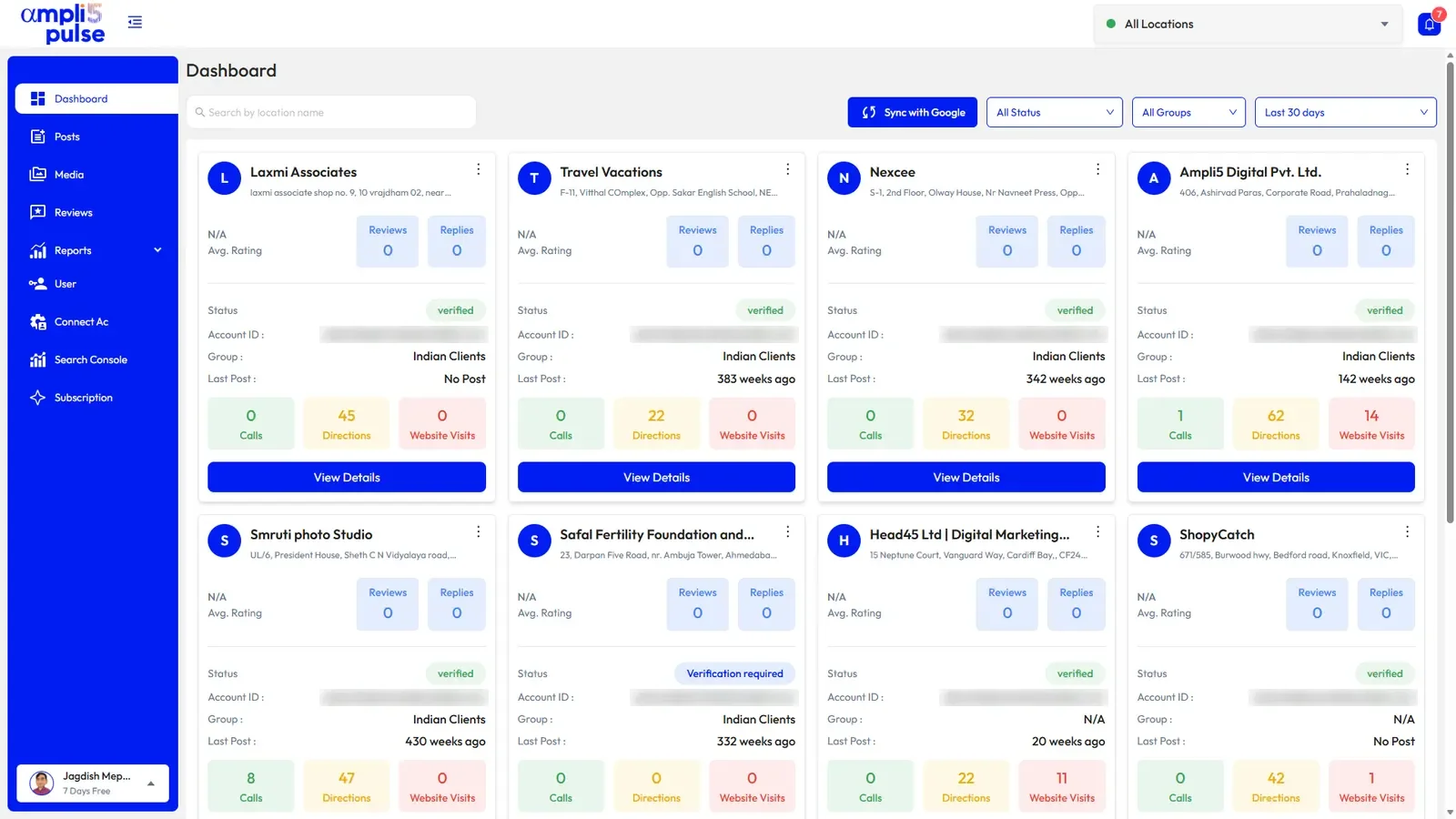
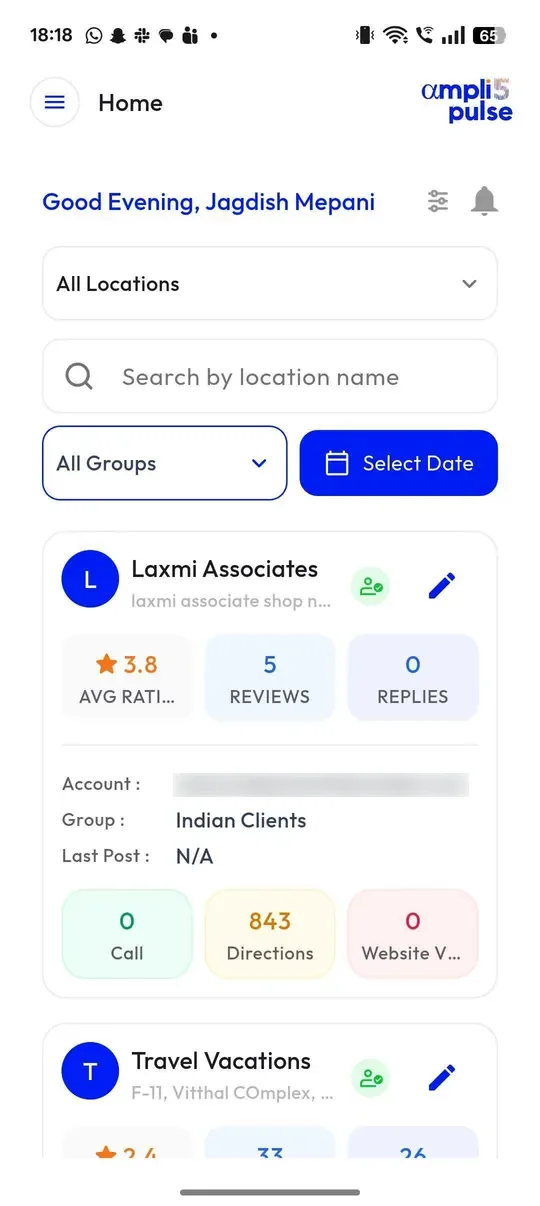
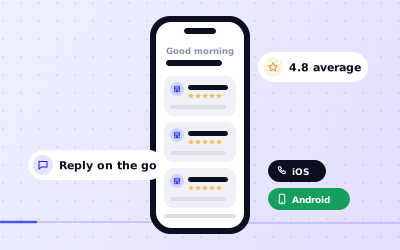
Managing Your Google Business Profile on Mobile
Managing Your Google Business Profile on Mobile. Sign in using the Google Account that owns or manages the listing, then find the Business Profile management controls in.
Read guide
-
 02
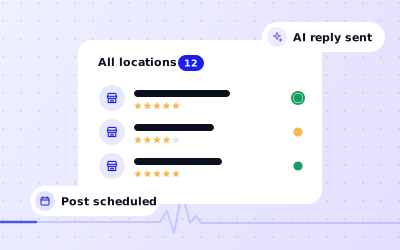
Managing Business Profiles Across Teams
Managing Business Profiles Across Teams. Assign responsibility for each location, including authorised ownership and manager roles.
Read guide
-
 03
Evaluating Google Business Profile Management Services
Evaluating Google Business Profile Management Services. Ask who owns the profile, who will hold manager access and how access can be withdrawn.
Read guide
-
 04
Creating a Google Business Profile Properly
Creating a Google Business Profile Properly. Check that the business meets Google’s public-facing location or qualifying service-area requirements.
Read guide
-
 05
Understanding Business Profile Verification
Business Profile Verification. Sign in to the correct profile and review Google’s current verification prompt.
Read guide
-
 06
Claiming an Existing Business Profile
Claiming an Existing Business Profile. Search for the business on Google Search or Maps and verify that the listing represents the correct entity.
Read guide
-
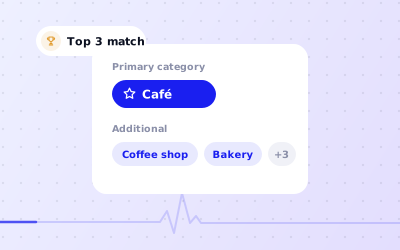 07
Choosing Relevant Business Profile Categories
Choosing Relevant Business Profile Categories. Start with the main activity customers would recognise and choose the closest available primary category.
Read guide
-
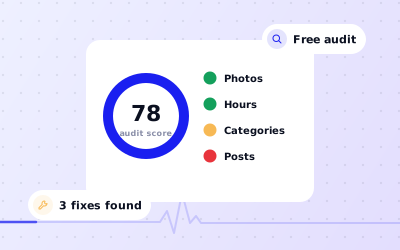 08
A Practical Google Business Profile Audit
A Practical Google Business Profile Audit. Record eligibility, verification, owners, managers and duplicate-profile risks first.
Read guide
-
 09
Improving a Business Profile Through Accuracy
Improving a Business Profile Through Accuracy. Confirm categories, service descriptions and the main business identity against real operations.
Read guide
-
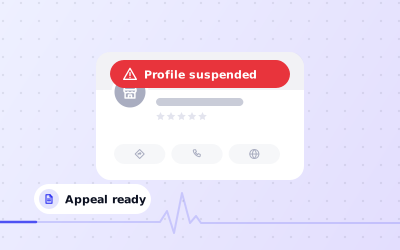 10
What to Do When a Profile Is Suspended
What to Do When a Profile Is Suspended. Read the status and any information Google provides about the affected listing.
Read guide
-
 11
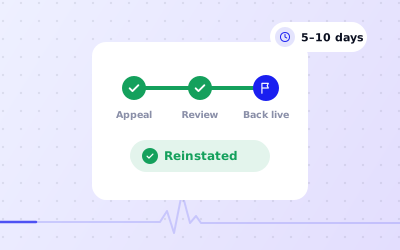
Approaching Business Profile Reinstatement Carefully
Approaching Business Profile Reinstatement Carefully. Read the account notice carefully and identify which business profile and policy issue it concerns.
Read guide
-
 12
Finding Reliable Business Profile Support
Finding Reliable Business Profile Support. Classify the issue and identify the exact affected profile and authorised owner.
Read guide
-
 13
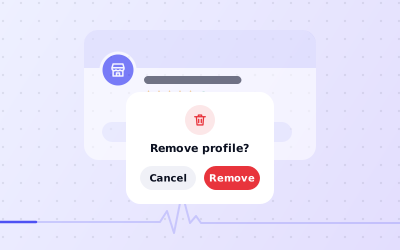
Before Removing a Business Profile
Before Removing a Business Profile. Decide whether the business moved, changed ownership, closed permanently or was created in error.
Read guide
-
 14
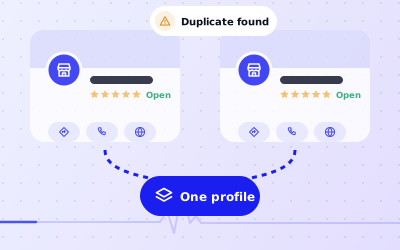
Handling Duplicate Business Profiles
Handling Duplicate Business Profiles. Compare addresses, categories, ownership and operating details to establish whether the profiles are duplicates.
Read guide
-
 15
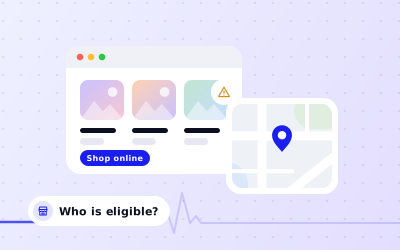
Checking Eligibility for Online-Only Businesses
Checking Eligibility for Online-Only Businesses. Review whether the business has an eligible customer-facing location or provides in-person services within a real service.
Read guide
-
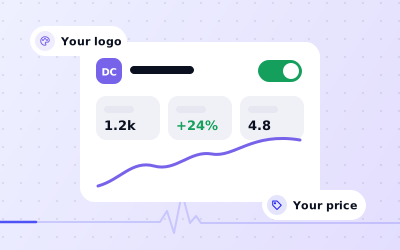 16
White Label & Pricing
Put your agency’s brand on Ampli5 Pulse: your logo and colours on the client dashboard and every report. ₹25,000 a year.
Read guide
Put it to work on every location.
Explore the platform, or Request a Demo and we’ll walk you through Ampli5 Pulse with your own locations.

