AI auto-reply, or drafts you approve
 Explore the Platform
 Request a Demo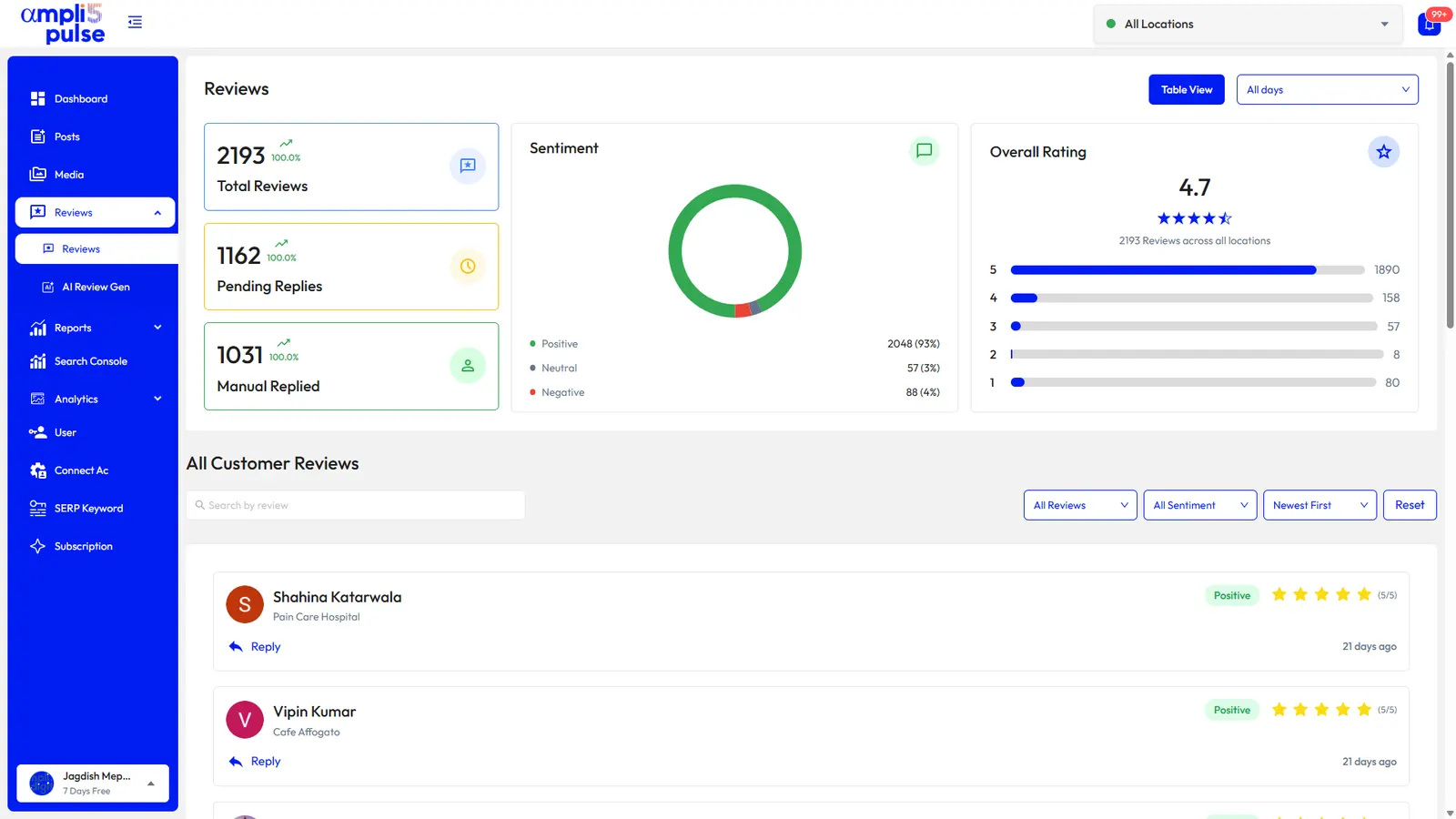


 In short
- Google reviews management means monitoring new reviews, responding promptly in a consistent voice, asking every customer for a review, reporting policy-breaking reviews and learning from patterns.
- You can reply publicly to any review and report ones that break Google's policies, but no one outside Google can delete a Google review.
- Reply within a day or two, thank positive reviewers specifically and take complaints offline politely, giving the reviewer a way to reach the manager.
What Google reviews management involves
Create a path for corrections and service recovery when the concern cannot be handled publicly.
- Monitor: know when a new review arrives at any location.
- Respond: coordinate responses to customer feedback, good and bad, promptly and in a consistent voice.
- Request: ask every customer for a review, honestly and without incentives.
- Report: flag reviews that break Google's policies, such as spam, fake or offensive content, and follow up.
- Learn: look for patterns in what people praise and complain about, and fix the causes.
Start with the correct Google Account and a clear view of which business or location is involved. Platform interfaces can change, so use Google’s current Help instructions for sensitive account, policy or verification decisions.
Google reputation management: what you can and can't do
Google reputation management is mostly about how you respond, not about controlling what's said. Whether you use a Google reputation manager tool, hire an agency or do it yourself, the same limits apply: some things are firmly in your hands, others aren't.
| You can | You can't |
|---|---|
| Reply publicly to any review | Delete a customer's review |
| Report reviews that break Google's policies | Guarantee that Google removes a reported review |
| Check a report's status or appeal in Google's Reviews Management Tool | Pay for, swap or incentivise reviews |
| Ask every customer for a review | Ask only happy customers (review gating) |
| Fix the problem a review describes and say so in your reply | Post reviews of your own business or a competitor's |
These rules now carry legal weight too. In the US, the FTC rule banning fake reviews took effect in October 2024. In the UK, the Digital Markets, Competition and Consumers Act 2024 made buying or hosting fake reviews unlawful from April 2025. Read Google's review policies explained and, if you're dealing with suspicious reviews, how to remove fake Google reviews.
How to choose Google review management software
Most Google review management tools look similar in a demo. These are the checks that matter once you're using one every day:
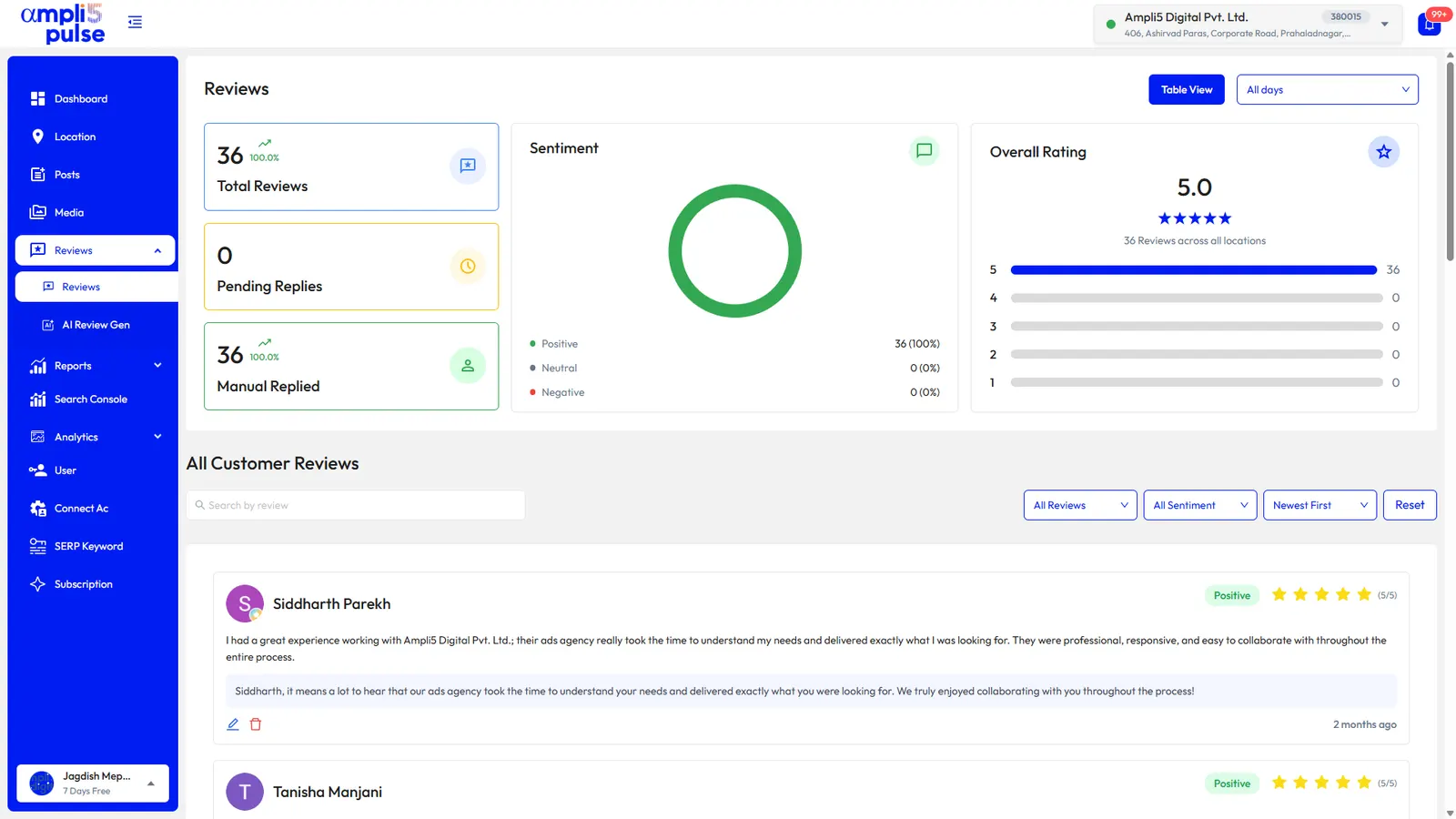
- Every location's reviews in one inbox, with pending and replied clearly separated.
- Alerts when a new review arrives, so complaints don't wait.
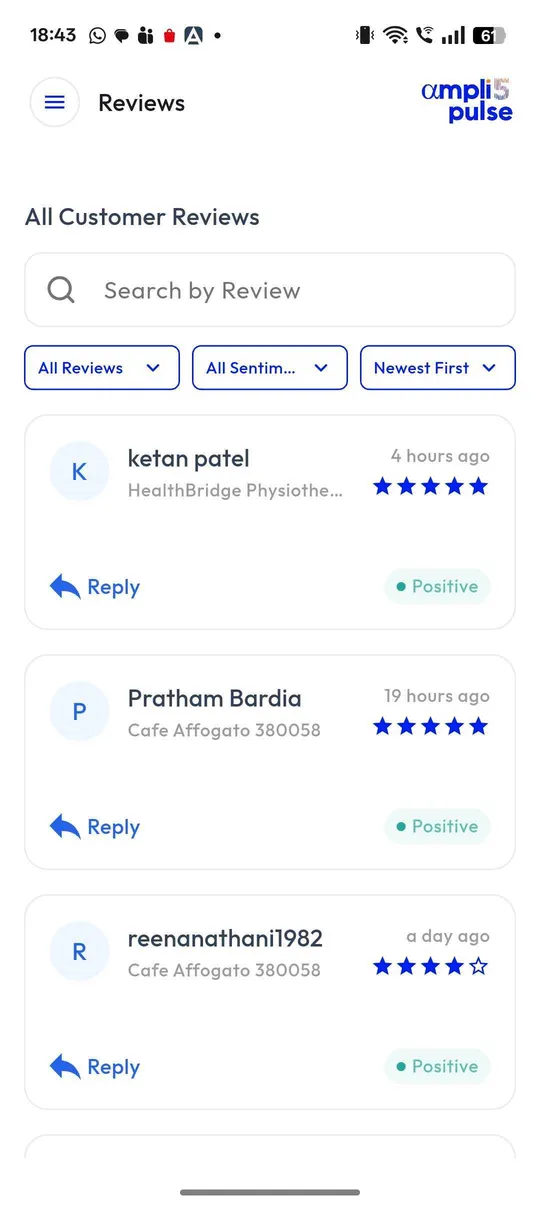
- AI replies you control: automatic where you trust them, drafts to approve where you'd rather check.
- Sentiment and themes, so you see what keeps coming up, not just the star average.
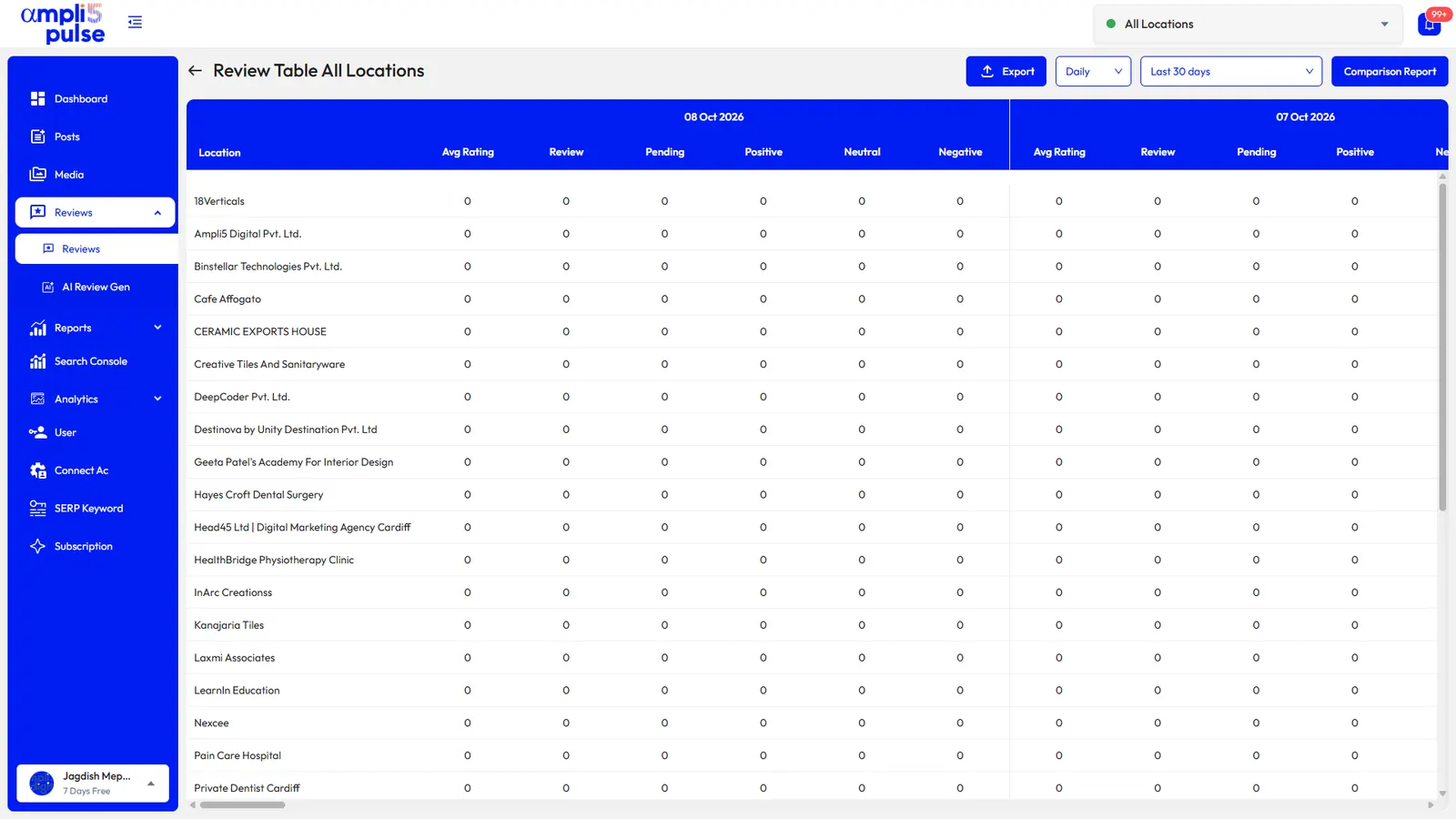
- Comparison across locations for multi-site businesses and franchises.
- Review requests that go to every customer, with no filtering of unhappy ones.
- Permissions, so store staff can reply for their own location only.
- Reports you can schedule and share, white-labelled if you're an agency.
Ampli5 Pulse was built around this list. If you're an agency offering review management to clients, look at the white-label option, which puts your logo and colours on client reports.
Google reviews for local businesses: a simple routine
You don't need a big team to manage reviews well. This routine works for a single café as well as a 50-branch chain:
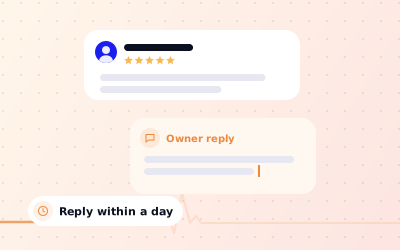
Reply within a day or two
Google doesn't set a deadline, but a quick reply shows the reviewer, and everyone reading, that you're paying attention.
Thank positive reviewers specifically
Mention what they enjoyed. A reply that could sit under any review reads as automated.
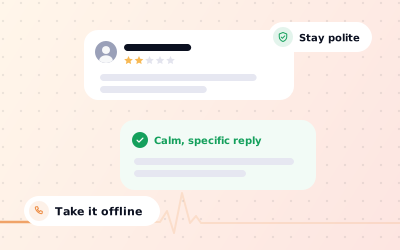
Take complaints offline, politely
Acknowledge the problem, apologise where it's fair and give the reviewer a way to reach the manager directly.
Report reviews that break the rules
Flag spam, fake or offensive reviews to Google, then check the outcome in the Reviews Management Tool.
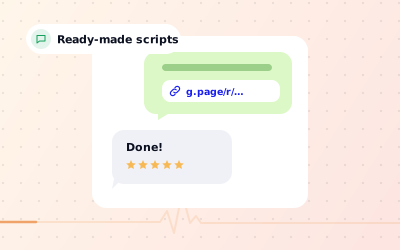
Ask every customer
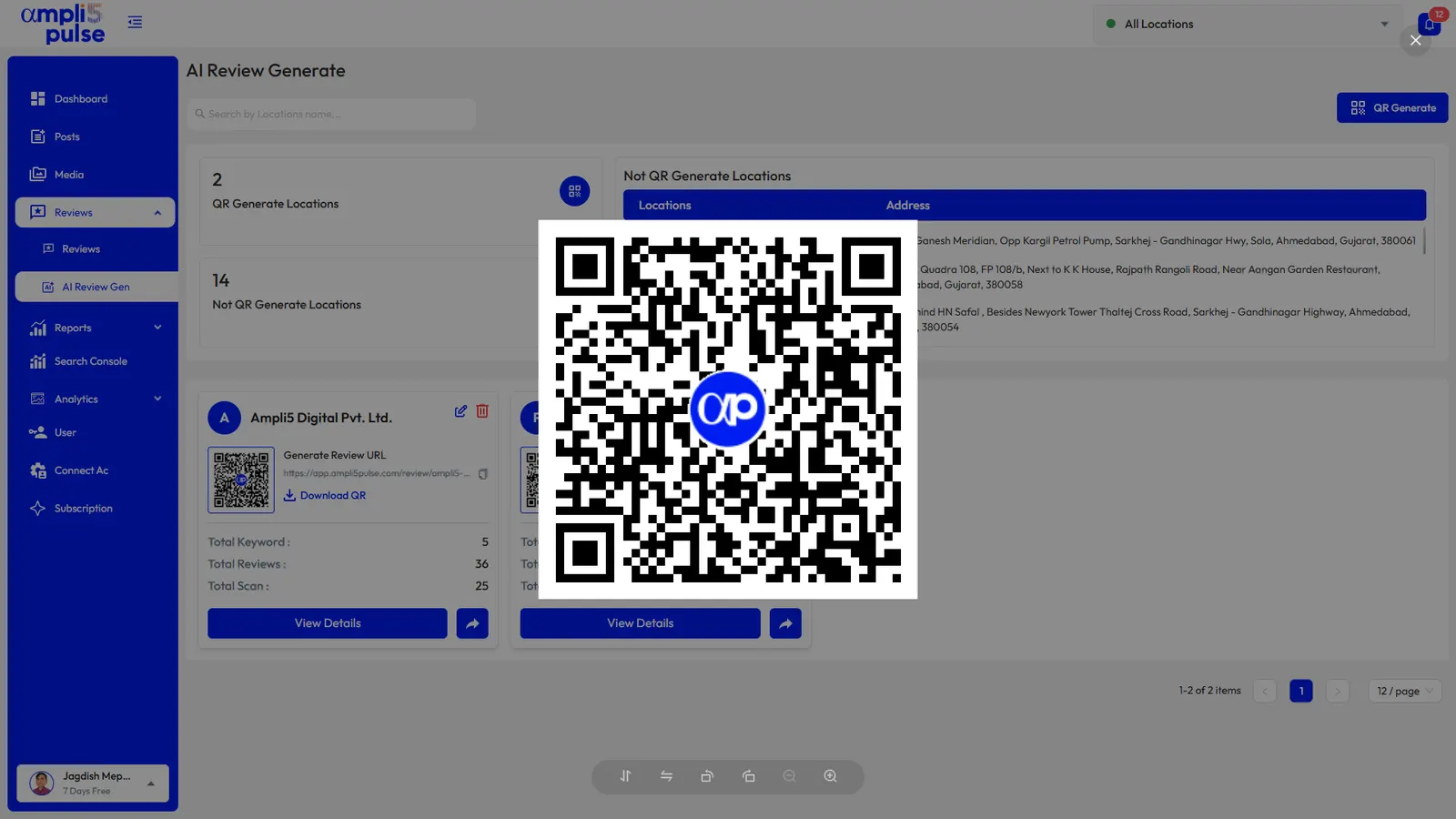
Use a review link or QR code at the counter, on receipts or in follow-up messages, without offering anything in return.
Look for patterns each month
If several reviews mention the same issue, fix it, and mention the fix in later replies.
Thank you, Priya. We're so glad the window table and the cardamom bun made your Saturday, and the team will be pleased to hear it. See you next time. Sam, Manager
Hi James, I'm sorry your order took 25 minutes on Friday evening; that's not the service we aim for. We were short-staffed and have since added a second person on the counter on Fridays. I'd like to put it right, so please ask for me on your next visit. Sam, Manager
More wording and templates in how to respond to Google reviews, how to handle negative Google reviews and how to ask for Google reviews.
Google review management software and services from Ampli5
Ampli5 Pulse is the software side: reviews from every location in one inbox, AI auto-reply in your brand's voice or AI drafts you edit, sentiment and themes, instant alerts, side-by-side comparison and an AI review QR code for each location. Businesses, franchises and agencies have managed more than 150,000 reviews with it.
Want help with the wider profile as well? The Ampli5 team provides Google Business Profile support with a 4-hour response target, plus help with setup, verification and suspensions. Talk to the team about what you need, or compare plans on pricing.