Updated October 2026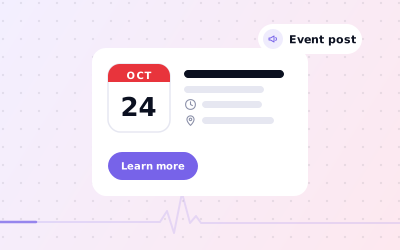
 In short
- Events are one of three post types, with their own title and date fields.
- Add a clear title, accurate dates and times, a short description, a photo and a booking button.
- For regular classes, publish a post for each date or one post covering a date range.
- Publish a week or two ahead, and update the post straight away if plans change.
What Google My Business events are
Start with the correct Google Account and a clear view of which business or location is involved. Platform interfaces can change, so use Google’s current Help instructions for sensitive account, policy or verification decisions.
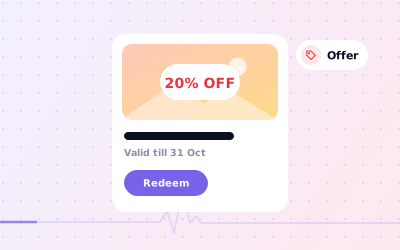
Use an event for anything that happens at a set time: a tasting evening, a free workshop, a launch, an open day or a class. If the main point is a discount, an Offer post fits better. If there's no date at all, use an Update.
| If you're promoting… | Use |
|---|---|
| A workshop, class, tasting or talk on a set date | Event |
| A discount, freebie or bundle | Offer |
| A late-night shopping evening with a discount | Event, with the deal in the details |
| News with no date, such as a new product | Update |
Event posts live on your Business Profile. They don't automatically appear in Google's separate event listings in Search, which are built mainly from event websites and ticketing pages that use Google's event structured data.
Every field in an event post
| Field | Required? | What to put in it |
|---|---|---|
| Event title | Yes | What it is, in plain words, such as 'Beginners' pottery evening' |
| Start and end date | Yes | The same date twice for a one-day event |
| Start and end time | Optional | Add times for anything that isn't all day |
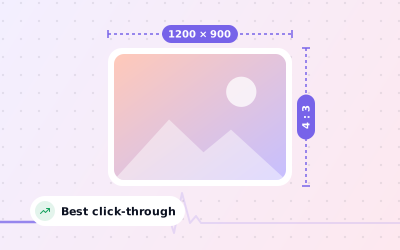
| Photo or video | Recommended | A 1200 × 900 px photo of the venue or a past event |
| Event details | Optional | Who it's for, what's included, the price and how to book |
| Button | Optional | Book, Order online, Buy, Learn more, Sign up or Call now, linked to the right page |
Work through the checks in order, documenting significant changes when more than one colleague manages the profile.
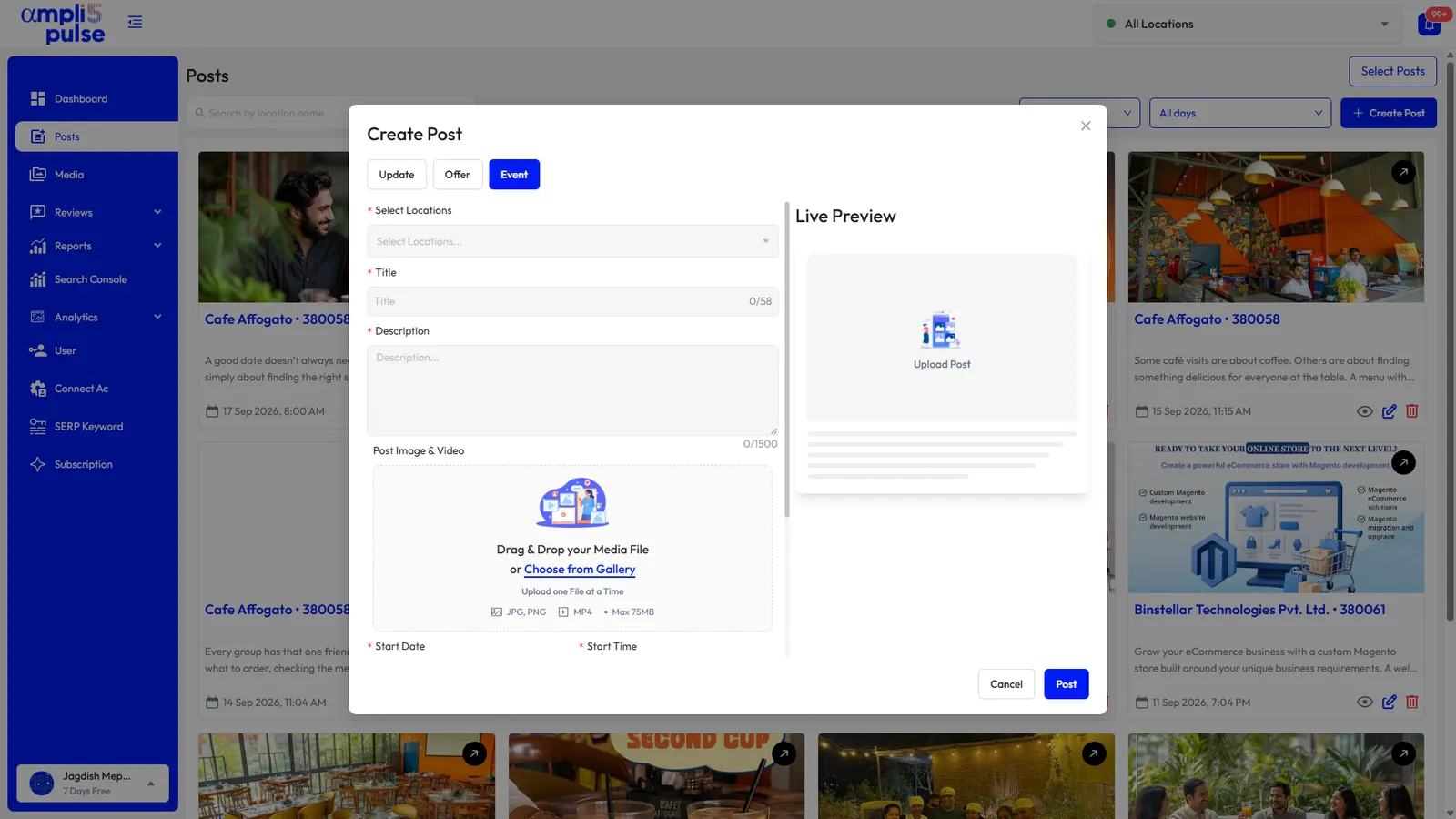

How to create an event on your Business Profile
You need a verified profile and an owner or manager account. Google moves these menus from time to time, so the labels may differ slightly from the steps below.
Sign in
Use the Google account that is an owner or manager of the verified profile.
Open your profile
Search for your business name on Google, or open your profile in the Google Maps app.
Start a new post
Choose the option to add an update, then select the event tab, shown as 'Add event'.
Add a photo
Upload a 1200 × 900 px photo that shows what the event is like.
Enter the title, dates and times
Type a clear title and set the start and end dates, adding times if it isn't an all-day event.
Add the details and a button
Describe the event, then add a button such as Book or Sign up, linked to the booking page.
Preview and publish
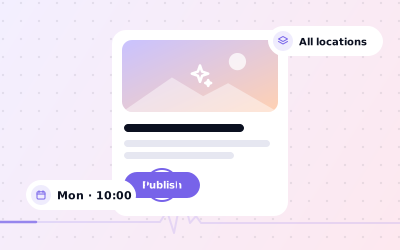
Check the preview and publish. Google may review the post before it appears.
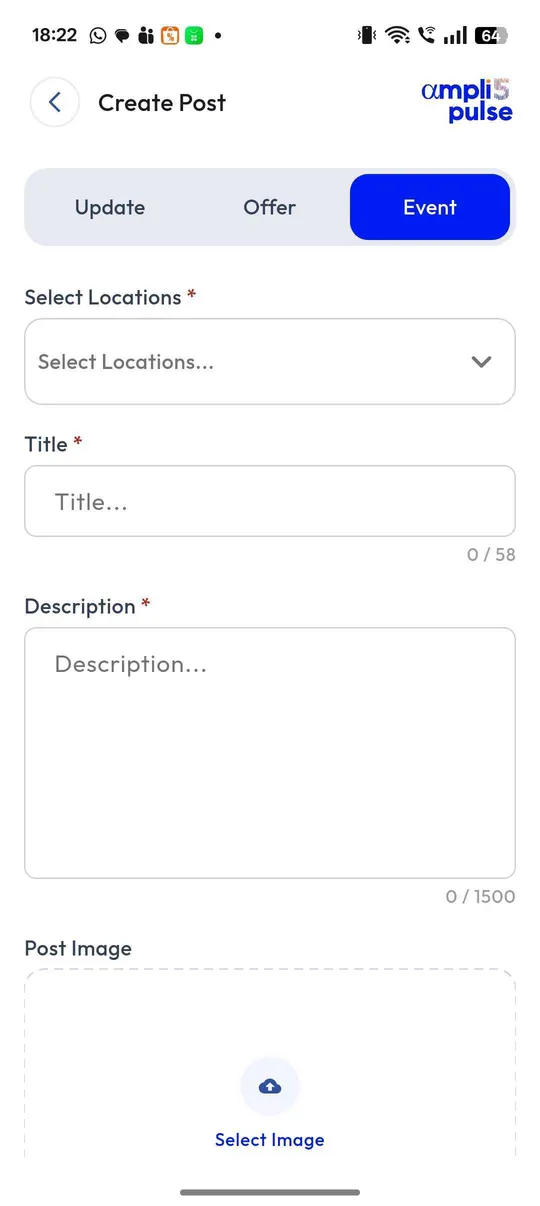
Use our post image size guide to make sure the photo isn't awkwardly cropped in the post preview.
Google My Business event examples
Adapt these to your own business. Each one says what happens, when, what it costs and how to book.
Title: Single-origin coffee tasting. Date: Thursday 14 November, 6.30pm to 8pm. Details: Taste four coffees with our head roaster; £12 including cake, 12 places. Button: Book.
Title: Meet the author: local history evening. Date: Friday, 7pm to 8.30pm. Details: A talk and signing. Free entry, but please reserve a seat. Button: Sign up.
Title: Free open morning: meet the team. Date: Saturday, 9am to 12pm. Details: Look round the clinic and ask our physios about running injuries. No appointment needed. Button: Learn more.
Title: Launch week: Saturday strength class. Dates: 1 to 7 March, 9am. Details: Try the new class free during launch week; all levels welcome. Button: Book.
Title: Onam sadhya lunch. Date: festival day, 12pm to 3pm. Details: A traditional banana-leaf meal, ₹650 per person; booking recommended. Button: Book.
Title: Kids' sunflower planting workshop. Date: Sunday, 10am to 11am. Details: For ages 4 to 10; pots and seeds included, £5 per child. Button: Book.
Tips for event posts that fill places
- Publish one to three weeks ahead, so people have time to plan.
- Get the date, time and price right; people rely on them.
- Say who it's for and what they'll get in the first line of the details.
- Link the button straight to the booking or ticket page, not your home page.
- Use a real photo of your space or a past event, not a stock image.
- Share the event in your newsletter and on your social channels too.
- After the event, post an Update with photos, which also helps promote the next one.
Events work best as part of a regular posting routine. Our guide to Google Business Profile posts explains how Updates, Offers and Events fit together.
Recurring and online events
Weekly classes and repeat events
The event form doesn't currently offer a repeat setting. For a weekly class you have two options: create a separate event post for each date, which keeps the date and time exact, or publish one event covering a date range, such as 'Every Tuesday in March, 7pm', and explain the pattern in the details. For a permanent timetable, also list the classes as services on your profile and on your website.
Online events
You can post an online event, such as a webinar or a virtual class. Say clearly in the title or first line that it's online, name the platform, and link the button to the registration page. Your profile is mostly seen by people searching locally, so online events that suit your local customers, such as a Q&A with your own experts, fit best.