Updated October 2026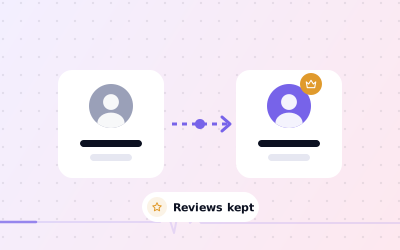
 In short
- Only the primary owner can transfer primary ownership, and only to someone already on the profile.
- New owners and managers must wait 7 days before they can become primary owner.
- Reviews, photos and history stay with the profile: never delete it and start again.
- To move a profile to another email, add that email as an owner, wait, transfer, then remove the old account.
How Google Business Profile ownership works
Start with the correct Google Account and a clear view of which business or location is involved. Platform interfaces can change, so use Google’s current Help instructions for sensitive account, policy or verification decisions.
Transferring ownership changes who controls the profile, not the business listing itself. The place on Google Maps, its reviews and its history belong to the profile, so a clean transfer carries everything across. Google's help confirms that transferring primary ownership of an existing profile keeps information such as reviews intact.
How to transfer ownership of Google My Business, step by step
These steps cover how to transfer Google My Business ownership, following Google's instructions for business.google.com. From your profile in Google Search, the same settings sit under the More menu. Google moves menus occasionally, so labels may differ slightly on your screen.
Sign in as the primary owner
Only the current primary owner can make the transfer.
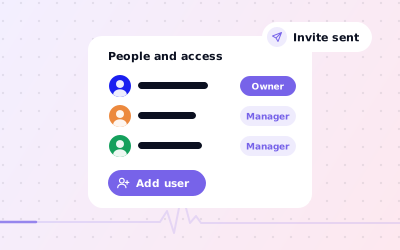
Open People and access
Select More, then Business Profile settings, then People and access.
Add the new owner
Select Add, enter their Google Account email, choose Owner under Access and select Invite.
Wait for them to accept
They accept from the email invitation and then appear in the list.
Wait 7 days
Google makes new owners and managers wait 7 days before they can become primary owner. Trying earlier shows an error.
Select the new owner
In People and access, select the person you're handing over to.
Make them primary owner
Next to Access, select Edit, choose Primary owner and save.
Check the result
Confirm their role in the list and check your own. If you're leaving the business, remove yourself afterwards.
How to transfer a Google business account to another email
A common reason to transfer ownership is that the profile sits on the wrong account: an owner's personal Gmail, a former employee's work address, or an account the business no longer uses. The fix is the same process, with you on both sides.
Add the new email as an owner
From the current primary owner account, invite the new email address as an Owner.
Accept from the new account
Sign in to the new account and accept the invitation.
Wait 7 days
Leave both accounts in place during the waiting period.
Transfer primary ownership
From the old account, make the new account primary owner.
Remove the old account
Once the new account shows as primary owner, remove the old one, or keep it as a manager if you still need it.
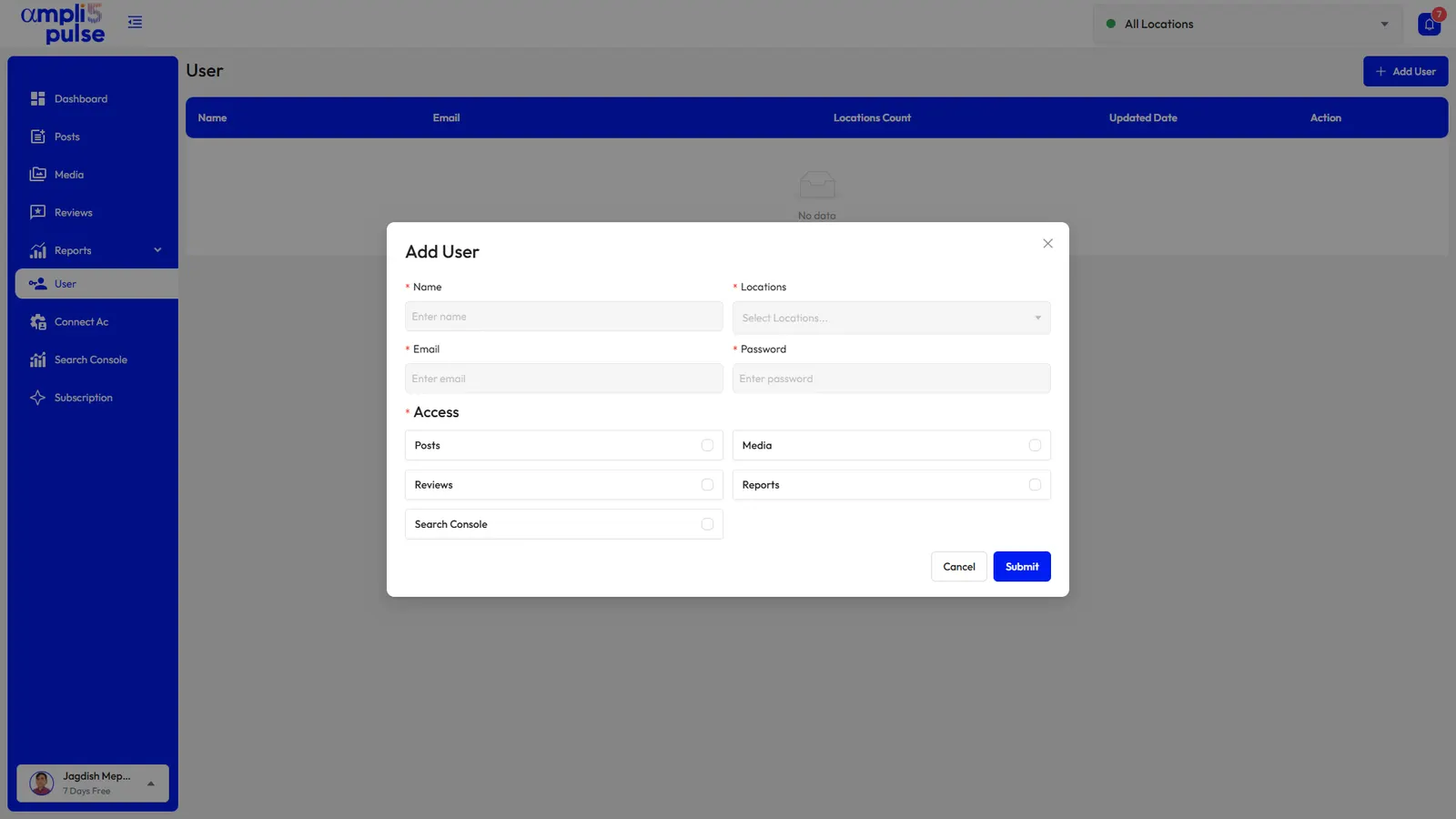
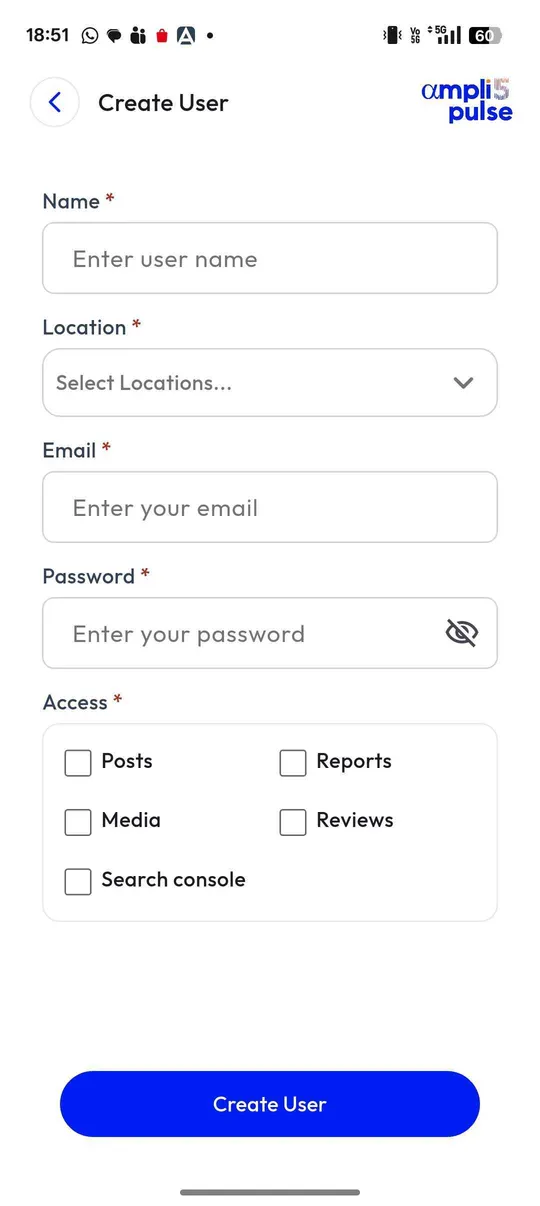
If you manage locations in Business Profile Manager as a business group, Google lets you transfer primary ownership of the group in a similar way. Afterwards, reconnect any tools that used the old account's Google sign-in, such as reporting tools or Ampli5 Pulse, from the new account.
What carries over when you transfer ownership
| Part of the profile | After a transfer |
|---|---|
| Reviews and your replies | Stay on the profile |
| Photos, videos and posts | Stay on the profile |
| Business information, categories and hours | Unchanged |
| Verification | Stays with the profile, though Google can ask any profile to verify again |
| Other owners and managers | Stay until someone removes them |
| Tools connected through the old account | Need reconnecting if the old account is removed |
| Linked accounts such as Google Ads | Check each link and re-link from the new account if needed |
Selling or buying a business: the handover
When a business changes hands, the Google profile is part of what's being sold. Google says that if a business has a new owner but keeps the same name, the reviews remain. Plan the transfer like any other asset.
- Name the Google Business Profile in the sale agreement, with who will transfer it and when
- Have the buyer set up a Google Account the business will control
- Add the buyer as an owner at least 7 days before completion
- Transfer primary ownership on or before completion
- The buyer then removes the seller, former staff and any old agency
- Keep the business name unless a change is planned, and read our guide to changing your business name before any rebrand
After the sale, the new owner can reply to older reviews to explain what's changed, such as new opening hours or a new menu.
Agency handovers
If an agency set up your profile, they may be the primary owner. That's worth fixing even if you're happy with them: ask them to add you as an owner, wait 7 days, and transfer primary ownership to you. They can stay on as a manager and carry on the work.
When you switch agencies, add the new agency as a manager, check they can work on the profile, and then remove the old one. If you're an agency handing a client back, do the same in reverse and confirm in writing when it's done.
If the current owner won't or can't transfer it
Sometimes the primary owner has left, can't be reached or refuses to hand over. In that case you request ownership through Google: go to business.google.com/add, search for the business, select it, choose Request access and fill in the form. Google emails the current owner, who has 3 days to respond.
If they don't respond, you may be able to claim the profile from the confirmation email by selecting View request, then Verify, although this option isn't always available. If your request is denied, you can appeal the decision. Our guide to claiming a Google Business Profile covers the full process.
The Ampli5 team also helps with claiming and ownership disputes as a service; talk to the team if you're stuck. Be careful with unexpected calls offering to ‘release’ a profile for a fee: there's no official public phone line for Business Profile, so treat calls like that as scams.
Sources: Google Business Profile Help: Transfer primary ownership of a Business Profile; Google Business Profile Help: Request ownership of a Business Profile; Google Business Profile Help: Move your reviews across Business Profiles.