Updated October 2026
 In short
- Google ranks local results mainly on relevance, distance and prominence. Optimisation improves relevance and prominence; you can't change distance.
- Get the basics exactly right first: your real business name, a specific primary category, and correct address, hours and phone number.
- Then add depth: a clear description, services, products, attributes and real photos.
- Keep it active: coordinate responses to customer feedback, post regularly, and measure calls, direction requests and website clicks.
What Google business search engine optimization actually means
Start with the correct Google Account and a clear view of which business or location is involved. Platform interfaces can change, so use Google’s current Help instructions for sensitive account, policy or verification decisions.
Google says local results are based mainly on three things:
- Relevance: how well your profile matches what someone searched for. Categories, services, products and your description all feed into this.
- Distance: how far you are from the searcher, or from the place they searched. You can't optimise this, which is why the same search shows different results in different streets.
- Prominence: how well known and well regarded your business is, both online and offline. Reviews, ratings, links and mentions across the web all play a part.
Optimisation won't guarantee a position, and anyone who promises one isn't being straight with you. What it reliably does is remove the reasons Google or a customer might pass you over: missing details, a vague category, no photos, unanswered reviews and a profile that looks abandoned.
Google Maps optimisation vs website SEO
Google Maps optimisation is about your Business Profile; website SEO is about your website's pages. They support each other: a well-built location page strengthens your profile, and your profile sends visitors to your site. Start with the profile, because it's what people see first when they search for a local service. Our local SEO guide covers the website side.
Optimise the core information first
When you're optimising a Google Business Profile, these fields matter most, and mistakes here hurt the most. Open your profile's edit options from Google Search, the Google Maps app or Business Profile Manager and check each one.
| Field | Best practice | Avoid |
|---|---|---|
| Business name | Your real-world name, as on your signage | Adding keywords, towns or slogans: it breaks the guidelines and risks suspension |
| Primary category | The most specific category for your main business | Vague choices such as "Shop" or "Service" |
| Additional categories | Up to 9 for other services you really offer | Categories for things you don't do |
| Address | Full address, map pin on your entrance | PO boxes and unstaffed virtual offices |
| Service areas | Up to 20 areas you actually travel to | Listing a whole country or areas you don't serve |
| Hours | Accurate regular hours | Hours you don't keep |
| Special hours | Holiday and one-off hours set in advance | Leaving customers to find you closed |
| Phone | A local number answered in opening hours | A number that differs from your website's |
| Website | The page that best represents this location | Broken links or links to unrelated pages |
| Booking or appointment link | Your real booking page, where your category allows | Links that don't let people book |
Google removed the chat feature from Business Profiles in 2024, so make sure customers have other easy ways to reach you: a phone number that's answered, a working website and, where available, a booking link. For help choosing categories, see our categories guide.
Description, services, products and attributes
Business description
You have up to 750 characters, with no links or HTML. Describe the business, not this week's offer. Put the most important information first, because customers often see only the opening lines before they tap to read more. Mention what you do, who you serve and where, in natural language.
Corner Bean is an independent café on Market Street, Leeds, serving speciality coffee, breakfast and lunch seven days a week. We roast our beans locally and bake our cakes and pastries on site every morning. Choose from vegan, gluten-free and dairy-free options, or order ahead for collection. Families and dogs are welcome, and there's step-free access and free Wi-Fi throughout. We also cater for office breakfasts and small events across Leeds city centre.
Our guide to the Google Business Profile description has more examples and the rules to follow.
Services
If your category supports services, list every main service you offer. Google suggests some services based on your categories, and you can add your own. Use the words customers use ("boiler repair" rather than "heating solutions") and add a short description where you can.
Products
Retailers, restaurants and many other businesses can add products with a photo, a description and an optional price. Start with your best sellers and the items people ask about most.
Attributes
Attributes are the tick-box details: accessibility, payment methods, amenities, service options and more. The list depends on your categories. Tick everything that's true, because customers often filter by these, and untick anything that has changed.
Questions and answers
If your profile still shows a questions and answers section (Google has been scaling this feature back in some places), check it regularly. Anyone can post an answer, so make sure the answers that show are accurate, and answer genuine questions yourself.
Photos and videos that help your listing
Photos are often the first thing people look at, and real, recent photos help customers decide to visit. Google accepts JPG and PNG images between 10 KB and 5 MB.
| Image | Recommended size | Notes |
|---|---|---|
| Logo / profile picture | 720 × 720 px (square) | Minimum 250 × 250 px |
| Cover photo | 1332 × 750 px (16:9) | Our recommendation; Google publishes no exact size. Keep key content centred |
| Post image | 1200 × 900 px (4:3) | Minimum 400 × 300 px |
| Other photos | JPG or PNG, 10 KB to 5 MB | Well lit, in focus, no heavy filters |
- Outside: the shopfront from the street, so people recognise it when they arrive
- Inside: the space customers use, tidy and well lit
- Team: friendly photos of the people customers will meet
- Products or work: your best dishes, products, or before-and-after shots of jobs
- Short videos: a quick walk-through or a job in progress
Use your own photos, not stock images, and add new ones every month or so. Customers can add photos too, so check what's showing and report anything inappropriate. For exact sizes, see our guides to profile picture size and cover photo size.
Google posts: keep the profile active
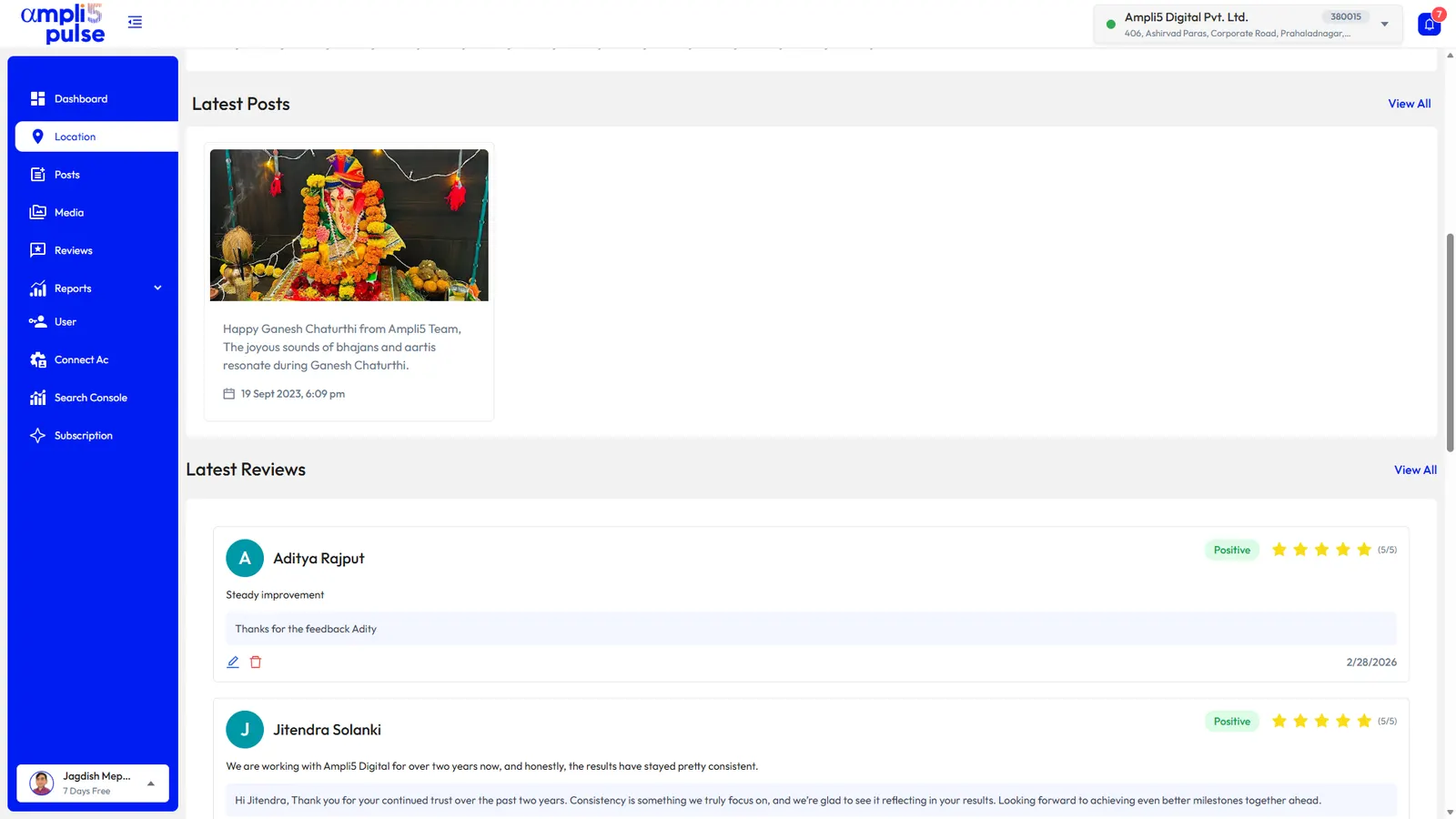
Posts appear on your profile and show customers that the business is active. There are three types: Updates (shown in Google as "Add update"), Offers and Events. Each can include a photo or video and a button, such as one to book or learn more.
A post every week or two is a sensible rhythm for most businesses. Consistency matters more than volume, and a useful post beats a filler one.
New this month: weekend brunch from 9am, with a seasonal menu and vegan options. Book a table online or just drop in.
20% off your first boiler service this month. Mention this post when you call, or book online. Valid for new customers in Leeds and Bradford.
Free skin consultation evening, Thursday 12 November, 6–8pm. Meet our therapists and try our new treatments. Places are limited, so reserve yours.
See our guides to Google Business Profile posts, creating an offer and creating an event.
Reviews: the prominence signal you can influence
Google's own advice for improving local ranking includes managing and responding to reviews. More good reviews, arriving steadily, help customers trust you, and your replies show you care.
- Ask every customer. Ask in person, on receipts and by email or text, using your direct review link or a Google review QR code.
- Make it easy. One tap to the review form works far better than "search for us on Google".
- coordinate responses to customer feedback. Thank people for good reviews, and answer negative ones calmly and helpfully. See how to respond to Google reviews.
- Report reviews that break the rules. You can't delete reviews, but you can report spam, fake, off-topic or offensive ones for Google to check.
Keep your name, address and phone consistent everywhere
NAP stands for name, address and phone number. When these match everywhere your business appears, Google can be confident the details are right. Conflicting versions, such as an old phone number on one directory or a different name format on your website, create doubt and confuse customers.
- Your website's contact page and footer show the same name, address and phone as your profile
- Each location has its own page on your website with its own details
- Your website includes local business structured data (schema markup) that matches your profile
- Bing Places for Business and Apple Business Connect listings match
- Your Facebook page and other social profiles match
- Major directories and industry sites in your country match, for example Yell in the UK or Justdial in India
- Old addresses and numbers have been updated after a move
How to measure Google Business Profile optimisation
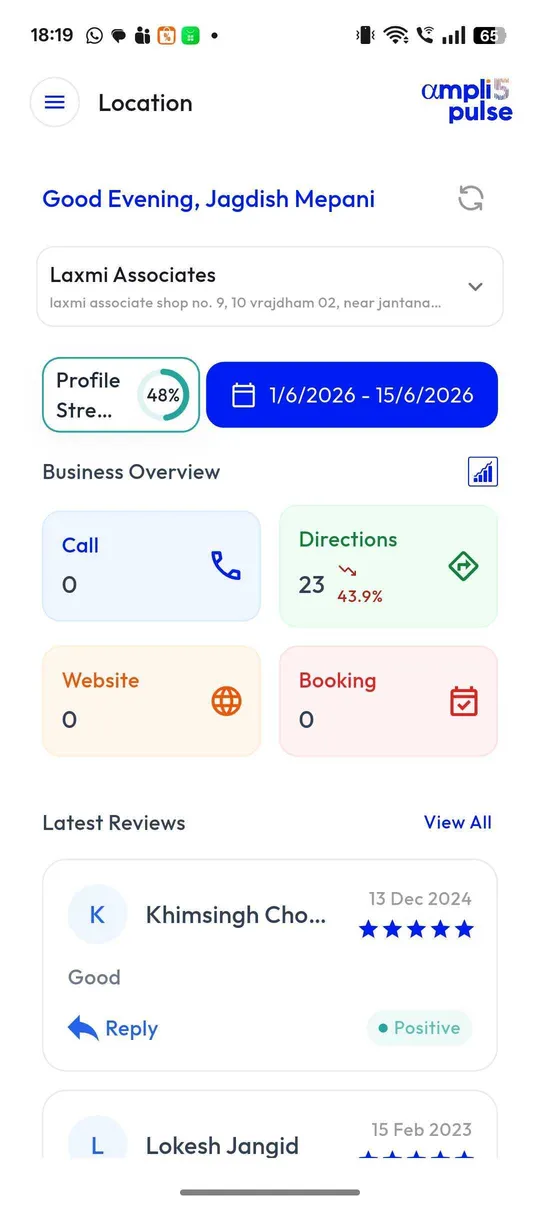
Measure what customers do, not just where you rank. Your profile's performance section shows calls, bookings, direction requests and website clicks, how many people viewed your profile, and the searches people used to find you. Compare month with month, and the same month last year, because many businesses are seasonal.
- Profile actions: calls, direction requests, website clicks and bookings
- Searches: the terms people used before finding your profile
- Website traffic: UTM-tagged visits from your profile in Google Analytics
- Search Console: clicks and impressions for your location pages
- Map positions: where you appear for your main searches across your area
Prefer expert help? The Ampli5 team offers category and optimisation audits as part of its Google Business Profile services. Talk to the team, or start with a free GMB audit to see where you stand.
Sources: Google Business Profile Help: Tips to improve your local ranking on Google; Google Business Profile Help: Edit your Business Profile; Google Business Profile Help: Manage your Business Profile photos & videos.