Hours and holiday hours right for every outlet
 Explore the Platform
 Request a Demo


 In short
- Restaurants should keep opening and holiday hours accurate, use a cuisine-specific primary category, and add a menu, real food photos and reservation or ordering links.
- Reply to reviews within a day or two, mention the dish or occasion, move complaints offline, and never offer free food or drinks for reviews.
- Keep the profile active with weekly specials, monthly events and seasonal menus, and add new photos of popular dishes, the room and the entrance regularly.
What diners check on a Google Business Profile for restaurants
Food searches are some of the most local and most immediate on Google. Someone standing on the high street searching 'breakfast near me' wants an answer in seconds. Google ranks listings mainly on relevance, distance and prominence, and diners then choose on what they see: photos, rating, price, hours and whether you're open right now.
| Detail | Why diners care | Tip |
|---|---|---|
| Opening hours and holiday hours | Nobody wants to walk to a closed door | Set holiday hours for bank holidays, Eid, Diwali and Christmas well ahead |
| Menu | People want to see dishes and prices before choosing | Add a menu link or use Google's menu editor, and update it when prices change |
| Categories | They decide which searches you can appear in | Use a cuisine-specific primary category, such as Italian restaurant, not just Restaurant |
| Photos | Food photos are often what earns the click | Show real dishes, the dining room, the entrance and the menu board |
| Order and booking links | They let people act without leaving Google | Add your own reservation and ordering links where Google offers them |
| Attributes | Diners look for outdoor seating, vegetarian options or step-free access | Tick only what is true at that outlet |
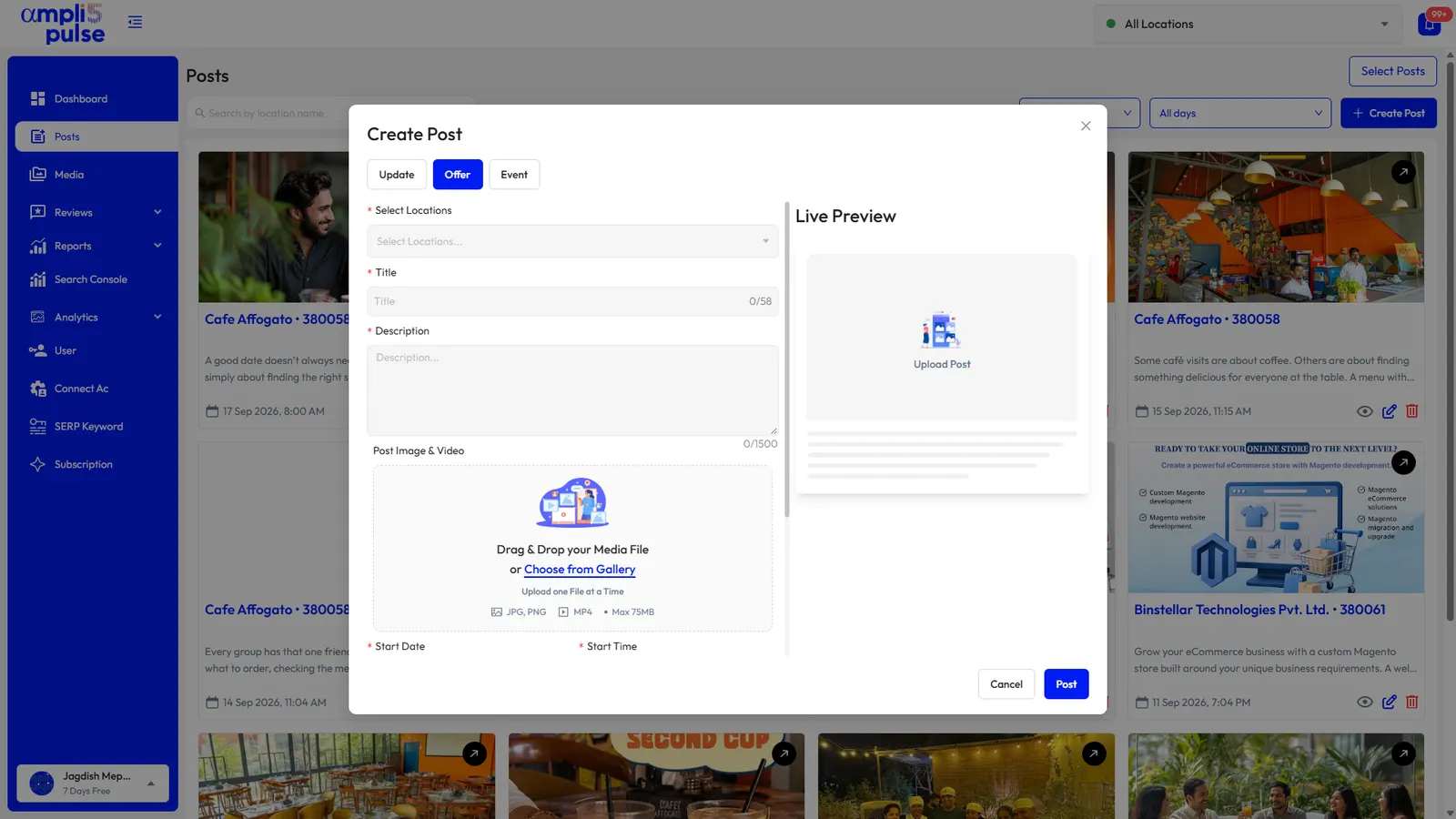
Ampli5 Pulse edits the core details, including hours, holiday hours, phone, website, categories and description, and syncs them to Google for one outlet or all of them. Menus, attributes and ordering links are set in your profile on Google. Our Google Business Profile optimisation guide walks through each one.
Restaurant reviews: common patterns and how to reply
Restaurant reviews follow patterns. Complaints usually concern waiting time, a wrong or cold delivery order, a booking mix-up, portion size or price. Praise tends to name dishes and staff. Busy services bring more visits, so expect more feedback after weekends and holidays.
Thank you, Priya. The lamb shank is our chef's favourite too, and we'll tell Tom you enjoyed his service. Hope to see you again soon.
Thank you for telling us. Saturday was busier than we planned for and you waited too long for your mains. We've added another member of staff on Saturday evenings. Please get in touch through our website if you'd like to talk it through.
Sorry your order arrived cold. That's not how we want anyone to eat our food. Please contact us with your order details so we can look into what went wrong.
- Reply within a day or two, while the visit is fresh for both of you.
- Mention the dish or occasion, so replies don't read as copied and pasted.
- Move complaints offline with a named contact or the manager's email.
- Never offer free food or drinks for a review, and don't ask only the happy tables. Both break Google's rules.
- Report fake or off-topic reviews. You can't delete reviews yourself, but our guide to removing fake Google reviews explains what Google will act on.
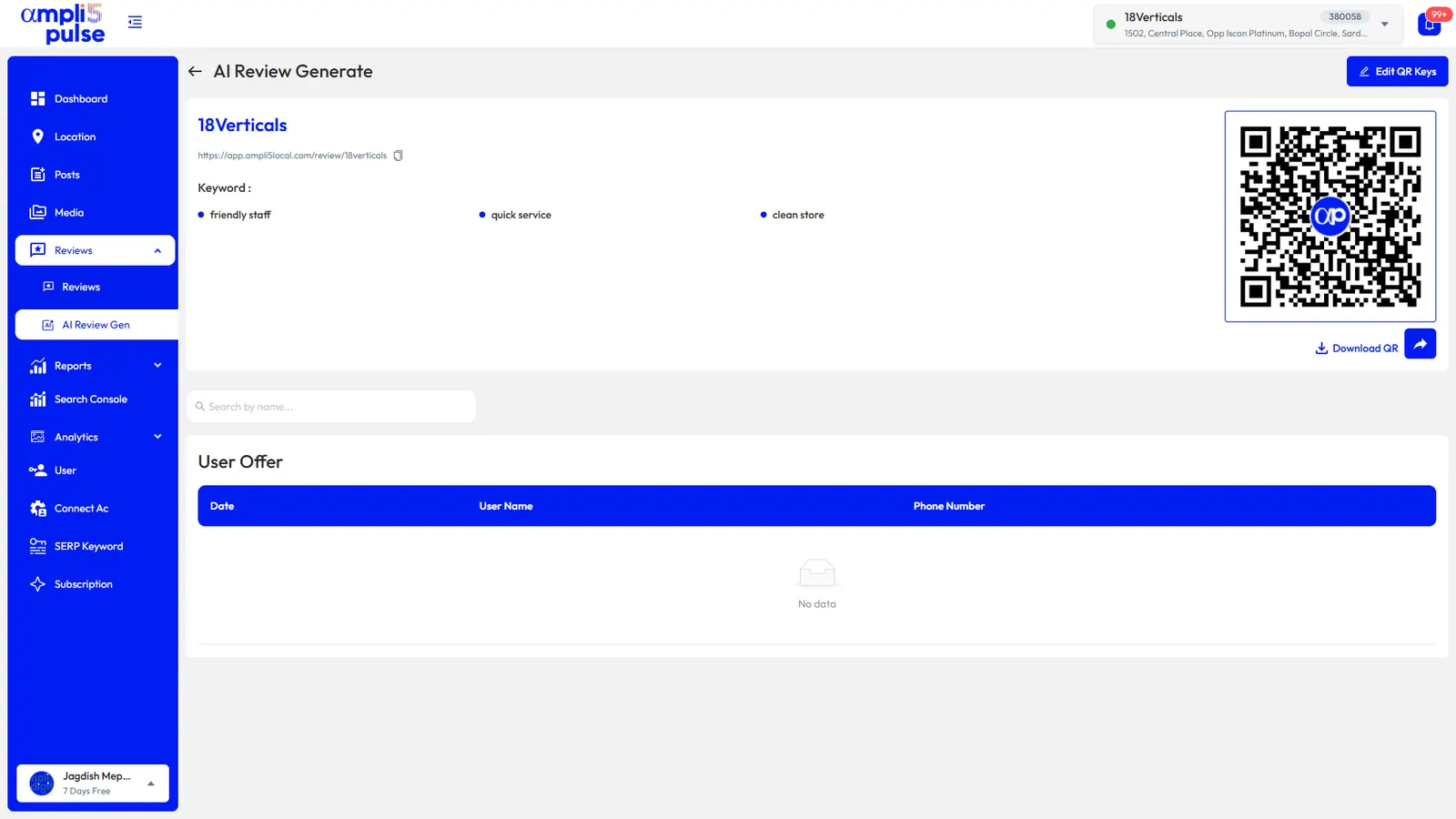
In Ampli5 Pulse, AI auto-reply can handle straightforward five-star reviews in your brand's voice while you edit AI drafts for complaints. Sentiment and themes show whether 'slow service' or 'portion size' keeps coming up at one outlet, and instant alerts tell the manager the same evening. For more wording ideas, see how to respond to Google reviews.
Local SEO for restaurants: a posting and photo plan
Local SEO for restaurants doesn't need a big budget. It needs a profile that is complete, current and active, week after week, with photos and posts that reflect what is actually on the pass tonight.
Post ideas through the year
- Weekly: the specials board, a new dish, a weekday lunch offer.
- Monthly: an event for live music, a quiz night, a tasting menu or a supper club.
- Seasonal: Christmas party bookings, Ramadan iftar or Diwali menus, the summer terrace opening, a Valentine's set menu.
- Practical: bank holiday hours, a temporary closure for refurbishment, a new delivery area.
Photos that earn the click
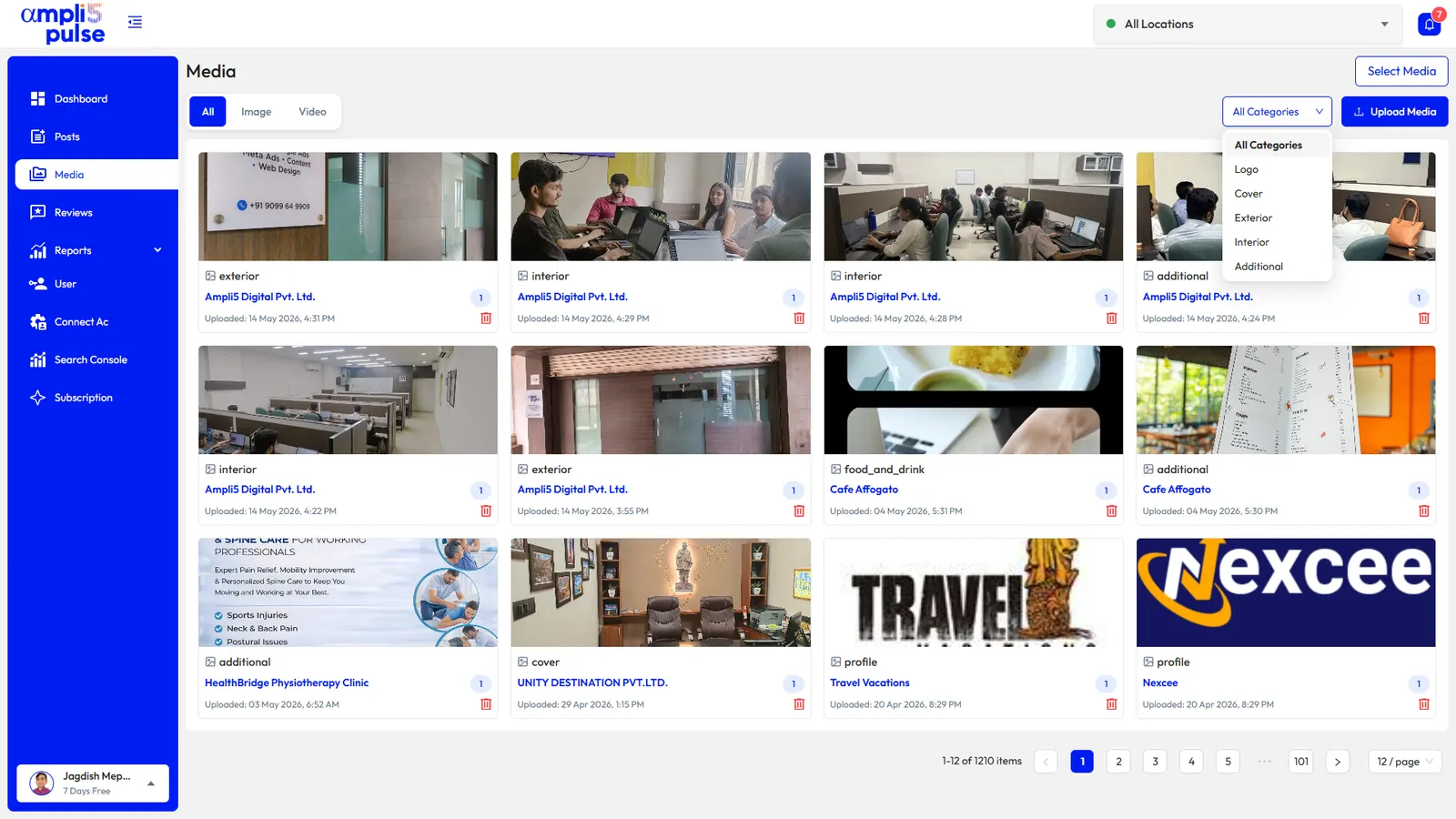
Add new photos regularly: the dishes people order most, the room during a busy service, the entrance from the street so first-timers find you, and the menu board. Shoot in daylight and skip heavy filters. If your team already posts on Instagram, Ampli5 Pulse can sync that media into your photo library and auto-post your Google posts to Instagram, so one job covers both.
Managing restaurant groups and food franchises
For a restaurant group, café chain or food franchise, consistency is the hard part. You want the same name format, the same rules for hours and the same photo standards, with local menus, local events and local managers who know their regulars.
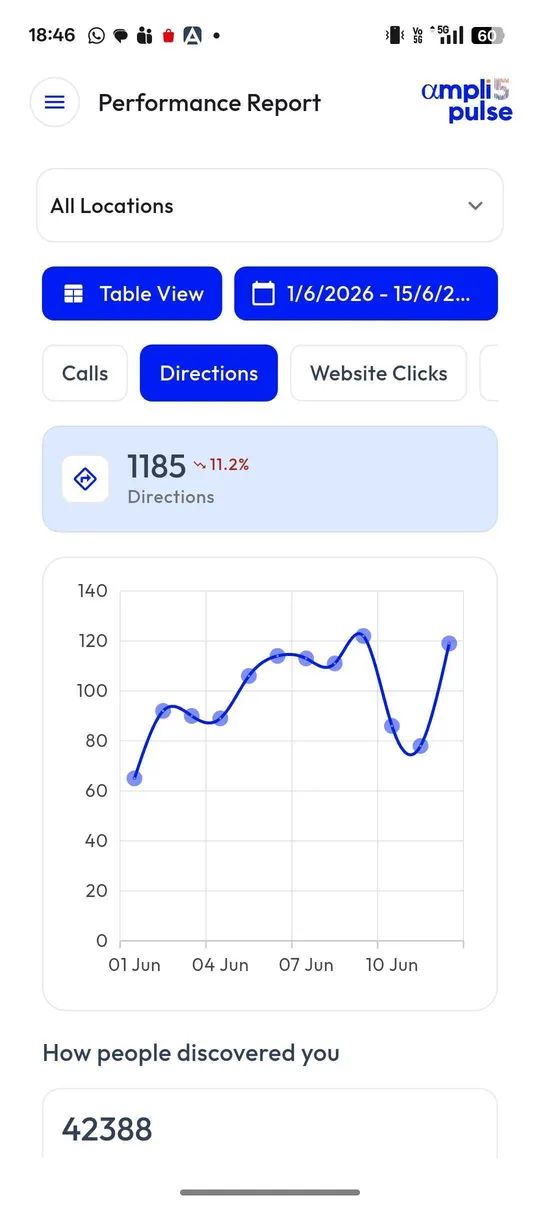
- Location groups for brands or regions, with side-by-side comparison of every outlet.
- Bulk edits for holiday hours, phone numbers and websites across the group.
- One offer published to every outlet, or a local event to just one.
- Team access so outlet managers handle their own reviews and photos while head office keeps reports.
- Needs-attention alerts that flag outlets falling behind.
- Monthly comparison reports emailed to owners or franchisees.
Each outlet with its own premises and staff should have its own profile. If you are taking over an existing restaurant, claim its profile rather than creating a new one, so its reviews and photos stay with the address. Our guide to claiming a Google Business Profile explains how, and the Ampli5 team can help when a previous owner still controls it: talk to the team.