Updated October 2026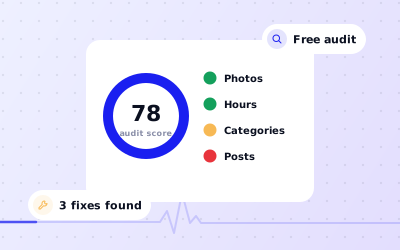
 In short
- Audit in this order: ownership and access, accuracy, categories, content, reviews, then activity.
- Accuracy comes first. Wrong hours or a wrong phone number lose you customers today.
- Free GMB audit tools only see your public profile. Signed-in owners can also check access, suggested edits and performance data.
- Re-audit every month or two, and straight after any change to hours, address, ownership or staff.
Your profile audit score
Start with the correct Google Account and a clear view of which business or location is involved. Platform interfaces can change, so use Google’s current Help instructions for sensitive account, policy or verification decisions.
How to run a Google Business Profile audit
Work through the checks in order, documenting significant changes when more than one colleague manages the profile.
Sign in as an owner or manager
Open your profile in Google Search, the Google Maps app or Business Profile Manager so you can see owner-only details such as people and access, and performance.
Look at it as a customer would
On your phone, search for your business name and your main service plus your town. Note what appears and how your listing compares with nearby competitors.
Answer the self-audit
Use the interactive self-audit on this page for a quick score, then use the checklists below for detail.
Score each area
Use the scoring table further down to see where you're losing the most points.
Fix in priority order
Start with ownership and accuracy, then work down. Don't spend an afternoon on photos while your phone number is wrong.
Check again in a few weeks
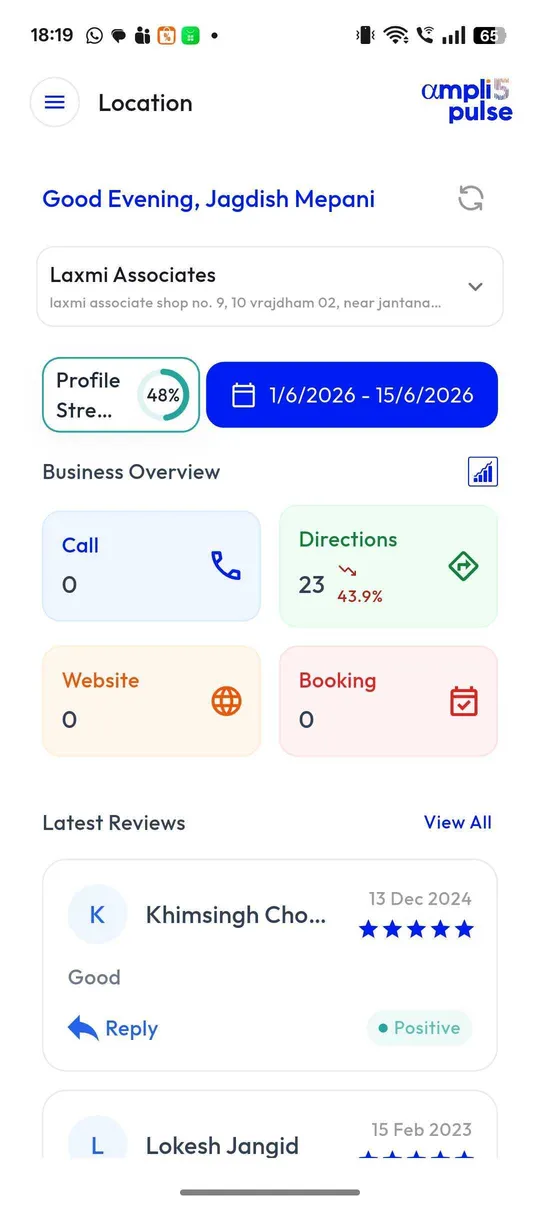
Confirm your changes went live, and see whether calls, direction requests and website clicks have moved.
The GMB audit checklist
Tick each item that's true for your profile. Anything you can't tick is a fix to add to your list.
Ownership and access
Business information
Categories and description
Photos and videos
Reviews
Posts and activity
Services, products and attributes
How to score your Google My Business audit
Give each area points out of the total in the table below. The weights reflect how much each area affects customers and visibility, so accuracy and reviews count for more than posts.
| Area | Points | Full marks when |
|---|---|---|
| Ownership and access | 10 | Verified, owned by the business, no duplicates, access up to date |
| Business information | 20 | Name, address, phone, website and hours all correct and consistent |
| Categories | 15 | Specific, accurate primary category and relevant additional ones |
| Description | 5 | Clear, complete and within Google's rules |
| Photos and videos | 10 | Logo, cover and recent real photos across the business |
| Reviews | 20 | Steady new reviews and a reply to every recent one |
| Posts and activity | 10 | Posts in the last month and suggested edits checked |
| Services, products and attributes | 10 | Main services or products listed and attributes accurate |
- 85–100: a strong profile. Keep it active and re-audit regularly.
- 60–84: solid basics with gaps. Fix the lowest-scoring areas first.
- Below 60: customers are probably being lost. Start with ownership, information and categories.
What to fix first after a GMB audit
Work down this list. Each step protects or improves the ones below it.
Secure ownership
Make sure the business owns the profile and remove anyone who shouldn't have access. If someone else controls it, claim your profile first.
Correct wrong information
Fix hours, phone, address and website. These directly cost you visits and calls when they're wrong.
Fix your primary category
Choose the most specific accurate option. Our categories guide explains how, and why big changes can trigger re-verification.
Reply to unanswered reviews
Start with the most recent and the negative ones. See how to respond to Google reviews.
Fill content gaps
Add or rewrite the description, list services or products, and set attributes.
Refresh photos
Replace weak images and add recent ones of the premises, team and work.
Start a posting rhythm
Plan a post every week or two so the profile always shows recent activity.
If your audit shows the profile isn't appearing at all, see why your business isn't showing on Google. If it's been suspended, fix the cause before anything else.
Free GMB audit tools: what they can and can't check
Many free GMB audit tools ask only for your business name. They're handy for a quick look, but they can only see what the public sees. A signed-in audit, by you or someone you've given access, sees much more.
| Check | Free public tool | Signed-in owner audit |
|---|---|---|
| Name, category, hours and photos shown | Yes | Yes |
| Review count, rating and reply rate | Yes | Yes |
| Who has owner and manager access | No | Yes |
| Suggested edits waiting for review | No | Yes |
| Verification status and warnings | Partly | Yes |
| Calls, directions and website clicks | No | Yes |
| Searches people used to find you | No | Yes |
| Positions across your area on Google Maps | Sometimes | With a rank tracker |
A GMB audit for local SEO goes beyond the profile
Your profile works alongside your website. For a fuller local SEO audit, also check that each location has its own page with matching name, address and phone number, that the site appears in Google Search Console, and how you rank for your main searches. Our guides to local SEO and local rank tracking cover these checks.
How Ampli5 Pulse keeps profiles audited
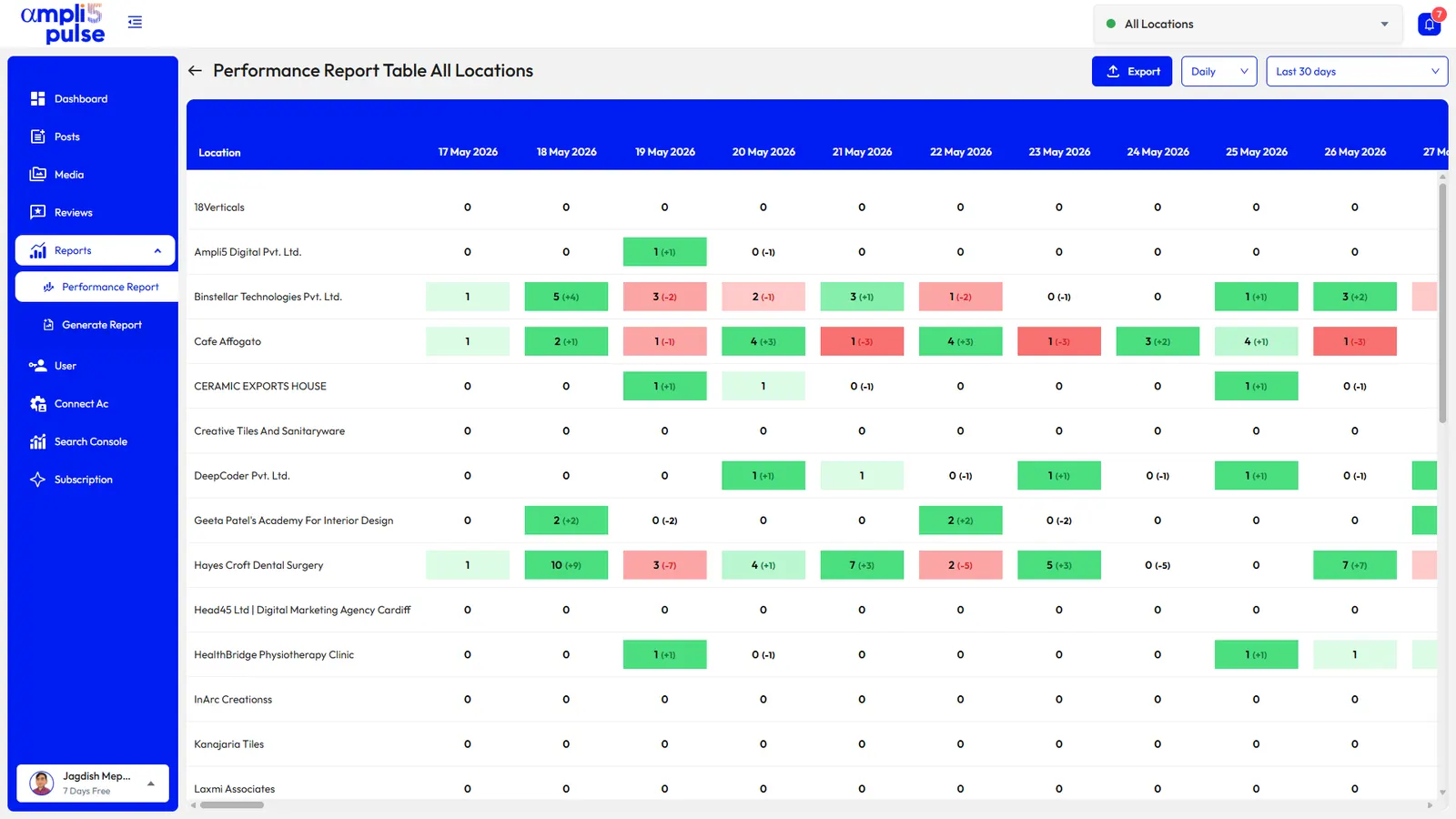
A one-off audit goes out of date quickly. Hours change, reviews arrive, staff leave and Google applies edits. With one or two locations you can re-run the checklist every month. With dozens, you need something that flags problems for you.
Want a second opinion? The Ampli5 team runs category and optimisation audits as part of its done-for-you service. Talk to the team, or see how ongoing Google Business Profile management keeps every location in shape.
How often to run a Google My Business audit
| Business | Full audit | Quick check |
|---|---|---|
| Single location | Every two to three months | Monthly: reviews, hours and posts |
| A few locations | Every month or two | Weekly: reviews and alerts |
| Franchise or chain | Monthly, by region | Daily alerts, weekly review |
| Agency clients | Monthly, before reporting | Weekly across all clients |
Always run an extra audit after you move, rebrand, change your phone number or opening hours, lose a member of staff who had access, or notice a sudden drop in calls or direction requests.
Sources: Google Business Profile Help: Complete your Business Profile on Google; Google Business Profile Help: Edit your Business Profile; Google Business Profile Help: Tips to improve your local ranking on Google.