Updated October 2026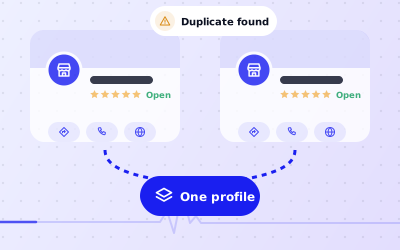
 In short
- There's no merge button. Owners report duplicates, and Google decides whether to merge or remove them.
- Report a duplicate from Google Maps, or through Business Profile support if you manage both profiles.
- Reviews can sometimes move to the profile that's kept, but Google doesn't guarantee it.
- When you move or rebrand, edit your existing profile instead of creating a new one.
Can you merge two Google Business Profiles?
Start with the correct Google Account and a clear view of which business or location is involved. Platform interfaces can change, so use Google’s current Help instructions for sensitive account, policy or verification decisions.
Duplicates usually appear by accident. An old agency created a profile, a previous owner set one up, Google generated one from public information, or someone made a new profile after losing access to the first. Whatever the cause, it's worth sorting out. Duplicates split your reviews, confuse customers and can lead Google to suspend a profile.
Merging Google Business Profiles: what Google allows
What you can do depends on who manages each profile. These are the most common situations:
| Situation | What to do | Who acts |
|---|---|---|
| Two listings for your business, and you manage neither | Claim the correct one, then report the other as a duplicate on Maps | You, then Google |
| You manage one; the duplicate is unmanaged | Report the duplicate from Maps and keep your profile up to date | |
| You manage both profiles | Ask Business Profile support to merge or remove the duplicate, or report it from Maps | Google, after your request |
| Someone else manages the duplicate | Request access to it, then remove it or report it | You, then Google |
| An old profile from before a move | Edit the address on the original profile rather than keeping two | You |
How to report a duplicate Google Business Profile
For a duplicate you don't manage, report it from the listing itself:
Find the duplicate on Google Maps
Search for your business and open the listing you want removed, not the one you want to keep.
Choose 'Suggest an edit'
Select 'Suggest an edit' on the listing. In the app it may sit in the listing's menu.
Choose to close or remove it
Pick the option to close or remove the place, then give the reason that it's a duplicate.
Point to the right listing
If Google asks which place it duplicates, choose your main listing so Google can connect the two.
Submit and check back
Google reviews the report. Look at the listing again after a few days to see whether it has gone.
If you manage both profiles, contact Google through the Business Profile Help Center, say which profile to keep, and include both Maps links and both profile IDs. Our Google My Business support guide explains how to reach the right team.
What happens to reviews when profiles are merged?
Reviews belong to the place, not to an account. When Google merges two listings it treats as the same place, reviews from the duplicate may be moved to the profile that remains. When Google simply removes a duplicate, its reviews may go with it. Google doesn't promise either outcome, and you can't move reviews yourself.
If the duplicate has reviews you value, take screenshots before you report it so you have a record. Don't copy those reviews across or post them yourself, and don't offer customers anything to review you again: Google's review policies treat that as fake engagement. Asking happy and unhappy customers alike for honest reviews is fine.
Moving, rebranding or changing owners
Many duplicates start when a business changes and someone creates a fresh profile. In each of these cases, one profile is the goal.
You moved premises
Change the address on your existing profile. Google may ask you to verify again, but your reviews and history move with you. If someone has already created a profile at the new address, report it as a duplicate once your original shows the new address.
You rebranded
Change the business name on the existing profile, and update your signage, website and documents to match. A rebrand doesn't need a new profile.
The business changed hands
If the same business carries on under a new owner, the old owner should hand over the profile. Our guide to transferring ownership covers it, including what to do if the previous owner won't respond.
A different business took over the premises
This isn't a merge case. The old business should be marked permanently closed and the new one gets its own profile. Reviews of the previous business don't transfer, because they describe a different business.
When two profiles at one address aren't duplicates
Google's guidelines let some businesses share an address, so don't report these as duplicates:
- Separate businesses in the same building, such as an independently run café inside a bookshop.
- Some individual practitioners, such as doctors, lawyers or estate agents, who can have their own profile alongside the practice's.
- Certain departments of larger organisations with their own entrance, hours or phone line, such as a car dealer's service centre.
Practitioner and department rules come with specific conditions, so check the guidelines in the Help Center before creating any extra profiles.
Keep a multi-location network free of duplicates
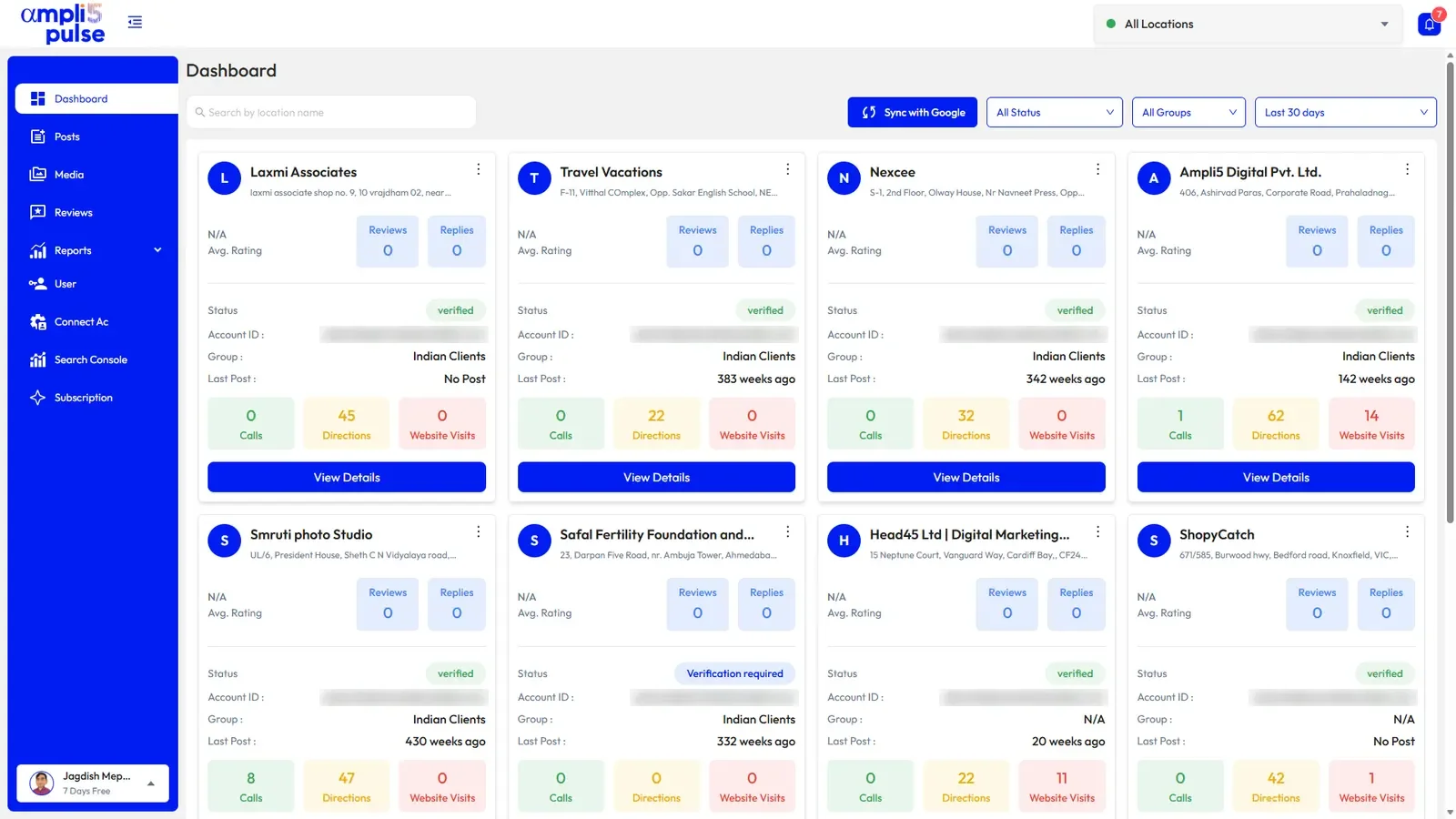
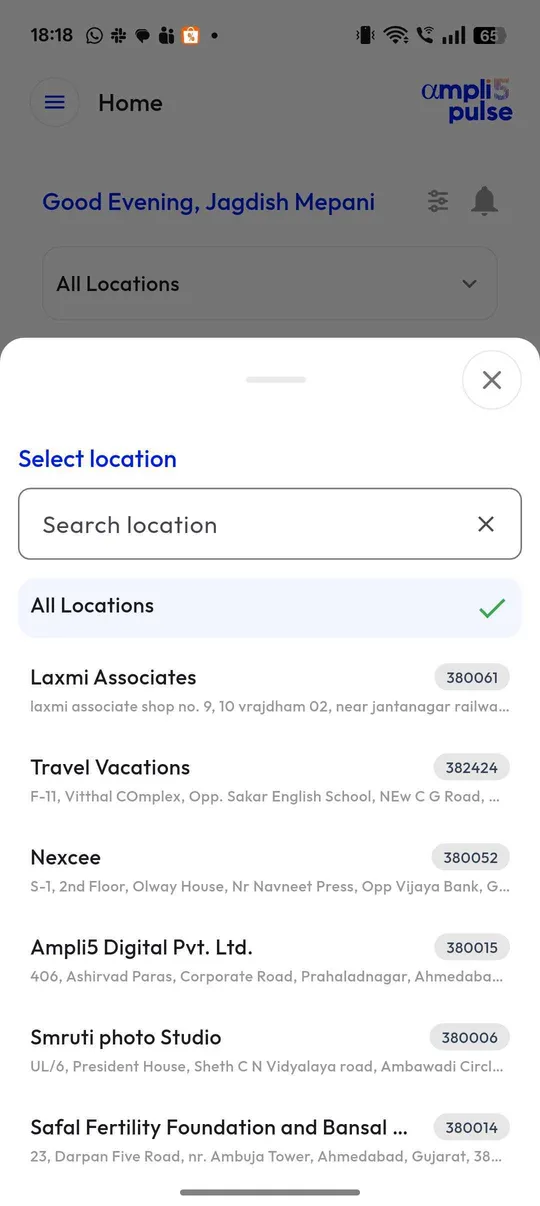
Franchises and chains pick up duplicates most often, because so many people create and edit profiles over the years. A regular review of every location, comparing names, addresses and review counts, catches them early.