Updated October 2026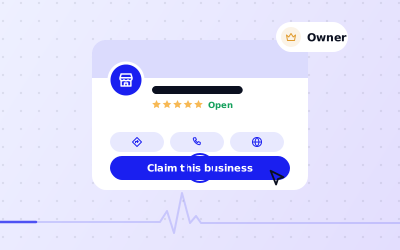
 In short
- Claim the existing listing rather than creating a new one. You keep its reviews, photos and history.
- Unclaimed listings show a link such as "Own this business?" or "Claim this business". Claiming then needs verification.
- If the profile is already verified by someone else, use Google's request-access form. The current owner is emailed and given a few days to reply.
- If you know who holds it, such as a former agency, the quickest fix is asking them to add you as an owner.
Before you claim: check what you're dealing with
Start with the correct Google Account and a clear view of which business or location is involved. Platform interfaces can change, so use Google’s current Help instructions for sensitive account, policy or verification decisions.
| What you see | What it means | What to do |
|---|---|---|
| A link such as "Own this business?" or "Claim this business" | Nobody has verified the listing | Claim it and verify (steps below) |
| No claim link, and you know who set it up | A colleague, former employee or agency owns it | Ask them to add you as an owner |
| Google says another account already manages it | Someone you may not know has verified it | Request ownership through Google |
| Your business doesn't appear at all | There's no listing yet | Create a Google Business Profile |
| Two or more listings for the same place | There's a duplicate | Claim the one with the reviews and report the other |
If you find duplicates, don't try to fix them by renaming one. Owners can't merge two profiles themselves; Google can merge or remove a duplicate when it's reported. See how duplicate profiles are merged.
How to claim a business on Google Maps and Google Search
If your listing is unclaimed, claiming it takes a few minutes plus the time verification takes. If you were looking for how to claim a business on Google My Business, these are the same steps: Google My Business is now called Google Business Profile. Google sometimes changes the wording of these buttons, so look for the closest match.
Sign in with the right Google Account
Use an account the business controls, not a personal account belonging to one member of staff. Whoever claims the profile becomes its primary owner.
Find your business
Search for your business name and town on Google Maps or Google Search, then open your listing.
Choose the claim option
Select "Own this business?", "Claim this business" or the closest equivalent. On a phone, you may need to scroll down the listing to find it.
Check the details
Google shows the name, category, address and phone number it holds. Correct anything that's wrong before you continue.
Verify that it's your business
Pick one of the verification methods Google offers, such as a phone call or text, email, video or postcard. Our Google business verification guide explains each one.
Review the profile
Once you're verified, go through the whole profile: hours, description, photos, services and the people who have access.
Claiming from Business Profile Manager
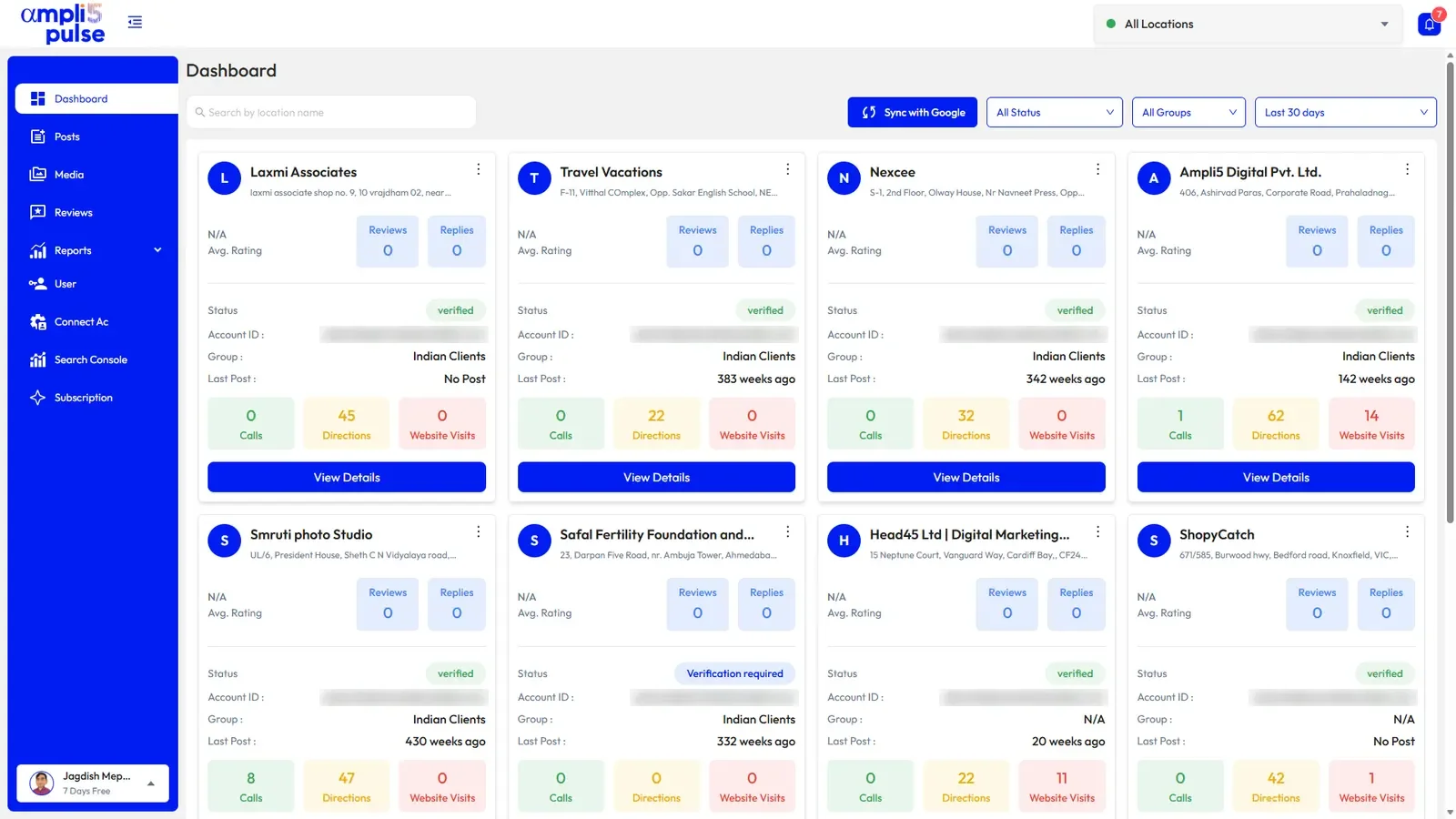
You can also start at business.google.com. Choose to add a business, type your business name, and select your listing when it appears in the suggestions. Google then takes you to the claim and verification steps. This route suits multi-location businesses that will manage profiles on the web.
How to claim Google Business listings that someone else owns
If someone has already verified the profile, Google tells you when you try to claim it, and usually shows part of the owner's email address. That clue often tells you who it is: a former employee, an old agency or the previous owner of the business. If you recognise it, contact them directly first.
If you know who owns it
Ask the current owner to add your Google Account as an owner in the profile's people and access settings. Once you're an owner, they can make you the primary owner and remove themselves. This is the fastest route and needs no extra verification. See how to transfer ownership and how to add a user.
If you don't know who owns it, or they won't respond
Start the claim as normal
Search for the business and choose the claim option, or start from business.google.com. Google will say the profile is already managed.
Choose to request access
Select the option to request access or ownership.
Fill in the form
Choose the level of access you need, then add your name, contact details and your relationship to the business.
Submit and watch your inbox
Google emails the current owner about your request and sends you a confirmation with a way to check its status.
Wait for the reply
The owner can approve or decline. If they approve, you get access straight away.
Claim it if there's no reply
If the owner doesn't respond within the time Google gives (a few days), use the link in Google's email to check the status. You may be offered the option to verify and claim the profile yourself.
Common claim situations and what to do
Your former agency or web developer owns the listing
This is one of the most common situations. Ask them in writing to make you the primary owner. Most will cooperate. If they don't reply, use Google's request-access process described above. When you hire anyone in future, add them as a manager rather than letting them create the profile in their own account.
A former employee set it up on their personal account
Contact them and ask them to add your company account as an owner and transfer primary ownership. If they've left on bad terms or can't be reached, request ownership through Google.
A different business used to trade at your premises
Don't claim the old listing and rename it. Its reviews belong to that business, and repurposing it breaks Google's guidelines. Suggest the old listing is marked permanently closed, then create your own profile for your business.
You've bought the business
If you took over a business and it keeps trading under the same name, ask the previous owner to transfer the profile to you as part of the handover. If they can't, request ownership and keep your purchase documents to hand.
Someone has created a fake listing for your business
If a listing impersonates your business or sends customers elsewhere, report it to Google from the listing on Maps or through the Business Profile Help Center. Don't try to claim a fake listing to take it over.
After you claim your Google Business Profile
Once the profile is yours, spend half an hour making sure it's secure and accurate. Neglected listings often carry wrong details and unanswered reviews.
- Open people and access and remove anyone who shouldn't be there, such as old agencies or former staff
- Add a second trusted owner so the business never depends on one login
- Correct your hours, phone number, website and address
- Check your primary and additional categories
- Reply to existing reviews, starting with the most recent and any negative ones
- Replace old or poor photos and add a current logo and cover photo
- Look for duplicate listings and report them
Next, work through our Google Business Profile optimisation guide to get the most from your newly claimed listing.
Getting help to claim your business on Google
Most claims are simple. The hard ones are ownership disputes, owners who never reply, impersonation, and businesses with many locations to claim at once. That's where experienced help saves weeks of back and forth.
The Ampli5 team helps with claiming and ownership disputes: working out who holds the profile, preparing the request and supporting evidence, and following it through with Google. The decision always rests with Google, but a clear, well-documented request avoids the most common delays. Talk to the team about your situation, or read about Google My Business support options.