Every location on one dashboard
 Explore the Platform
 Request a Demo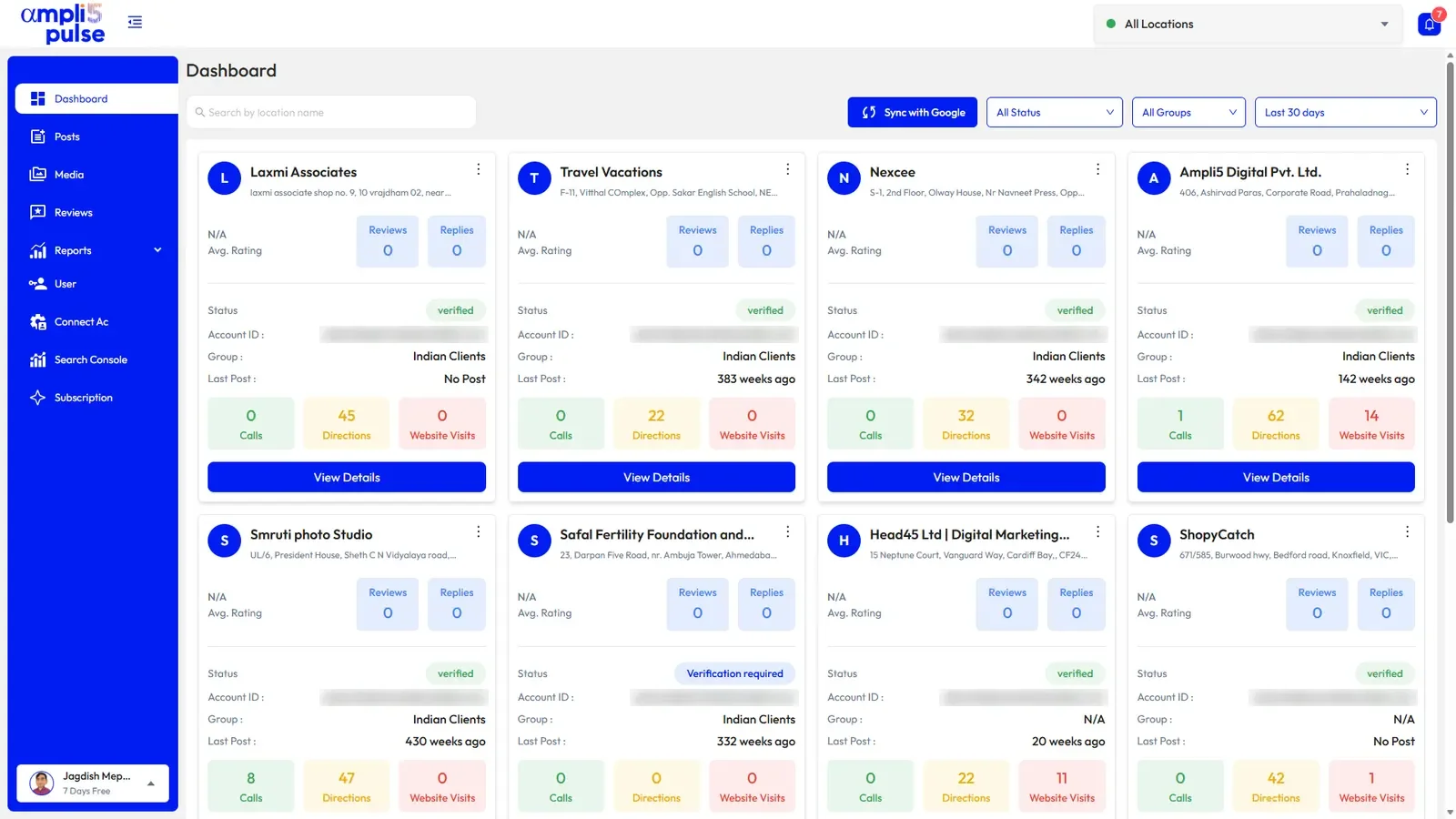


 In short
- Google Business Profile management is an ongoing routine: reply to reviews daily, check hours before every bank holiday, post weekly, add photos monthly and review categories quarterly.
- There are three ways to manage a profile: in Google Search and Maps, in Google's Business Profile Manager at business.google.com, or in Ampli5 Pulse.
- Make a company Google account the primary owner of every profile and add agencies and staff as managers, so the profile stays with the business.
What Google Business Profile management involves
Start with the correct Google Account and a clear view of which business or location is involved. Platform interfaces can change, so use Google’s current Help instructions for sensitive account, policy or verification decisions.
| Task | How often | Why it matters |
|---|---|---|
| Reply to new reviews | Daily, or as alerts arrive | Shows customers you listen; unanswered complaints linger |
| Check hours and holiday hours | Before every bank holiday or change | Wrong hours send people to a locked door |
| Publish a post (update, offer or event) | Weekly is a sensible rhythm | Keeps the profile current and gives people a reason to act |
| Add fresh photos | Monthly | Shows what the place looks like now |
| Review categories and description | Every quarter | Helps Google match you to the right searches |
| Look at calls, directions and clicks | Monthly | Shows which locations and changes are working |
| Check who has access | Every quarter, and when staff leave | Keeps control of the profile with the business |
Google says local results are based mainly on relevance, distance and prominence. You can't change how far a searcher is from you, but a complete, accurate profile with a steady flow of reviews and replies helps with the other two. Our Google Business Profile optimisation guide goes deeper into each part of the profile.
What is Google Business Profile Manager?
Google Business Profile Manager is the name of Google's own web dashboard at business.google.com. It's free, and it's the tool Google provides for businesses and agencies with many locations: you see your profiles in a list, organise them into groups, share access with colleagues and edit details across locations. Chains with 10 or more locations can also request bulk verification. You'll also hear it called Google Business Manager or, from before Google renamed the product, the Google My Business profile manager.
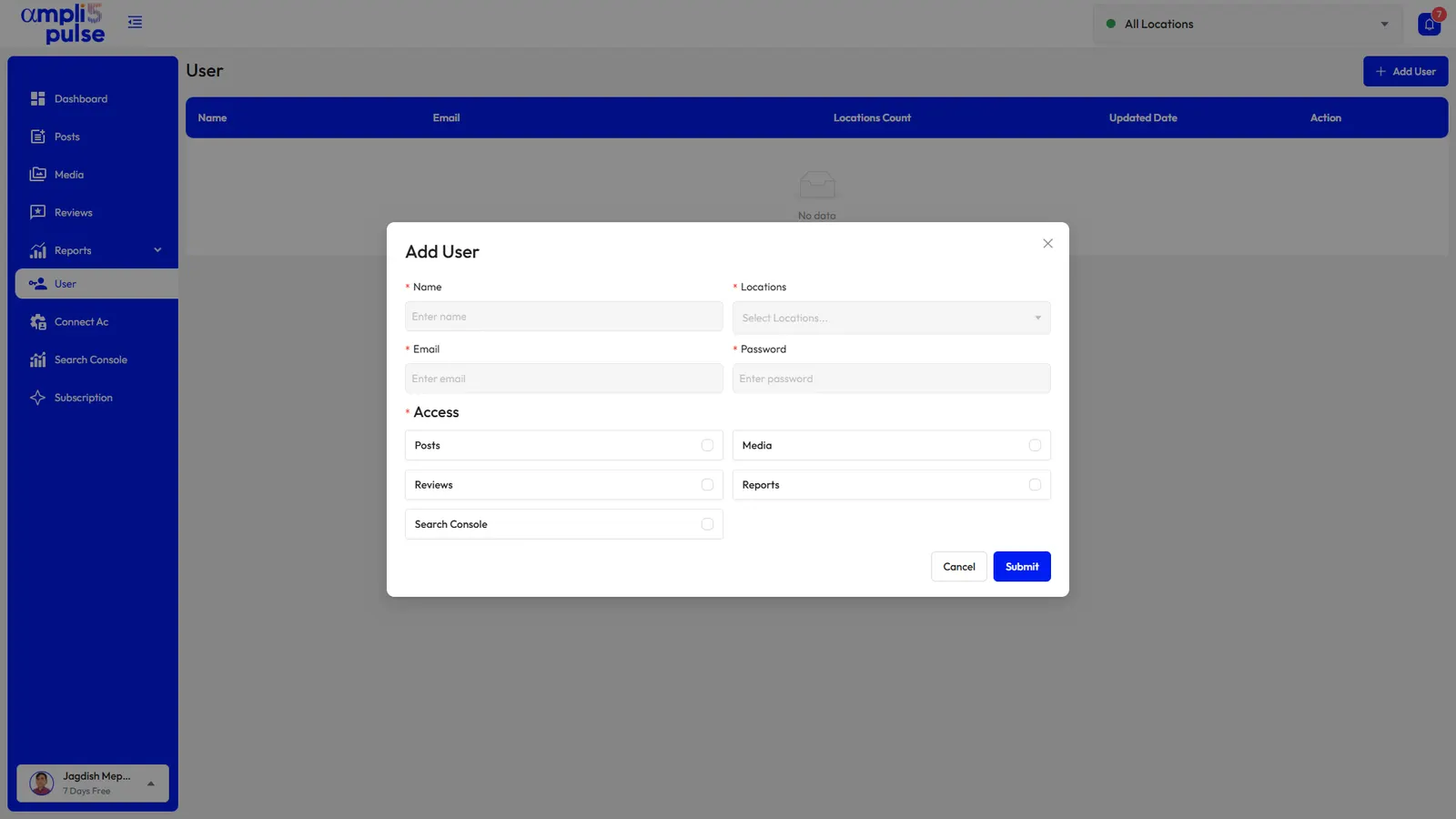
If you only look after one or two profiles, Google steers you to manage them directly in Google Search and the Google Maps app, and business.google.com may simply send you there. “Manager” is also a user role. Every profile has a primary owner, can have other owners, and can have managers, who handle day-to-day edits, posts and reviews. Only owners can add or remove people, and only the primary owner can hand primary ownership to another owner.
How to open Business Profile Manager
Go to business.google.com
Use a computer if you can; the dashboard is built for a larger screen.
Sign in with the right account
Use the Google account that owns or manages your profiles. If a location is missing, it may have been added under a different account.
Choose a profile or a group
Pick a location to edit it, or select several to make changes across them. Google moves these menus from time to time, so labels can differ.
Three ways to manage your Google Business Profile
1. Directly in Google Search and Maps
Search for your business name, or for “my business”, while signed in, or open your profile in the Google Maps app, and use the owner tools that appear. It's free and quick for one location: change hours, reply to a review, add a photo or an update. It doesn't give you a view across locations, a shared review inbox or scheduled reports. Our guide to updating your Google Business Profile walks through the common edits.
2. In Business Profile Manager
Google's web dashboard adds a list of locations, groups and shared access, which suits a brand managing its own estate from head office. It remains a tool for editing profiles: rankings, Search Console, Google Analytics and scheduled reporting live elsewhere, and there's no dedicated phone app.
3. In Ampli5 Pulse
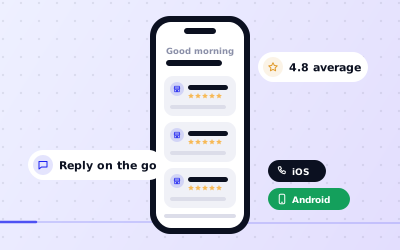
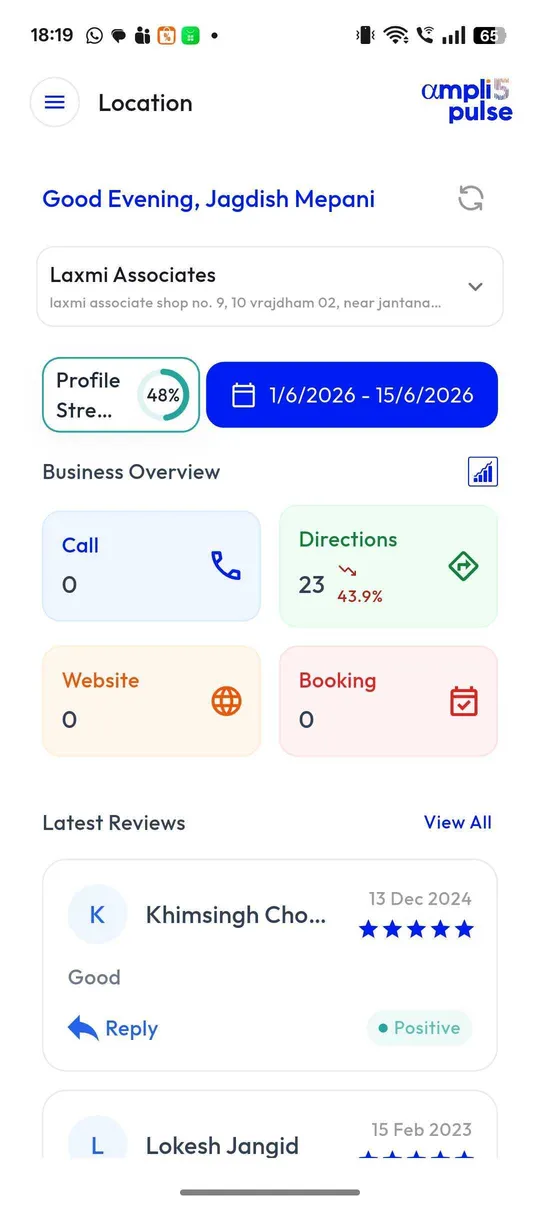
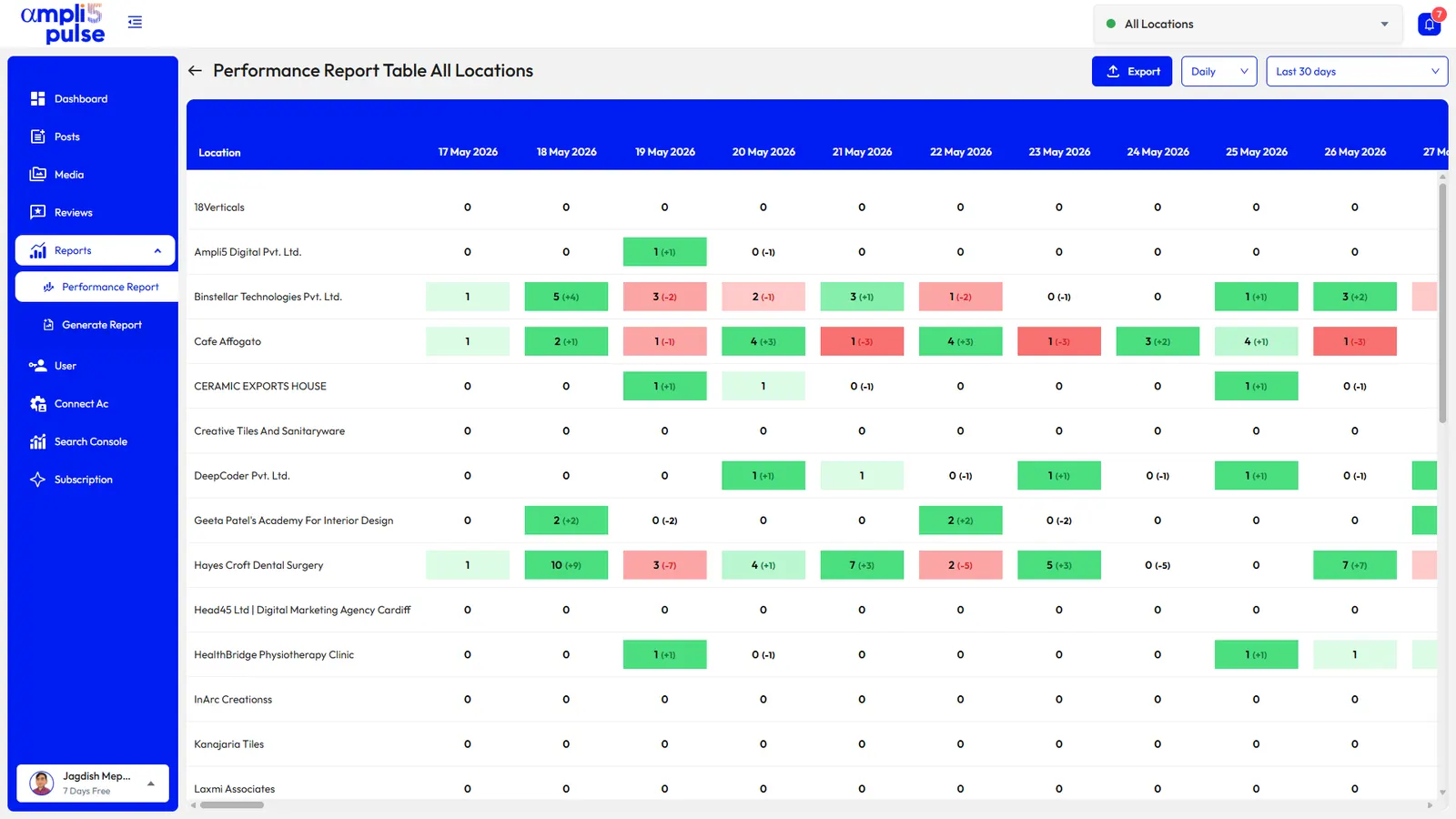
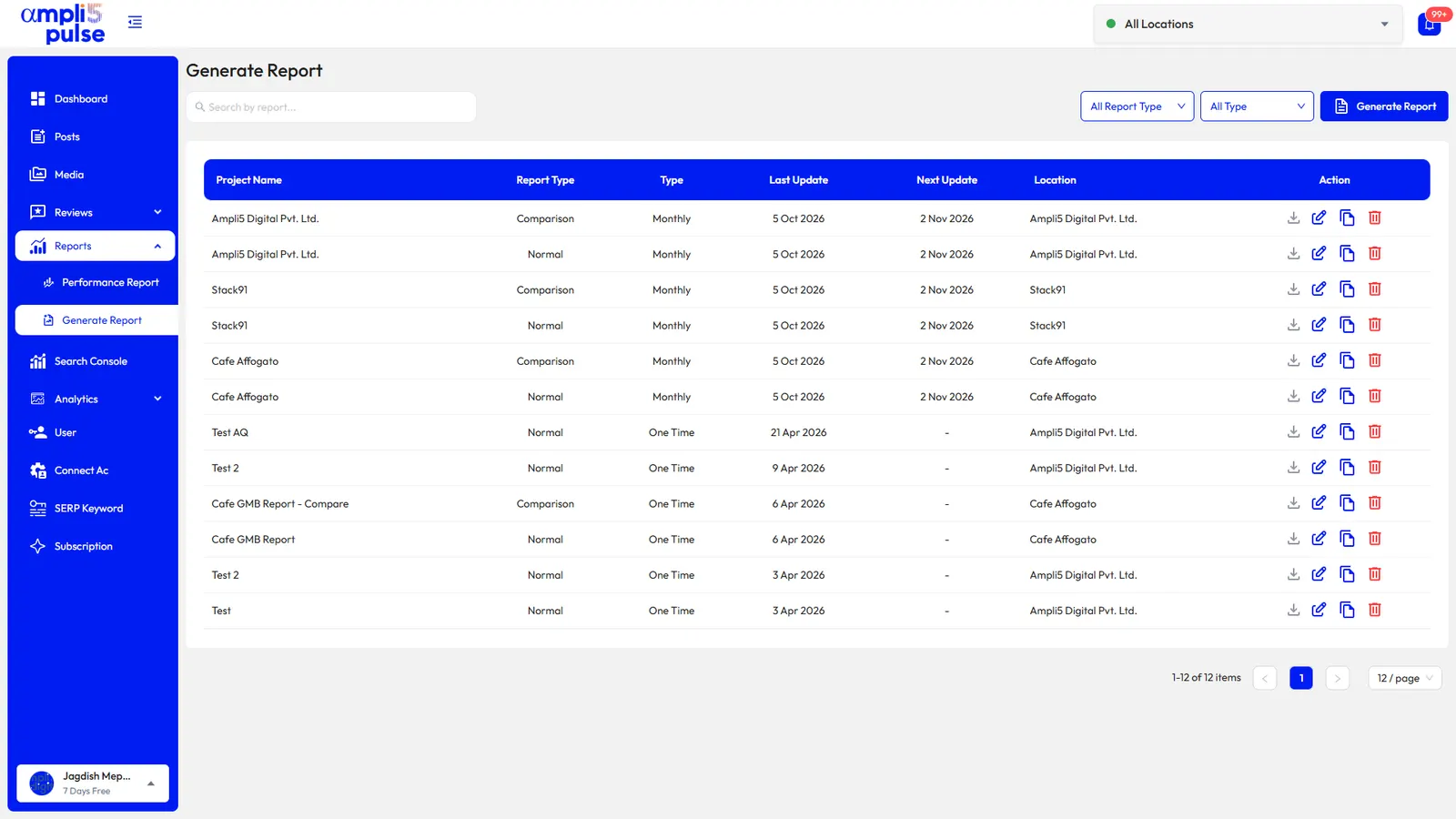
Ampli5 Pulse is software to manage Google Business Profile locations at scale, and it sits on top of your profiles. You connect with your own Google sign-in and get every location, review, post, photo and performance number in one workspace on the web, iOS and Android, plus Google Maps and Search rankings, Search Console and Google Analytics. It's built for businesses with several locations, franchises with layered teams and agencies managing many clients. If you mainly work from your phone, see the Google Business app.
Google Business Profile management services from the Ampli5 team
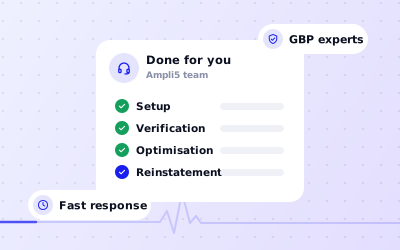
Some businesses would rather not spend time managing Google Business Profile listings themselves, or have a problem the software can't fix. If you want a Google My Business management service that does the work for you, the Ampli5 team offers done-for-you help alongside the app:
- Setup and verification: creating new profiles correctly and helping you through Google's verification, including bulk verification for chains.
- Claiming and ownership disputes: getting access back when a former employee, agency or previous owner holds the profile.
- Suspension appeals and reinstatement: a policy-led process to find the cause and submit an appeal, typically within 5 to 10 days, although the outcome is always Google's decision.
- Google Business Profile support: answers to profile problems, with a 4-hour response target.
- Category and optimisation audits: checking categories, descriptions, photos and details against what your customers search for.
To discuss what you need, talk to the team. If your profile has already been suspended, start with our guide to a suspended Google Business Profile, and for a wider look at what agencies offer, see Google My Business services.
How to manage Google business accounts and listings at scale
When you manage Google Business Profile listings for many locations, most problems come from access, not from editing. A few habits keep a large estate under control, whether you run ten cafés or manage listings for forty clients:
- One company-owned Google account is the primary owner of every location.
- Regional and store managers have manager access only to the locations they run.
- Locations are grouped by region, brand or client, so changes go to the right set.
- Each location uses its real-world name, and addresses and phone numbers follow one format.
- Holiday hours are set for every location before each holiday.
- Someone owns the review inbox every day, with cover when they're away.
- Access is checked whenever staff, franchisees or agencies change.
Agencies managing client profiles can add white-label reports with their own logo and colours, and give each client a login that shows only their locations. For a profile-by-profile health check, try the Google Business Profile audit tool.