Every branch's reviews in one inbox
 Explore the Platform
 Request a Demo


 In short
- Estate agents should give each branch its own verified profile, with the closest primary category, the areas and services it covers, and real office hours.
- Ask every client for a review at moments of relief, such as completion or an agreed let, and reply calmly without sharing chain or deposit details.
- Post once or twice a week per office, with just-sold boards, market updates and valuation days, so vendors see the branch is busy and knows the area.
How vendors, landlords, buyers and tenants use Google
A property business has two audiences. Vendors and landlords are choosing who to trust with their most valuable asset; buyers and tenants are choosing who to call about a home. Both search on Google, and both look at the same things: where your office is, what your reviews say and whether you seem active in their area.
'estate agents near me', 'best estate agents in Bristol', 'free house valuation', 'online or high street estate agent'.
'letting agents near me', 'property management Manchester', 'fully managed lettings', 'HMO letting agent'.
'houses for sale in Didsbury', 'flats to rent near me', 'new build homes Pune', '2 BHK flat in Andheri'.
'commercial property agent', 'office space to let', 'land agent' plus a county.
Google ranks local results mainly on relevance, distance and prominence. Distance is set by where your office is, so a branch on the edge of town won't appear for every search across the city. Relevance and prominence are where profile work pays off: the right categories, a description that names the areas and services you cover, steady reviews and regular posts.
Optimising a Google Business Profile for estate agents
Each branch needs its own verified profile with its own address, phone number and reviews. These are the details that decide whether you show up and whether people get in touch.
- Primary category: pick the closest match to what the branch mainly does, such as Estate agent, Letting agent, Real estate agency or Property management company. Names vary slightly by country.
- Additional categories: use some of your nine extra slots for other work you genuinely offer, such as lettings at a sales branch or commercial agency.
- Description: use the 750 characters to say what you do (sales, lettings, block management, new homes), the areas you cover and what makes the branch different. Write it for a homeowner, not a search engine.
- Services: list valuations, sales, lettings, property management, tenant find and any specialist work, with a sentence on each.
- Hours: many agents open on Saturdays and hold evening viewings. Show your real office hours, and add special hours for bank holidays and the Christmas break.
- Phone and website: use the branch's own number and link to the branch page on your website rather than the homepage.
- Photos: the office front, the team, the interior and the window display. Avoid using listing photos as your cover image.
For help with the wording, see our guide to writing a Google Business Profile description.
Individual agents and negotiators
Google's guidelines allow some individual practitioners, including real estate agents, to have their own profile in certain cases. For most agencies it's simpler and safer to build one strong profile per branch and feature the team in photos and posts. If an agent leaves, a profile in their name becomes a problem. If you're unsure, talk to the team.
Reviews for estate and letting agents
Property reviews are emotional. A sale can take months and collapse at the last minute; a tenancy can end in a dispute over the deposit. Agents also get reviews from people who aren't really reviewing the agent: a buyer who was outbid, a tenant unhappy with the landlord's repairs, or a vendor frustrated with the market.
| Situation | How to reply |
|---|---|
| A vendor thanks a negotiator by name | Thank them, mention the negotiator and the area, and wish them well in the new home. Specific replies read as genuine. |
| A sale fell through | Acknowledge how stressful it was, without blaming the other party or sharing details of the chain in public. Offer a call with the branch manager. |
| A tenant complains about repairs or a deposit | Stay neutral. Say you'll look into it, avoid discussing the landlord or the deposit amount publicly and give a contact name. |
| Someone you can't identify | Say politely that you can't find a record of them and ask them to get in touch. If the review breaks Google's policies, report it. |
| A burst of one-star reviews after a local dispute | Don't reply in anger. Report reviews that break the rules and reply calmly to the rest. |
Ask for reviews at moments of relief and success: the day keys are handed over at completion, when a let is agreed or after a smooth check-out. A QR code on the completion card or a short email with your link makes it easy. Keep it to a simple request made to every client; Google prohibits rewards for reviews and asking only happy clients. Our guide on how to ask for Google reviews has wording you can use.
What to post: sold boards, market updates and local knowledge
Posts won't replace the property portals, but they show vendors that the branch is busy and knows the area. One or two a week per office is plenty.
- Just sold and just let: a photo of the board, the street and how long it took. Leave out the price unless your client has agreed.
- New instructions: a featured home with a link to the listing on your website.
- Market updates: a short note on what you're seeing locally, such as busier spring viewings or demand for flats near the station.
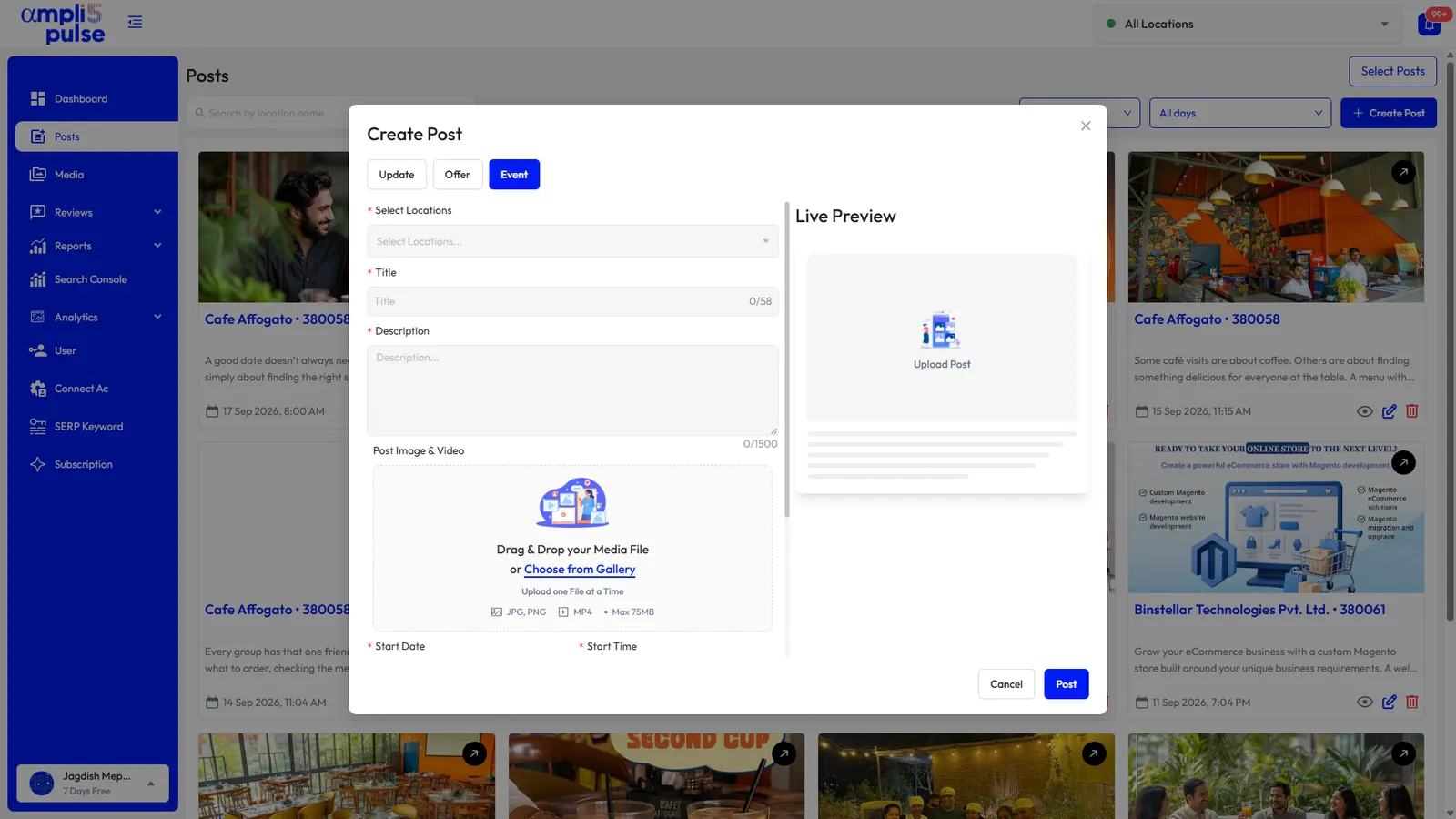
- Events: open-house days, valuation days and new-build launch weekends as Event posts with dates. See how to create an event on Google Business Profile.
- Landlord updates: reminders about safety certificates, licensing or rule changes that affect landlords where you operate.
- Community: sponsorships, school fairs and local businesses you work with.
Agencies with several branches
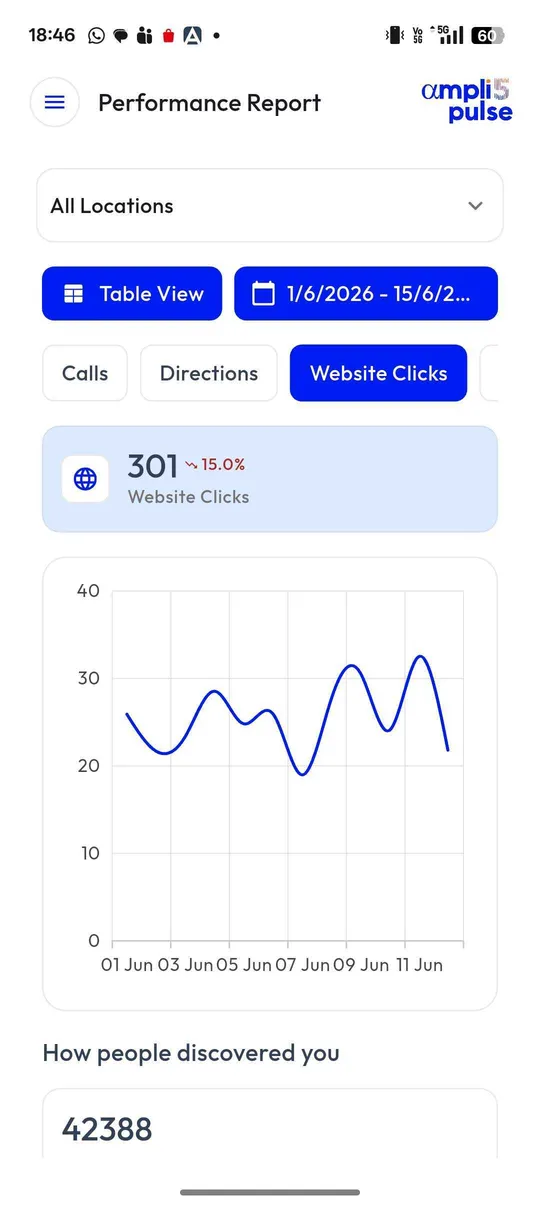
Write shared posts once and publish them to every branch, then add local stories for each office. Compare enquiries and reviews across branches each month, and give each branch manager access to their own profile only. For larger networks and franchises, see our page on multi-location management.