Updated October 2026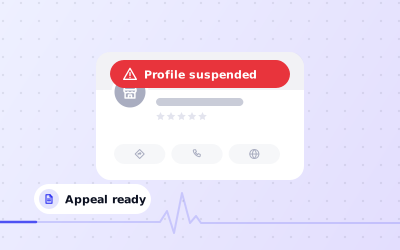
 In short
- A suspension usually means Google thinks the profile breaks its guidelines, or it has seen suspicious activity on the profile or the account managing it.
- Fix the cause before you appeal. Keywords in the name, an ineligible address and duplicate profiles are the usual culprits.
- Appeal once, through Google's Business Profile appeals tool, with documents, photos and a short, factual explanation.
- Never create a replacement profile while you wait. It counts as a duplicate and can make things worse.
What it means when your business profile has been suspended
Start with the correct Google Account and a clear view of which business or location is involved. Platform interfaces can change, so use Google’s current Help instructions for sensitive account, policy or verification decisions.
A suspension doesn't always look the same. Sometimes the listing disappears from Google Maps and Search. Sometimes the public listing stays visible, but you can no longer edit it, reply to reviews or post. People in the local search community call these 'hard' and 'soft' suspensions. Google doesn't use those terms, but they're a handy way to judge how urgent your case is.
Suspended, disabled or limited: what's the difference?
Google's wording has changed over the years and the message in your account may differ, so read it carefully. In broad terms, the statuses work like this:
| Status | What you'll usually notice | Typical cause | What to do |
|---|---|---|---|
| Suspended | You can't manage the profile, and it may be hidden from Maps and Search | A suspected guideline breach or suspicious activity on the profile or account | Fix the issue, then appeal with evidence |
| Disabled | The profile is switched off, can't be managed and often no longer shows publicly | Google believes the business or profile breaks its guidelines, for example an ineligible business | Check eligibility; appeal only if Google got it wrong |
| Limited or restricted | Some features stop working, such as editing, posting or new reviews, while the listing stays visible | Unusual activity, an unconfirmed change or a policy concern under review | Secure the account, undo risky edits and follow the prompts |
| Needs verification | A prompt to verify appears and edits aren't published | Major edits or lost verification; not a penalty in itself | Complete verification again |
Why Google suspends business profiles
Google rarely tells you the exact reason. Its systems flag profiles automatically, and the email usually points to the guidelines as a whole rather than to one rule. These are the causes that come up most often:
- Keywords in the business name. For example, 'Smith & Co Plumbing, Best Emergency Plumber London' instead of the name on your signage and paperwork.
- An ineligible address. Virtual offices, PO boxes, mailbox shops and co-working desks without permanent signage and staff during opening hours.
- Showing an address you don't serve customers from. Service-area businesses that work from home should hide the address and list the areas they serve.
- Duplicate profiles. Two profiles for the same business at the same place, including an old one created by a previous owner or agency.
- An ineligible business. Online-only shops, rental properties and businesses that never meet customers in person don't qualify.
- Misleading details. Categories that don't describe what you do, or a website or phone number that leads to a different business.
- Fake or incentivised reviews. Google can restrict a profile it believes has received fake reviews, for example by temporarily stopping new reviews.
If your address is the problem, read whether a virtual office address is allowed and how to hide your address as a service-area business. If you sell only online, our guide to a Google Business Profile for an online business explains who qualifies.
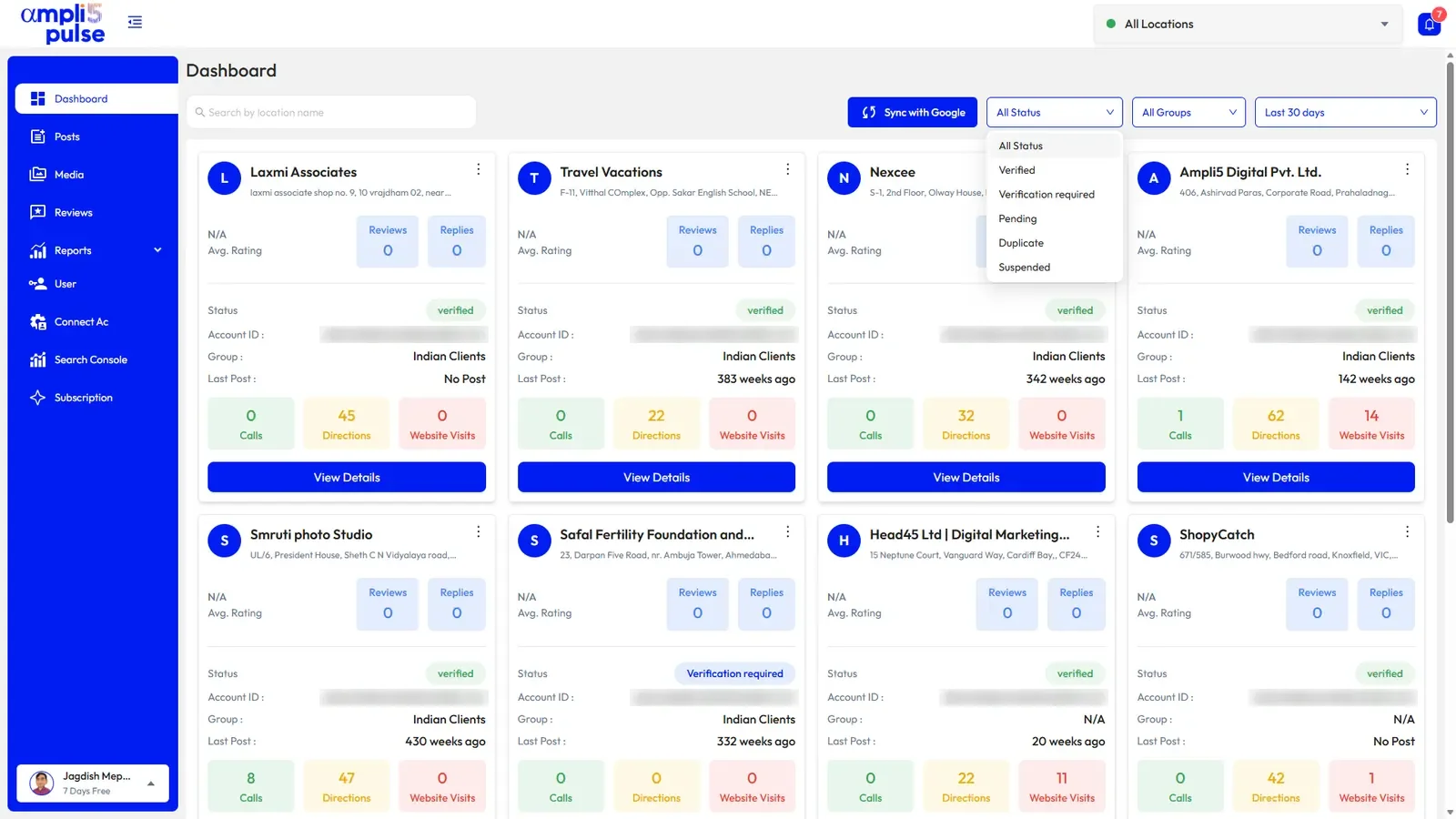
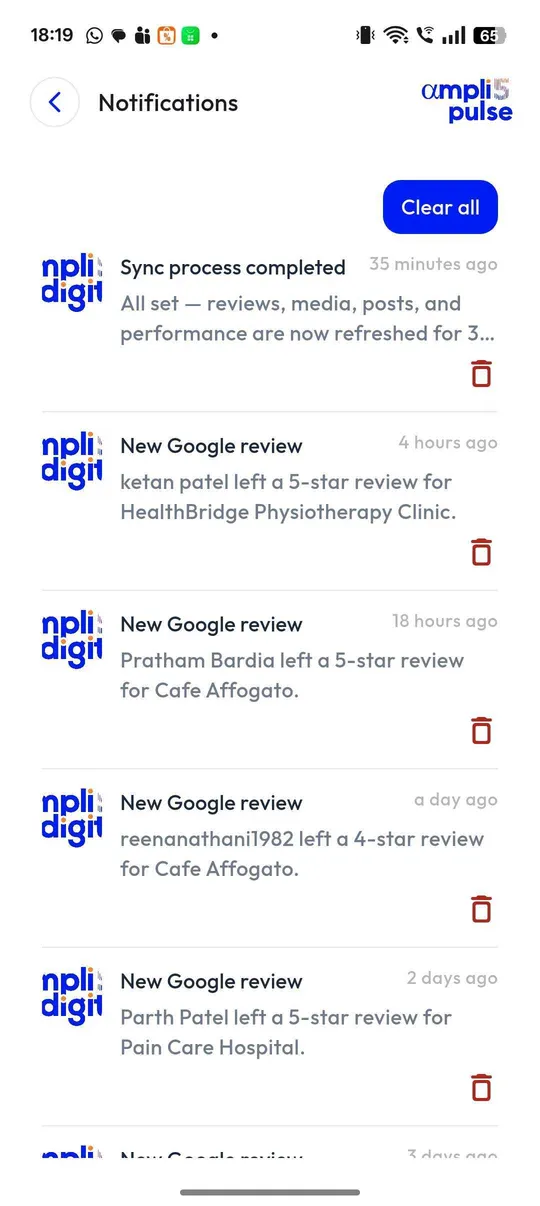
Google Business Profile suspended for suspicious activity
A message that mentions suspicious activity is about behaviour rather than a single field on the profile. Google doesn't publish what it looks for, but these patterns are commonly linked to it:
- Many edits in a short time, especially to the name, address and category together.
- Sign-ins from new devices or countries, or signs that the Google account has been compromised.
- Users added and removed in quick succession, or ownership changing hands after a sale or a staff departure.
- A sudden spike in reviews, or reviews from accounts with no other history.
- A brand-new Google account that starts managing many profiles at once.
Start by securing the account. Change the password, turn on 2-Step Verification, check recent security activity and remove anyone you don't recognise from the profile's people and access settings. Then undo any edit that doesn't reflect reality. In your appeal, explain each recent change in one sentence, such as 'we moved to a new unit on the same road in March' or 'our new marketing manager updated the opening hours'.
How to appeal a suspended Google Business Profile
Work through the checks in order, documenting significant changes when more than one colleague manages the profile.
Read the notice
Open the email and the notice on your profile. Note the exact wording, the date and whether it mentions a guideline or suspicious activity.
Sign in with the right account
Use the Google account that owns the profile. An appeal from an account without access can't be matched to it.
Fix the cause
Correct the name, address, categories or service areas so they match reality and the guidelines. Don't make unrelated changes at the same time.
Gather your evidence
Collect the documents and photos listed below, and check that the name and address on them match the profile exactly.
Open the appeals tool
Choose the suspended profile, start an appeal and follow the prompts. Google may ask you to upload files or record a short video.
Explain briefly and factually
In two or three sentences, say what your business does, where you serve customers and what you've corrected. Leave out complaints about Google.
Submit once and wait
Submit one complete appeal, keep the confirmation email and check the status in the same tool. Avoid editing the profile while it's under review.
GMB reinstatement: what happens next
If the appeal succeeds, you can manage the profile again and, if it was hidden, it reappears on Maps and Search. Reviews, photos and history usually come back with it, though everything can take a little while to show. Google may also ask you to verify the profile again. If the appeal is rejected, the email normally says whether anything further is possible. Read it closely before you try again, because sending the same evidence a second time rarely changes the outcome.
Evidence to prepare before you appeal
Start with the correct Google Account and a clear view of which business or location is involved. Platform interfaces can change, so use Google’s current Help instructions for sensitive account, policy or verification decisions.
- Business registration, such as a Companies House certificate in the UK, or GST, Udyam or Shop and Establishment registration in India
- A recent utility bill, business rates bill, bank statement or lease showing the business name and address
- A trade or professional licence if your sector is regulated, such as healthcare, legal, financial services or locksmiths
- Photos of permanent exterior signage, taken from the street so the building number or neighbouring shops are visible
- Photos inside the premises: reception, counter, work area or equipment that matches your category
- For service-area businesses: branded vehicles, tools, job records and proof of where you're based
- Your website, showing the same name, phone number and address as the profile
- A short video if Google asks for one, moving from the street to your entrance and inside, and showing something only staff can do, such as unlocking the door or opening the till
What not to do while your profile is suspended
- Don't create a new profile for the same business. It's a duplicate, and both may end up suspended.
- Don't delete the suspended profile. You'd lose the history you're trying to get back, and it won't clear the problem.
- Don't submit several appeals at once or resubmit identical evidence. One complete appeal beats five weak ones.
- Don't keep editing the profile while Google reviews it. Make the fixes, then leave it alone.
- Don't move the profile to another account to get round the suspension.
- Don't edit or invent documents. Altered paperwork is easy to spot and ends any chance of reinstatement.
- Don't pay anyone who says they work for Google or can guarantee reinstatement. Google doesn't charge for appeals, and nobody outside Google can promise the result.
If you're unsure whether something is allowed, our Google My Business support guide explains where to ask Google directly and how to spot scam callers. After reinstatement, a Google Business Profile audit helps you catch other risky details before they cause trouble.
Get expert help when your Google Business Profile is suspended
Reinstatement mostly comes down to diagnosing the cause correctly and presenting the evidence well. If you'd rather not handle it alone, or a first appeal has already failed, the Ampli5 team can help.
Talk to the team about your case, or start a product walkthrough of Ampli5 Pulse (subject to availability).