Review replies that never confirm who is a patient
 Explore the Platform
 Request a Demo


 In short
- Practices should choose the most specific primary category for each location, add categories only for services offered there, and keep phone numbers and bank holiday hours accurate.
- Reply to reviews without ever confirming the reviewer is a patient or mentioning treatment, and give a direct route such as the practice manager's line.
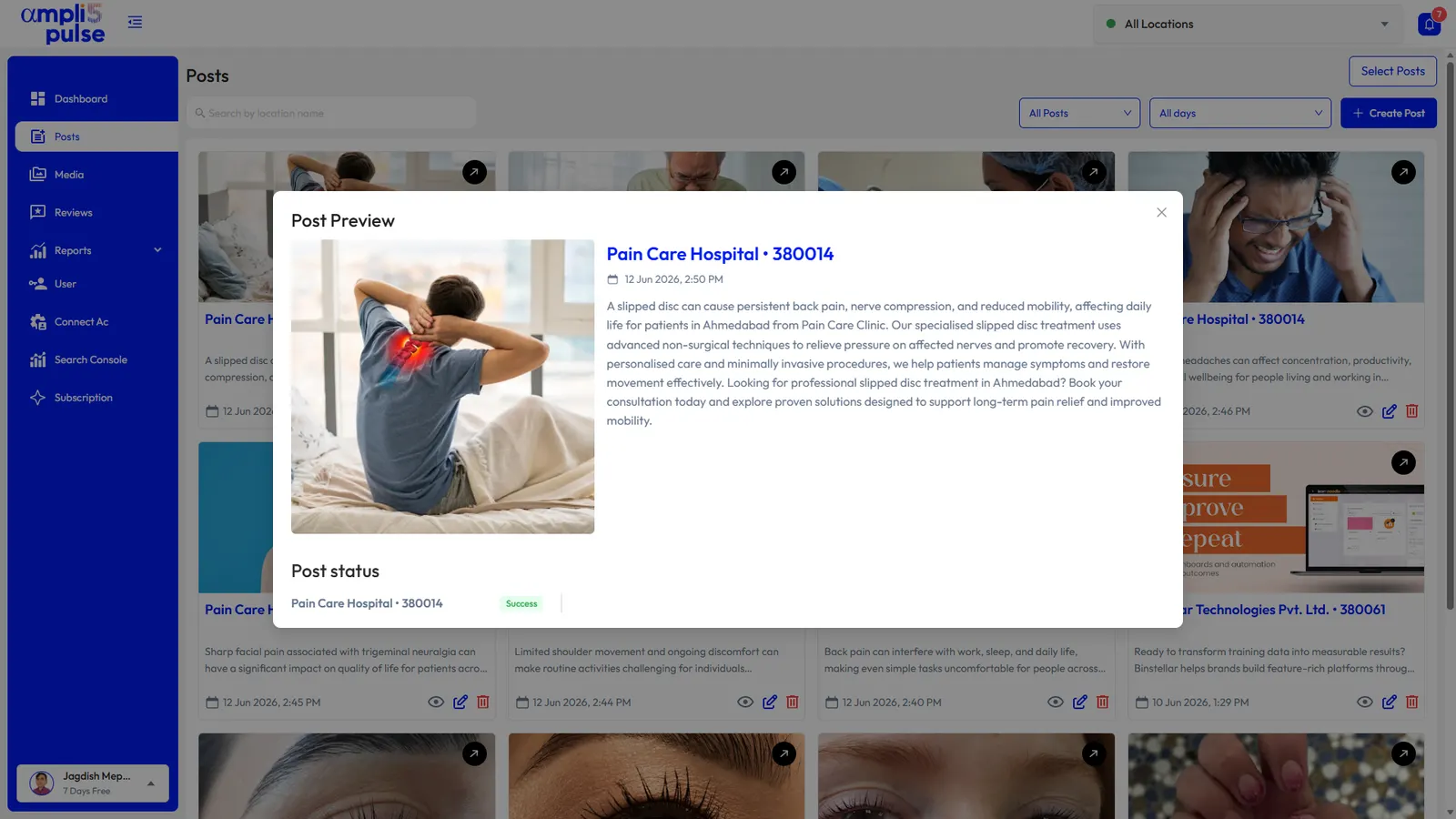
- Keep posts factual, avoid promising results from treatment, follow your profession's advertising rules and never photograph patients without written consent.
Getting your Google Business Profile for healthcare right
When someone searches 'dentist near me', 'physio in Leeds' or 'skin clinic in Bandra', Google shows a map with a handful of practices, their ratings and their opening hours. Google decides which profiles appear mainly on relevance, distance and prominence. You can't move your clinic closer to the person searching, but you can make your profile clearly relevant and more trusted.
In healthcare the profile also does practical work. Patients check whether you are open, whether they need an appointment, whether there is step-free access and which number to ring. A wrong phone number or out-of-date bank holiday hours means a missed appointment and, often, an unhappy review.
Choose categories that match what patients search
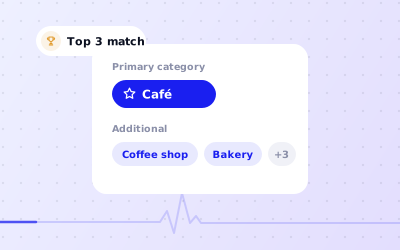
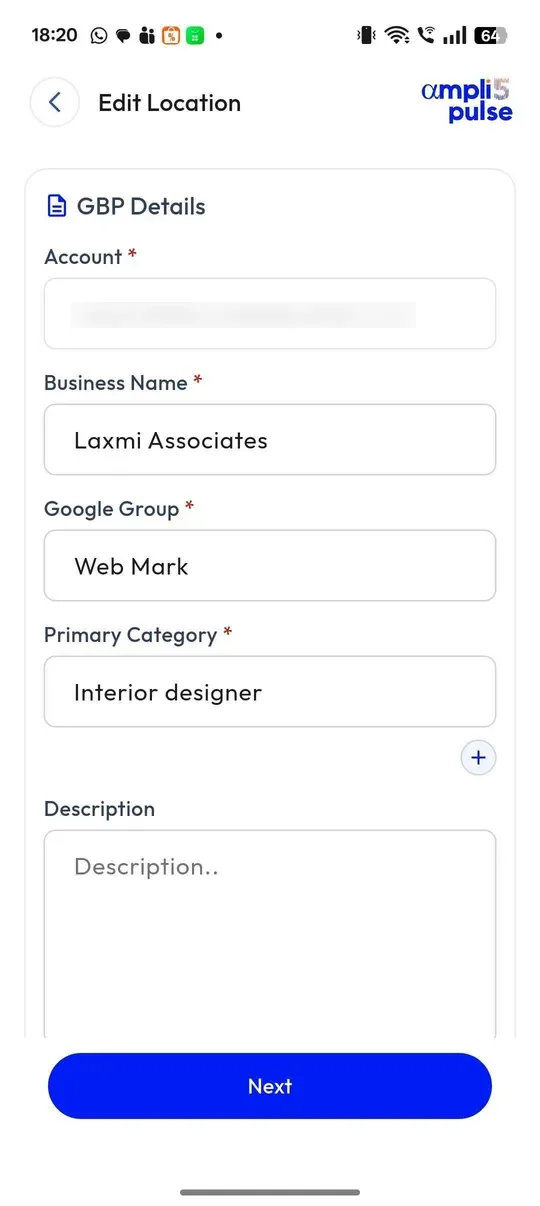
Your primary category carries the most weight, so pick the most specific one that describes the location: 'Dentist' rather than 'Medical clinic', 'Physiotherapist' rather than a general health category. You can then add up to nine additional categories for other services you genuinely offer at that site. Our guide to Google Business Profile categories explains how to choose.
| Type of practice | Possible primary category | Possible additional categories |
|---|---|---|
| General dental practice | Dentist | Cosmetic dentist, Orthodontist, if offered at that site |
| Physiotherapy clinic | Physiotherapist | Osteopath or Chiropractor, if you employ them |
| Dermatology-led skin clinic | Dermatologist | Skin care clinic |
| Multi-specialty clinic | Medical clinic | One for each specialty seen at that location |
| High street opticians | Optician | Optometrist |
Practitioner and department profiles
Google's guidelines allow public-facing practitioners, such as a dentist or consultant with their own patients, to have a profile separate from the practice, named with only the practitioner's name. A solo practitioner working under a brand uses one profile named in the format 'Brand: Practitioner name'. Hospital departments that operate as distinct entities, usually with their own entrance and categories, can have their own profile too. Support staff should not have profiles, and a practitioner shouldn't create several profiles for different specialisms. Read Google's guidelines for representing your business before you create any.
Handling patient reviews safely
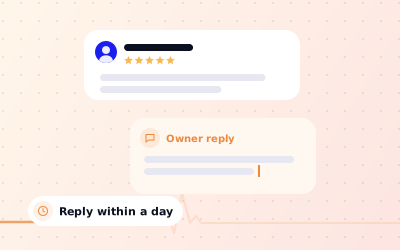
Healthcare reviews are often emotional: relief after a painful tooth was sorted, or frustration at a long wait and a rushed appointment. Replying matters, because future patients read your replies as closely as the reviews. But confidentiality comes first, every time.
- Never confirm that the reviewer is or was a patient, even if they give their full name.
- Don't mention treatments, appointments, results or anything from records.
- Thank them, acknowledge the experience they describe in general terms and give a direct route, such as the practice manager's line.
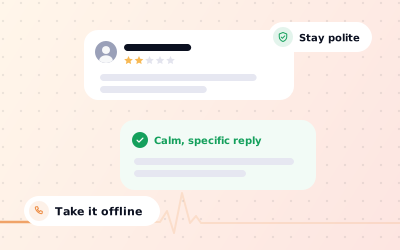
- Keep the tone calm and consistent whether the review has five stars or one.
- Report reviews that break Google's policies, such as abuse or reviews from people who were never at the practice. You can't delete reviews yourself.
Thank you for taking the time to leave a review. We're glad your visit went smoothly and we'll pass your kind words on to the team.
Thank you for your feedback. We're sorry to hear about the wait you describe. We'd like to understand what happened, so please contact our practice manager on the number on this profile.
Thank you for getting in touch. To protect everyone's privacy we can't discuss individual care here, but we would welcome the chance to talk. Please call the practice and ask for the practice manager.
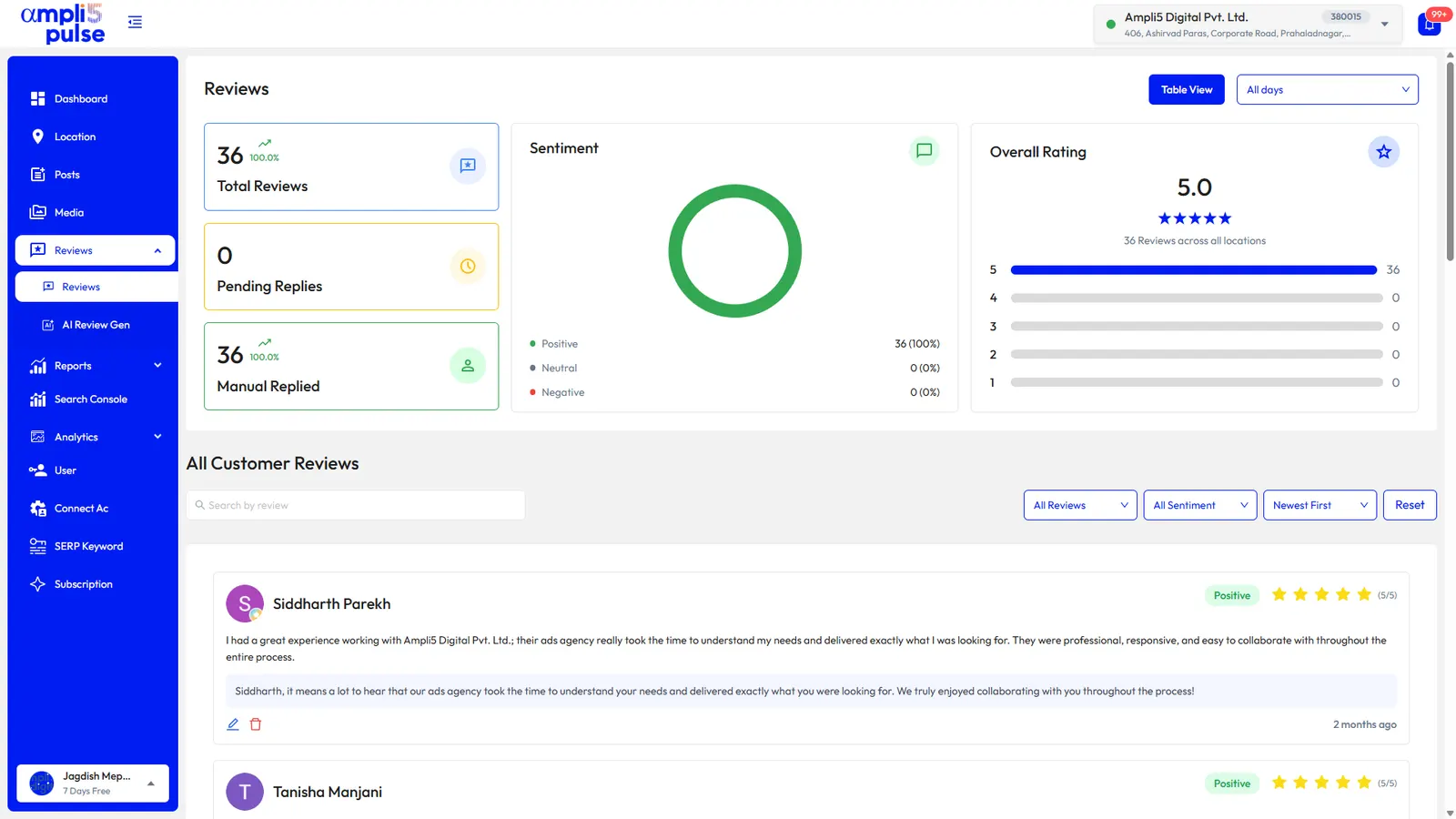
Ampli5 Pulse puts every clinic's reviews into one inbox with sentiment and themes, so a group can see whether complaints cluster around booking, parking or one particular site. For more on wording, read how to respond to Google reviews and our guide to handling negative reviews.
Local SEO for healthcare: what to post and measure
Local SEO for healthcare is mostly steady housekeeping. Profiles that are complete, accurate and active give Google and patients more reasons to choose them. A little time each week does more than a big clean-up once a year.
Posting ideas for clinics
- Bank holiday and Christmas opening hours, posted a week ahead.
- A new service or a new clinician joining, with a team photo.
- Seasonal reminders: flu vaccinations in autumn, hay fever advice in spring, sports injury checks before a local running event.
- Practical guides: what to bring to a first appointment, where to park, how to reach the entrance with a pushchair or wheelchair.
- Events, such as an open evening for a new orthodontic service.
Photos patients look for
Exterior photos help patients find the right door. Reception and treatment rooms reassure nervous patients, and team photos put faces to names. Never photograph patients without written consent. Ampli5 Pulse keeps a photo library for every location, sorted by type: cover, logo, interior, exterior and team.
What to measure
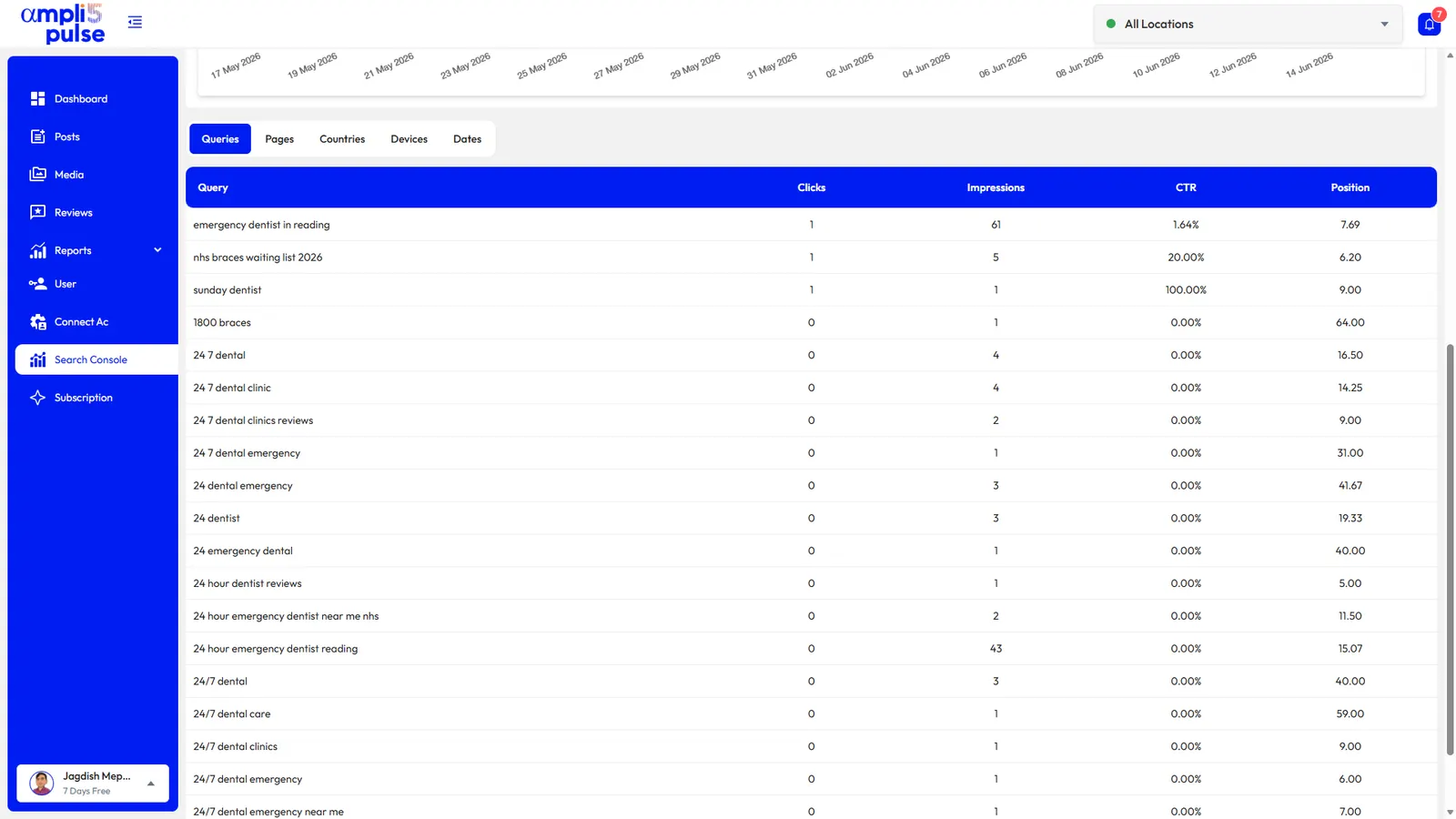
The Performance report in Ampli5 Pulse shows calls, direction requests, website clicks and bookings for each clinic, plus the searches that found it, such as 'emergency dentist' or 'physio near me'. Rankings show where each clinic appears in Google Search, the Maps local pack and AI Overviews for the terms you choose, next to nearby competitors. Search Console shows which queries bring patients to your website.
Running profiles for dental groups and clinic chains
A group of dental practices, a physiotherapy chain or a hospital with several departments has the same jobs, multiplied. Hours change at different sites, reviews arrive at all hours and head office needs one clear picture.
Group your locations
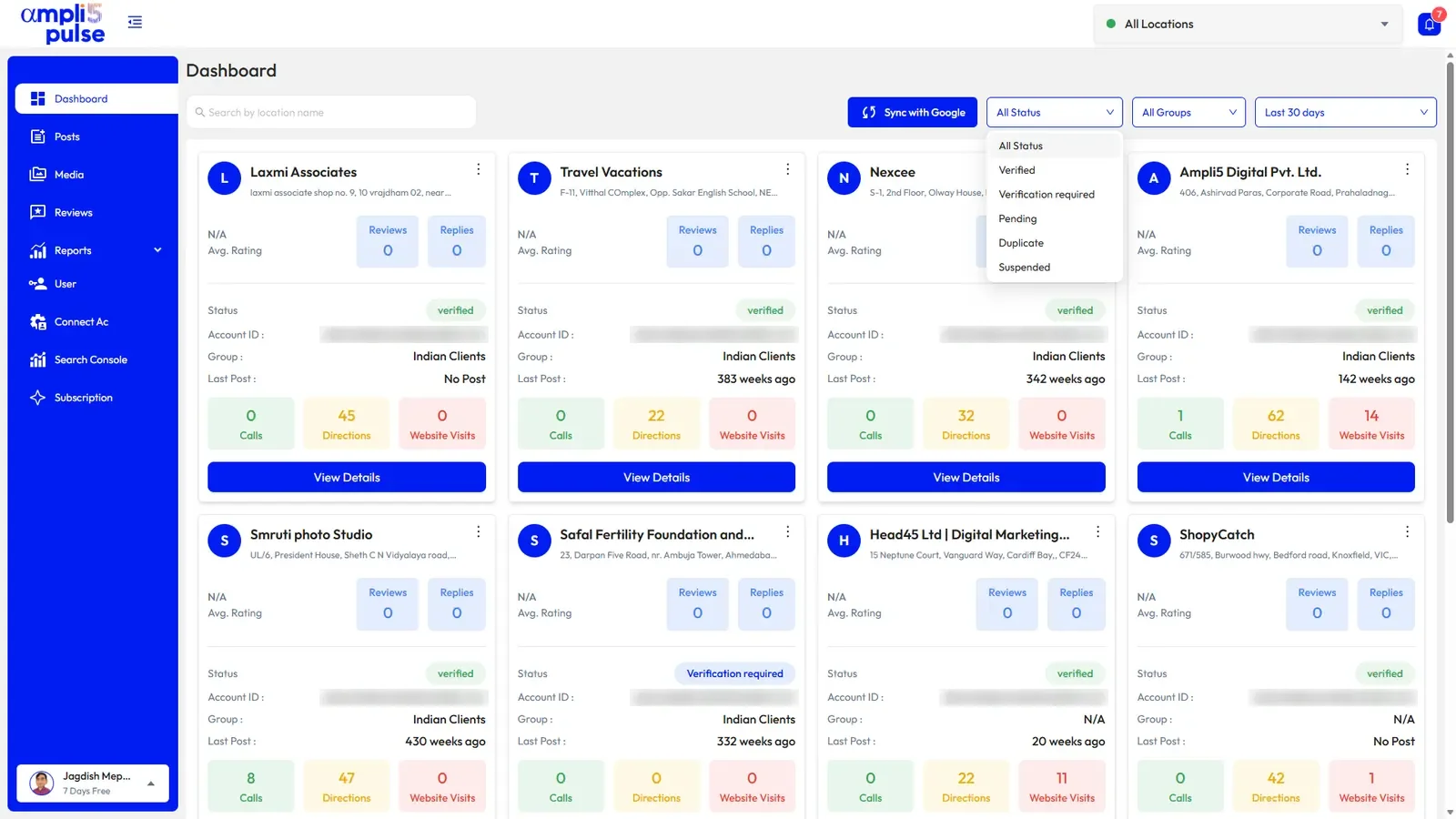
Put practices into location groups by region or brand, so each area manager sees only their sites.
Edit in bulk
Change bank holiday hours or a booking website for every practice at once, then sync to Google.
Compare sites
Use side-by-side comparison and the colour-coded performance table to spot the practice with falling calls or more negative reviews.
Report upwards
Schedule a monthly comparison report for partners, with network totals and needs-attention alerts.