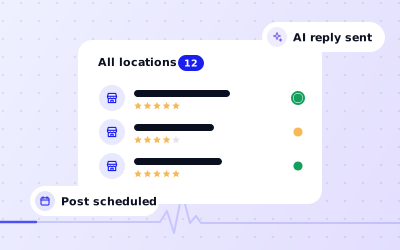
Every location's status on one screen
 Explore the Platform
 Request a Demo


 In short
- Multi-location brands should give every site its own complete, verified profile, keep ownership with the brand and standardise the name, categories, descriptions and photos.
- Find and merge or remove duplicate profiles, mark closed sites as permanently closed, and link each location to its own store-locator page, not the homepage.
- In Ampli5 Pulse, every location's reviews arrive in one inbox, with AI auto-replies for routine reviews and AI drafts for negative ones that a manager edits first.
What changes when you manage many locations
One location is a profile. Fifty locations are a system, and the problems are different. The work isn't harder for any single store, but it's easy to lose track of which store is wrong, who is supposed to fix it and whether it was fixed.
- Consistency: brand name, categories, descriptions, photos and offers drift apart as local teams make their own changes.
- Accuracy: a public holiday, a refit or a new phone system touches dozens of profiles at once.
- Response: reviews arrive at every site, every day. Without one inbox, replies depend on which manager has time.
- Ownership: franchisees, former agencies and ex-employees often hold access to profiles the brand doesn't control.
- Visibility: head office usually knows how the flagship is doing and guesses about the rest.
- Status: suspensions, duplicates and verification requests can sit unnoticed for months at a quiet location.
Local ranking still works location by location. Google weighs relevance, distance and prominence for each profile, so every site needs its own complete, verified profile with its own reviews. Multi-location local SEO is about getting the basics right at every site, then repeating them reliably as the network grows.
Setting up multi-location Google Business Profile management
Take control of ownership
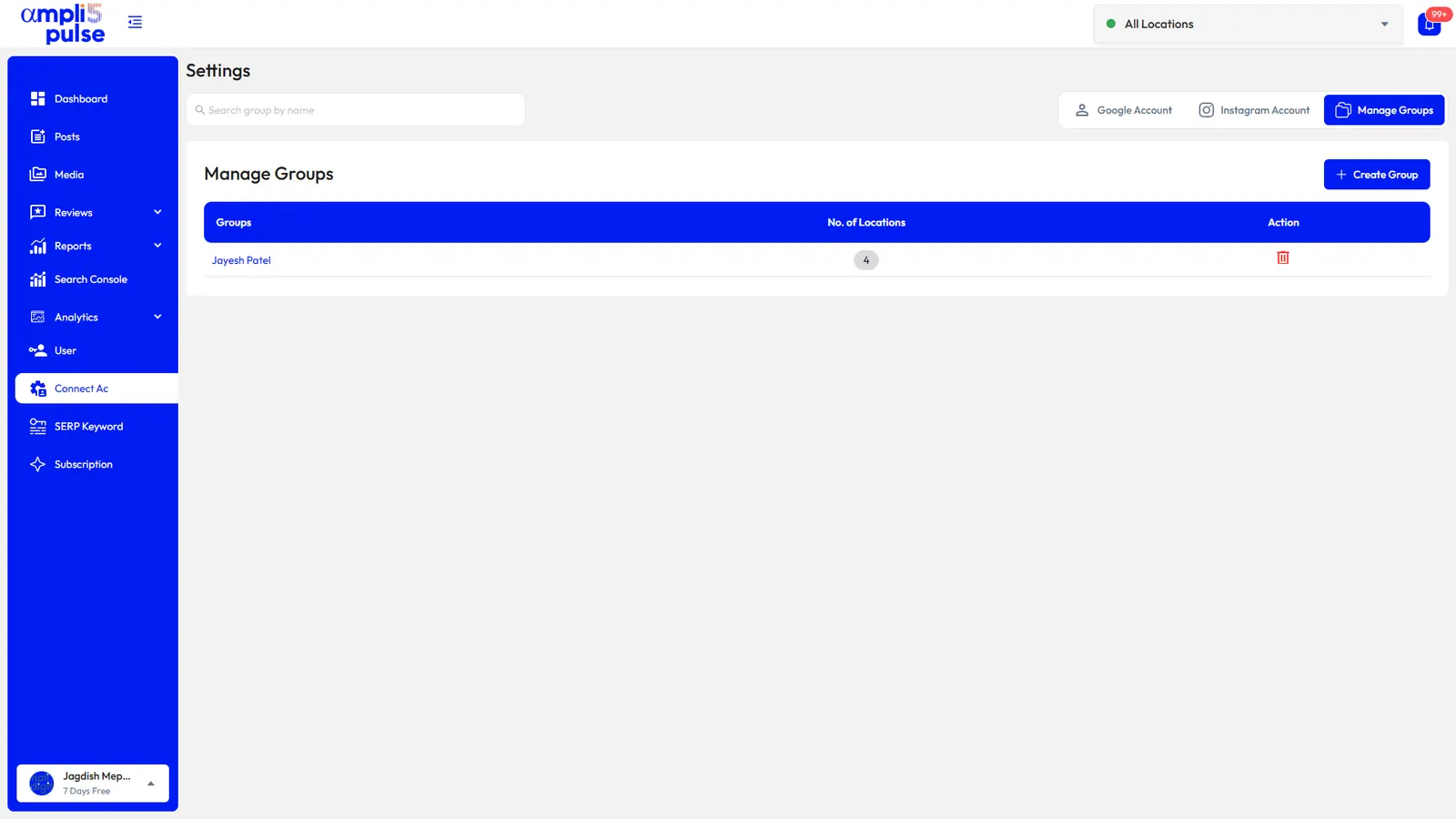
Make sure the brand owns every profile, ideally within a business group in Google's Business Profile Manager, with franchisees, agencies and staff added as managers. Request access to profiles you don't control. Our guide to transferring ownership explains the steps.
Verify at scale
Brands with ten or more locations can usually request bulk verification from Google rather than verifying each location separately. Check the current eligibility rules in Google's help centre before you apply.
Standardise the basics
Use the same brand name everywhere, without location keywords added. Agree the primary category for each format, a description template with room for local detail and a photo standard: logo, cover, exterior, interior and team.
Clean up duplicates and closures
Find duplicate profiles and merge or remove them, and mark closed sites as permanently closed rather than leaving them live. See merging Google Business Profiles.
Link each profile to its own page
Point every location to its own store-locator page with its address, hours and local information, not to the homepage.
Running the network week to week
Once the basics are in place, the job becomes a routine. Here's a typical way for head office, regional managers and stores to split it in Ampli5 Pulse.
| Task | Head office | Regional manager | Store or franchisee |
|---|---|---|---|
| Brand campaigns and offers | Writes and publishes to all locations or a group | Adds regional events | Shares local news if permitted |
| Holiday hours | Bulk edit for national holidays | Checks regional holidays | Flags local closures |
| Reviews | Sets the brand voice and AI reply rules | Replies to or escalates complaints in the region | Replies within its permissions |
| Photos | Supplies brand images | Checks standards | Uploads interior, team and product photos |
| Performance | Network totals and monthly reports | Compares stores in the region | Watches its own calls and directions |
| Status problems | Handles suspensions and ownership issues | Acts on needs-attention alerts | Provides evidence such as signage photos |
Reviews across many locations
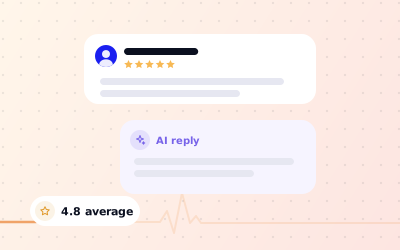
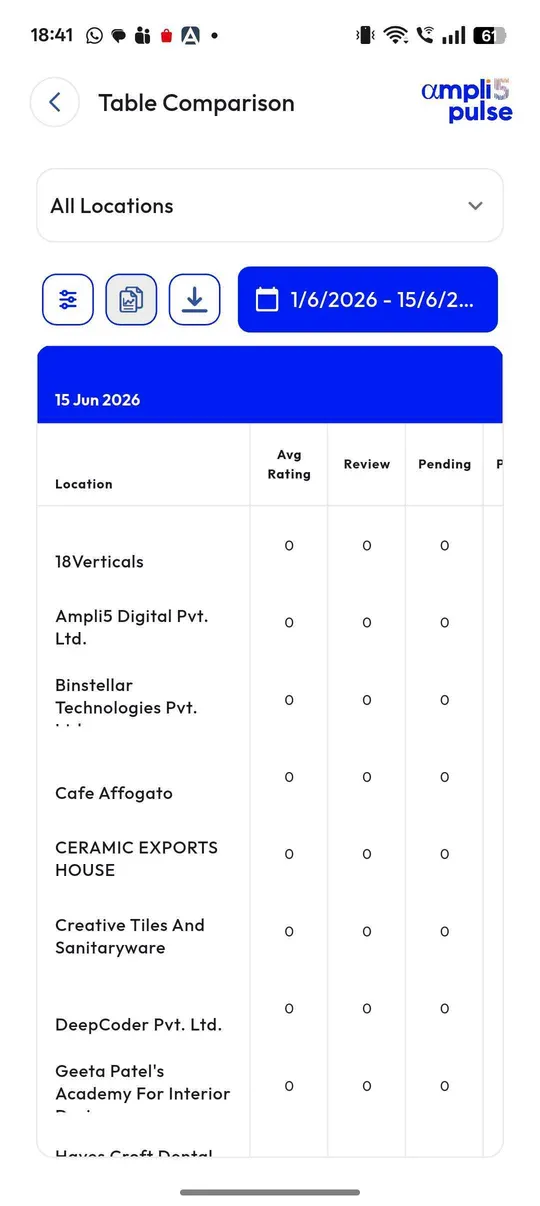
Reviews are where networks most often lose consistency. In Ampli5 Pulse, every review from every location arrives in one inbox with instant alerts. You can let AI auto-reply in your brand's voice to routine reviews and keep AI drafts for anything negative, so a regional manager edits before it's published. Compare ratings, review volume and pending replies across locations to see which sites need help. Our Google reviews management page explains the review tools in more detail.
Posts at network scale
Write a campaign once, publish it to every location or a chosen group with a live preview, and schedule the next few weeks ahead. Keep a share of posts local, such as a store's charity day or a new manager, so profiles don't all read the same. Instagram auto-post can share the same posts to Instagram.
Network reporting for leadership and franchisees
Head office needs to show what Google brings in across the network, and franchisees want to see their own numbers. Ampli5 Pulse covers calls, direction requests, website clicks, bookings and the searches that found each location, with Google Analytics and Search Console data alongside.
- Network totals for calls, directions, clicks and reviews, with date comparisons.
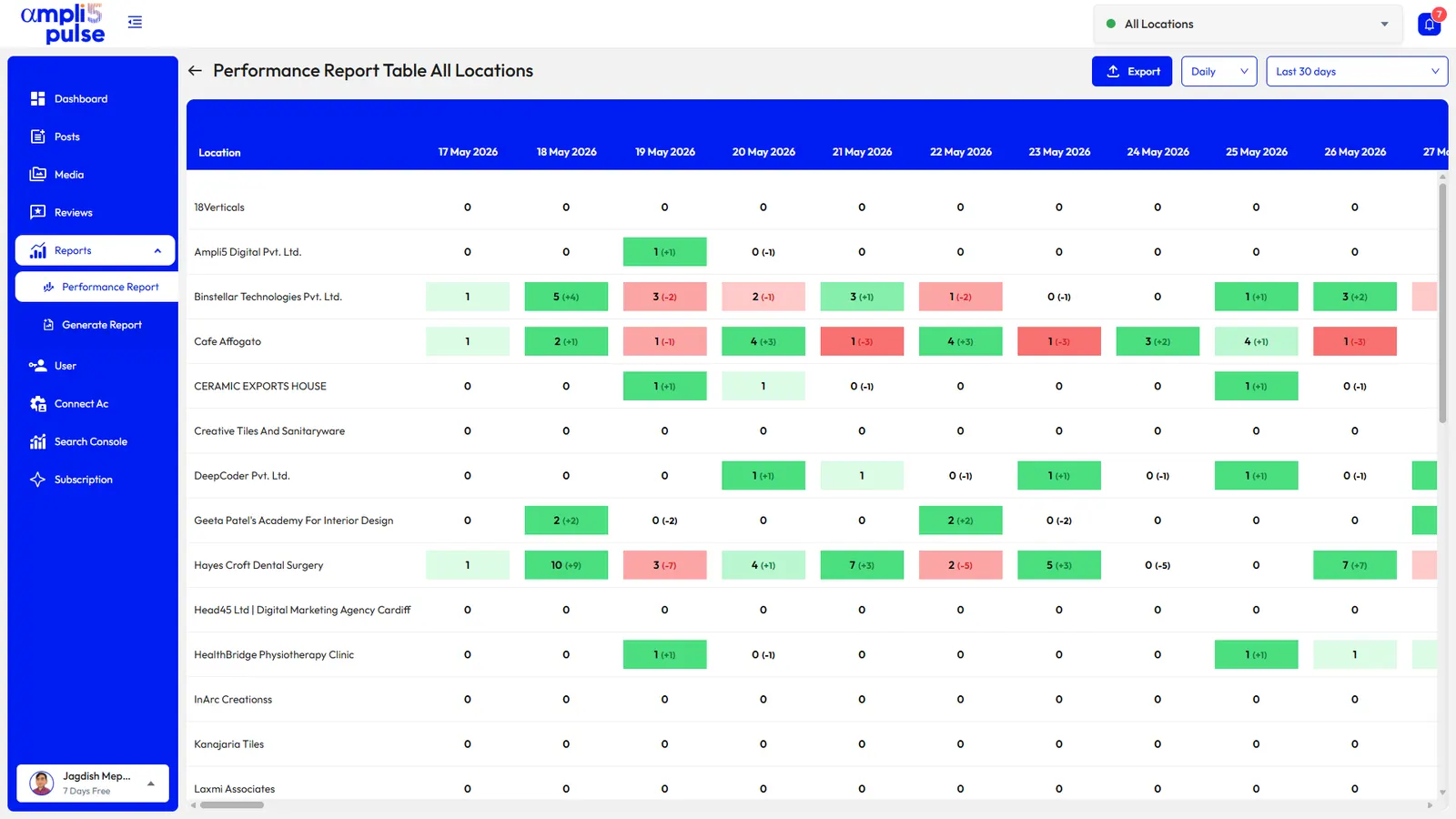
- Colour-coded tables that set locations side by side, so the strongest and weakest performers are obvious.
- Rank tracking for important searches in Google Search, the Maps local pack and AI Overviews, with rank history and competitor comparison.
- Scheduled reports, one-off, weekly or monthly, emailed to leadership, regional managers or franchisees.
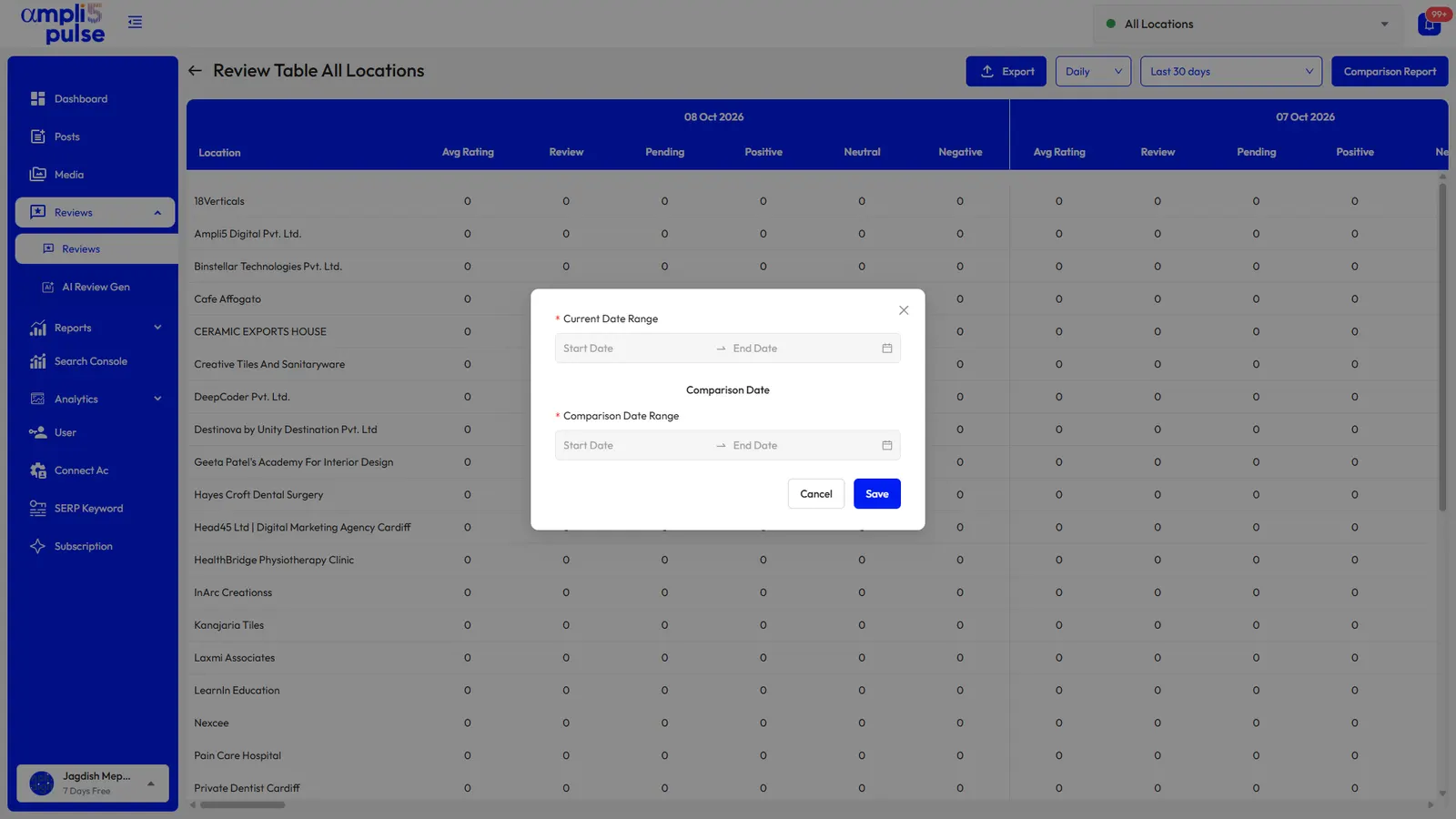
- Comparison reports for two periods, such as this quarter against the last.
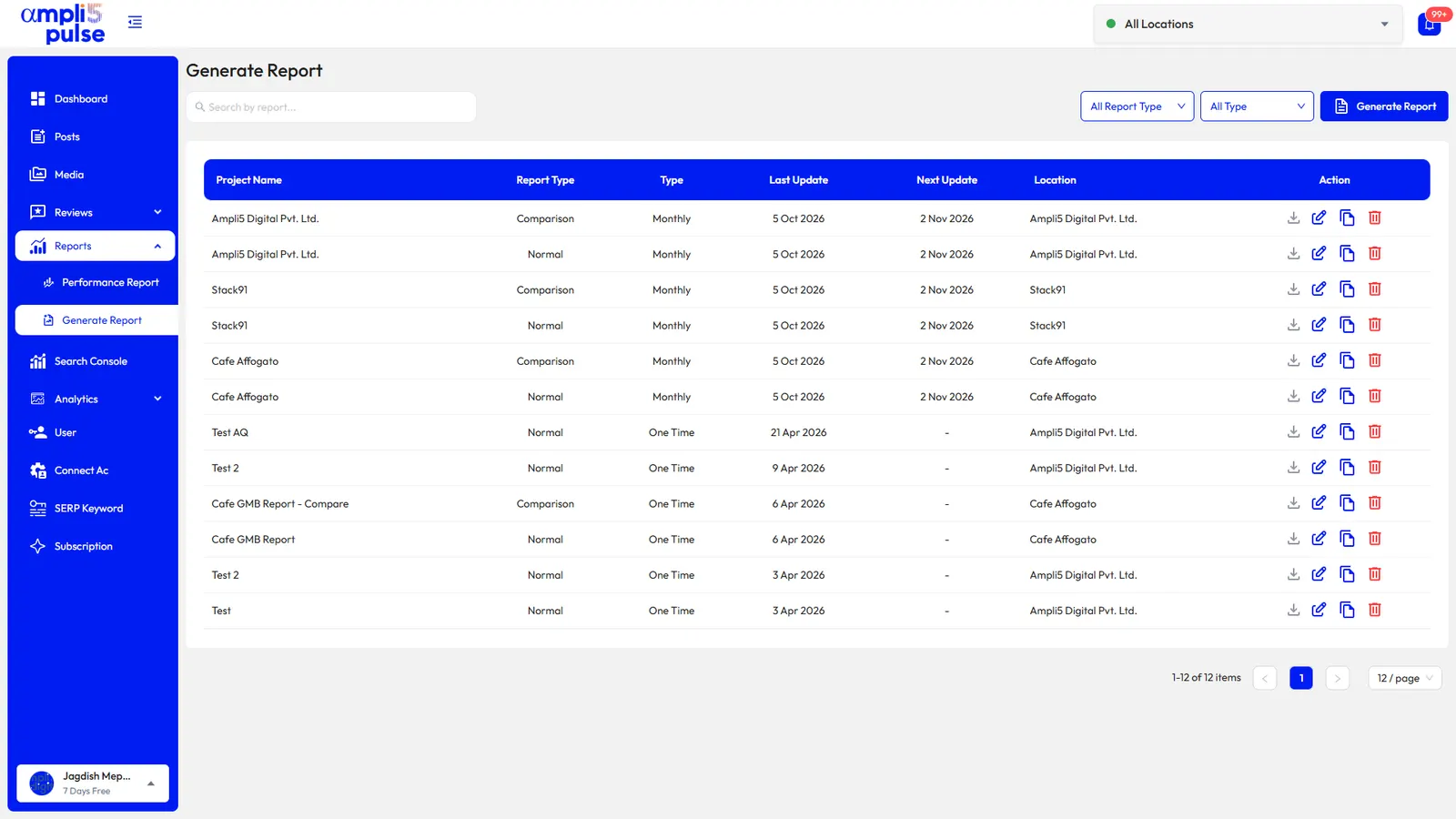
Agencies managing franchise networks can send the same reports under their own brand; see white-label reporting. To see the network tools with your own locations, Request a Demo.