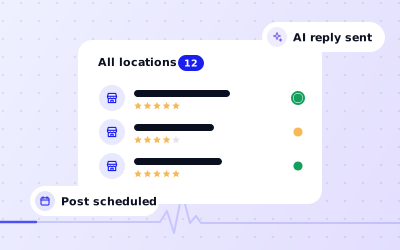
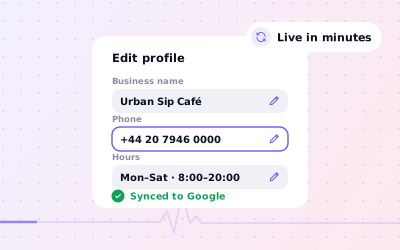
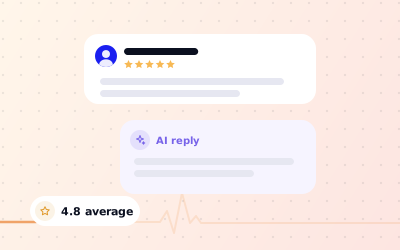
iPhone, Android and web, always in sync
 Explore the Platform
 Request a Demo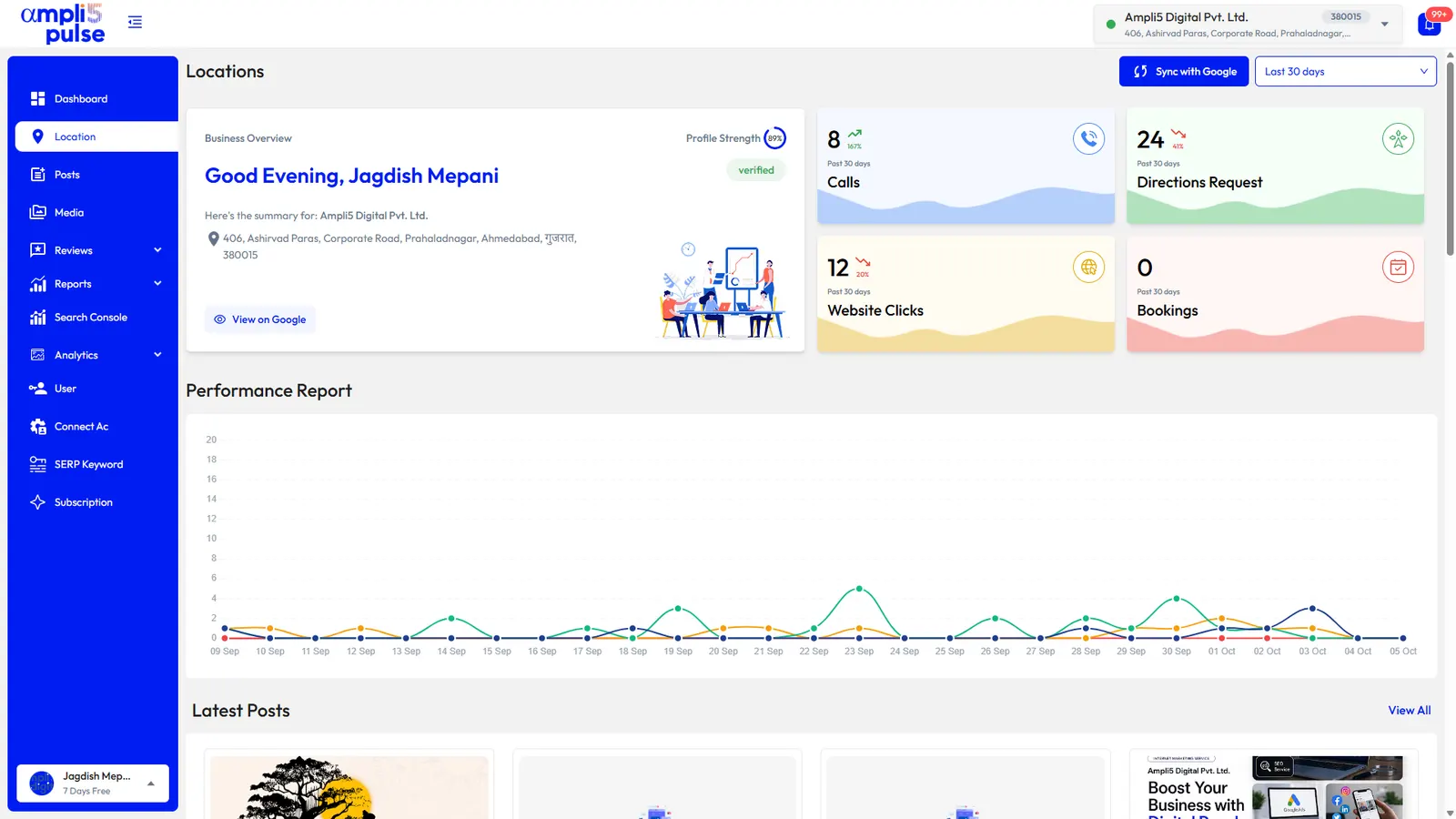


 In short
- Google withdrew the Google My Business app and moved its features into Google Search and the Maps app, plus Business Profile Manager for many locations.
- Lookalike apps with similar names and logos exist, so check who the developer is and never type your Google password into a third-party app.
- Ampli5 Pulse is an independent app, not made by Google, that connects to your profiles through your own Google sign-in on iPhone, Android and the web.
What happened to the Google My Business app?
Start with the correct Google Account and a clear view of which business or location is involved. Platform interfaces can change, so use Google’s current Helpinstructions for sensitive account, policy or verification decisions.
Google didn't take the features away. It moved them. Owners with one or a few profiles now manage them directly in Google Search and the Google Maps app, while businesses with many locations, and agencies, use Business Profile Manager on the web at business.google.com. What disappeared was the single, dedicated Google business application: there is no official Google My Business app to download from the App Store or Google Play today.
How to manage your Google Business Profile on your phone today
You don't need anything beyond the apps already on your phone to make basic changes. Sign in with the Google account that owns or manages the profile, then use either route below. Google moves these menus from time to time, so the exact labels may differ slightly on your device.
In the Google Maps app
Open Google Maps
Check you're signed in with the account that manages your business.
Find your Business Profile
Tap your profile picture and look for your Business Profile in the menu. If you manage several, choose the one you want.
Choose what to do
Use the options on your profile to edit details, add photos, read and reply to reviews, or add an update, offer or event.
In Google Search
Search for your business
In the Google app or your phone's browser, search for your business name, or for “my business”, while signed in.
Open the owner view
Your profile appears with owner controls, such as editing the profile, reading reviews and adding an update.
Make your change
Edit, save and check the result. Changes to your business name, address or category can send the profile for review or ask you to verify again.
| Task | Where to find it | What to watch |
|---|---|---|
| Change hours or holiday hours | Your profile's edit options, then hours | Set holiday hours a few days before the date, not on the day |
| Reply to reviews | The reviews section of your profile | Replies are public and show your business name |
| Add a post | Add update, offer or event | Add a photo; post images work best at 1200 × 900 px |
| Add photos | The photos section of your profile | JPG or PNG between 10 KB and 5 MB |
| Give someone access | Your profile's settings, under people and access | Only owners can add or remove people |
This works well for one profile and small jobs. It gets harder when you run several locations, share the work with staff, or want to see how each location performs week to week, which is where a dedicated app earns its place. If you haven't set up a profile yet, start with how to create a Google Business Profile, then verify your business.
Is there a Google Business app for iPhone and Android?
Not from Google. Searches such as “Google My Business app download”, “Google My Business app for iPhone” or “Google My Business app Play Store” all lead to the same answer: the official app was withdrawn, and Google now points owners to Maps, Search and Business Profile Manager.
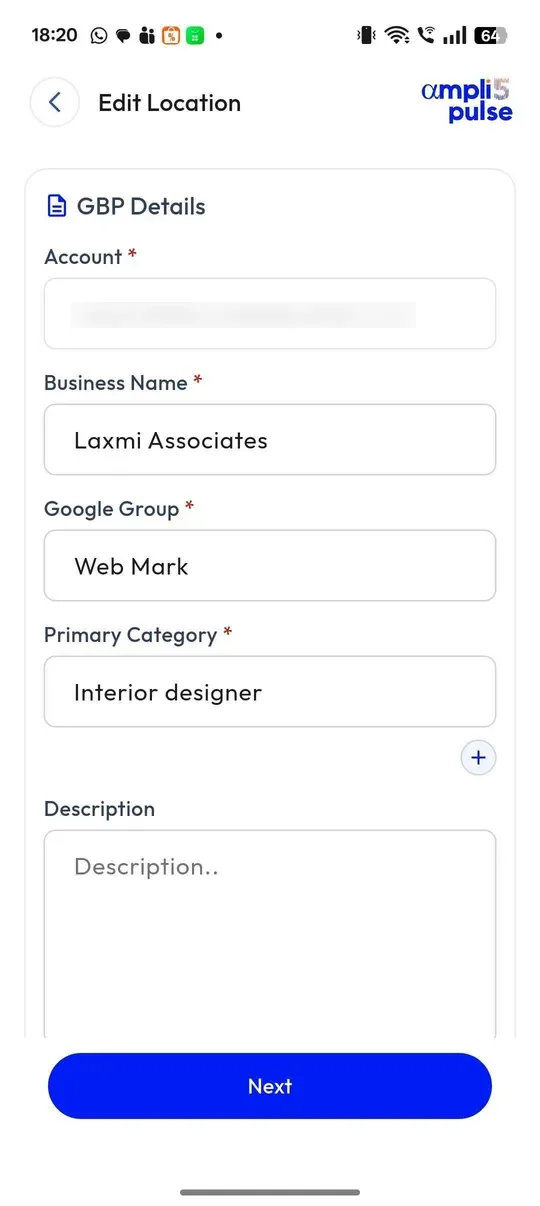
If you want a dedicated app for Google Business Profile on your phone, Ampli5 Pulse is an independent option that fills the gap. It isn't made by Google. It connects to your profiles through your own Google sign-in and runs on three platforms that share one account:
- iPhone (iOS): reviews, posts, photos, profile edits and performance for every location.
- Android: the same features on Android phones.
- Web: the browser dashboard at app.ampli5pulse.com, with nothing to install, for bigger jobs such as reports and bulk edits.
To get started, sign up at app.ampli5pulse.com for a product walkthrough (subject to availability). Then search for Ampli5 Pulse in the App Store or Google Play and sign in with the same account. After the trial, plans are priced per location; see pricing for the current plans.
Why a dedicated Google Business Profile app helps
Google's built-in tools treat each profile on its own. A dedicated app pays off once the work no longer fits into a few taps in Maps.
You run more than one location
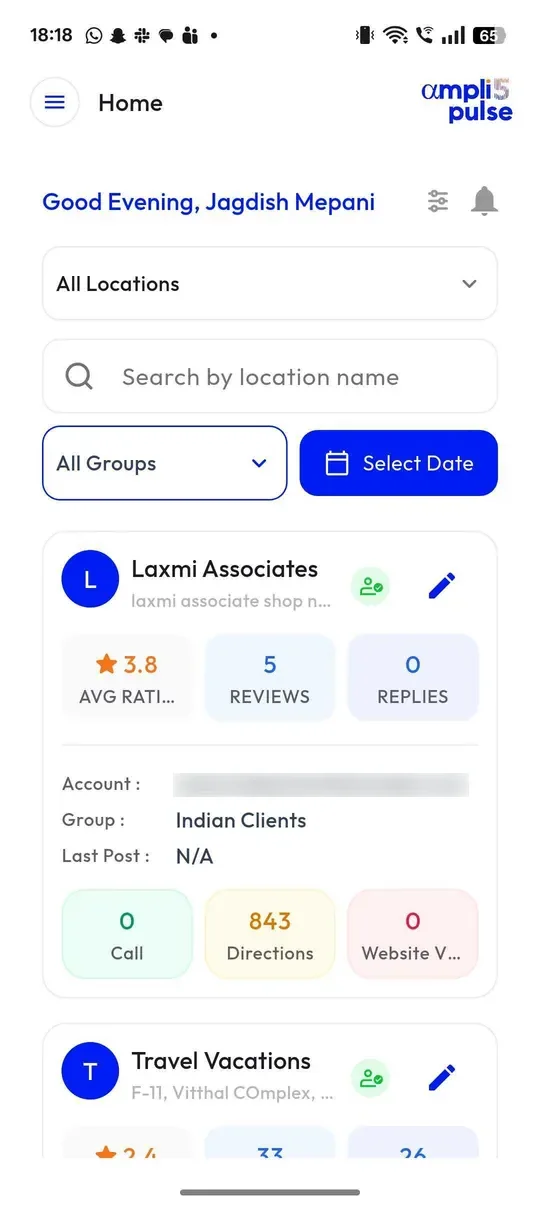
Ampli5 Pulse shows every location on one screen with its rating, review count, replies, verification status, calls and directions, and flags the ones that need attention, such as a low rating or no recent activity. You can group locations by region or brand and make the same change, such as holiday hours, across many of them at once. Read more about Google Business Profile management.
Reviews arrive faster than you can check
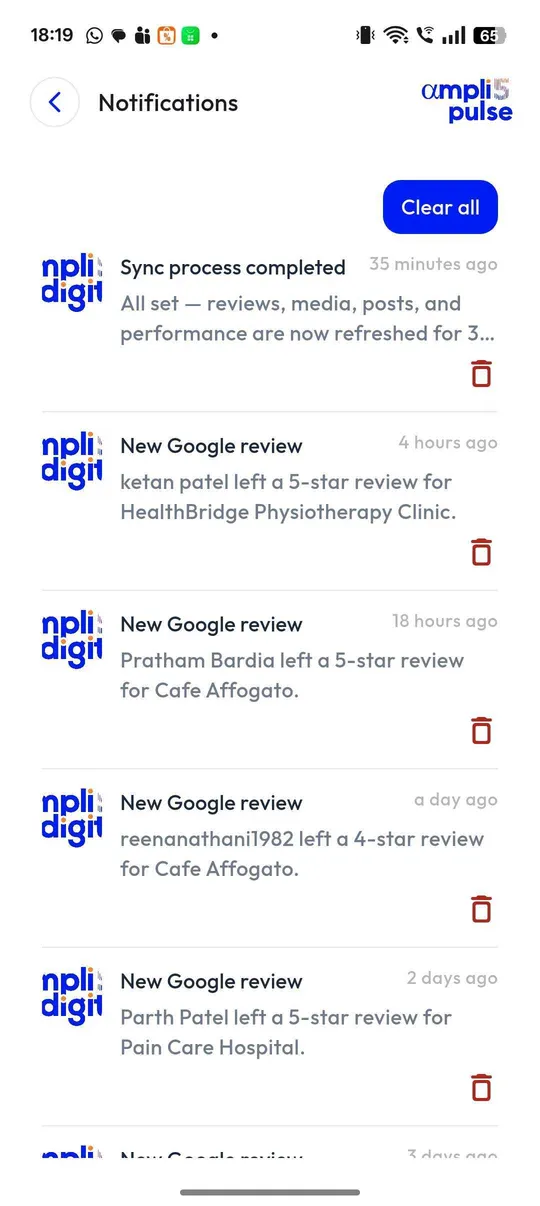
Instead of opening each profile, every review from every location lands in one inbox, with an alert on your phone. Turn on AI auto-reply in your brand's voice, or let AI draft a reply that you edit before it goes live. Our guide on how to respond to Google reviews covers what a good reply says.
You want posts going out regularly
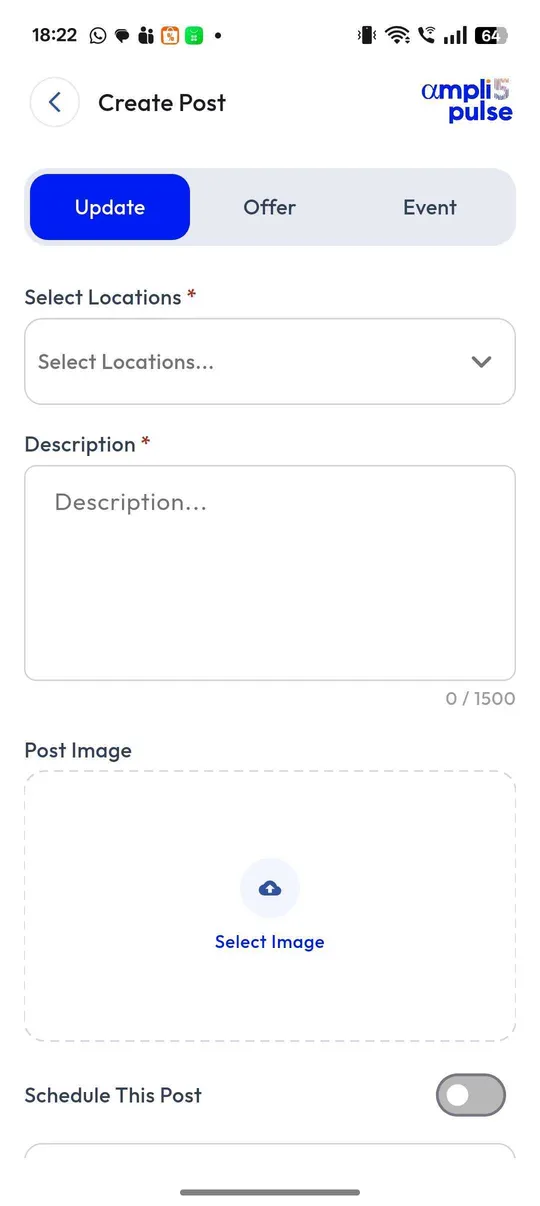
Write a Google post once, preview it and publish it to one location or all of them, now or on a schedule. New Instagram posts can go to your Google profiles automatically. See Google Business Profile posts for ideas and examples.
You need to show results
Calls, direction requests, website clicks and bookings sit next to Google Search Console, Google Analytics and your Google Maps rankings. Reports can be emailed to owners, franchisees or clients every week or month.
What to check before you download any Google business app
Start with the correct Google Account and a clear view of which business or location is involved. Platform interfaces can change, so use Google’s current Help instructions for sensitive account, policy or verification decisions.
- The developer is named clearly and the app doesn't pretend to be made by Google.
- You connect through Google's own sign-in screen, never by handing over your password.
- You stay the owner of your profile, and you can remove the app's access from your Google Account at any time.
- It covers every location you run, not just one.
- Staff can be given limited access, for example reviews only for their own store.
- Review tools never filter out unhappy customers. Asking only happy customers is review gating, which Google prohibits.
- You can request a demo and see it working with your own profiles before you pay.
Before you give anyone access, read how to add a user to your Google Business Profile, so you know the difference between owners and managers.