Photos from the chair, uploaded from your phone
 Explore the Platform
 Request a Demo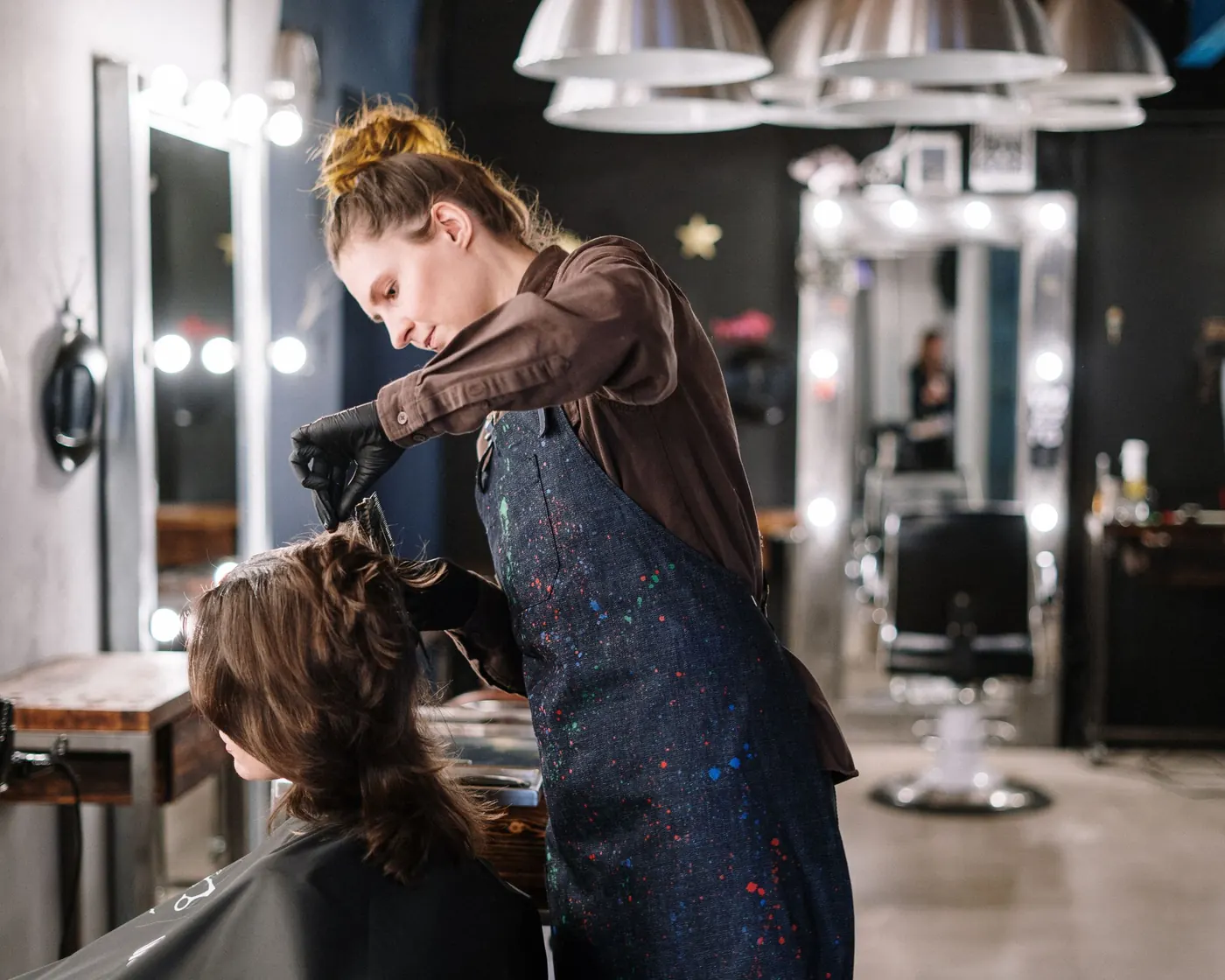


 In short
- Salons and spas should pick a primary category for most of their business, add only categories they genuinely offer, and list every treatment in the services section.
- Upload recent, well-lit photos of your own work every week, never stock images, and get client consent before posting faces or before-and-after shots.
- Reply to praise and complaints alike, take allergic reactions or skin problems offline straight away, and never offer discounts or free treatments in return for reviews.
Setting up a Google Business Profile for salons and spas
Beauty searches are specific. Clients rarely search for 'beauty'; they search for 'balayage near me', 'gel nails in Andheri', 'barber open Sunday' or 'deep tissue massage Leeds'. Google matches those searches to profiles mainly on relevance, distance and prominence, so your profile needs to show clearly that you offer exactly that treatment.
Categories
Choose the primary category that describes most of your business, such as Hair salon, Nail salon, Barber shop, Beauty salon, Day spa or Massage therapist. Then add up to nine additional categories for the other things you genuinely offer at that location, such as Eyelash salon or Waxing hair removal service. Names vary by country, so pick from the list Google shows. Our guide to Google Business Profile categories explains the trade-offs.
Services and prices
List each treatment in the services section of your profile on Google, with a short description and a price where it helps. A clear treatment list gives Google more to match against and saves clients a phone call to ask what you do.
Booking button
If your booking software works with Google, a booking button can appear on your profile so clients book without leaving Maps. Otherwise, use your online booking page as your website link. The Ampli5 Pulse performance report shows bookings made through your profile alongside calls, direction requests and website clicks.
| Business | Searches clients make | Details to get right |
|---|---|---|
| Hair salon | balayage near me, hair salon open late | Late opening hours, colour services, photos of recent work |
| Barbers | barber near me, skin fade, walk-in barber | Walk-in or appointment only, Sunday hours, haircut photos |
| Nail and brow studio | gel nails near me, brow lamination | Treatment list with prices, close-up photos, booking link |
| Day spa | day spa, couples massage, spa gift voucher | Treatment menu, treatment room photos, accessibility details |
| Wellness centre | ayurvedic massage, reflexology near me | Qualifications in the description, calm interior photos |
Photos and posts that bring beauty clients in
In beauty, the photo is the proof. A client choosing between two nail studios will look at the nails, and a client choosing a barber will look at the fades. A gallery of recent, well-lit work does more than any description.
- Get the client's consent before posting their face or any before-and-after photos, and keep a record of it.
- Shoot in good, even light against a clean background.
- Show the salon as well as the results: the entrance, the chairs, the treatment rooms and the team.
- Use real photos of your own work, never stock images or other salons' pictures.
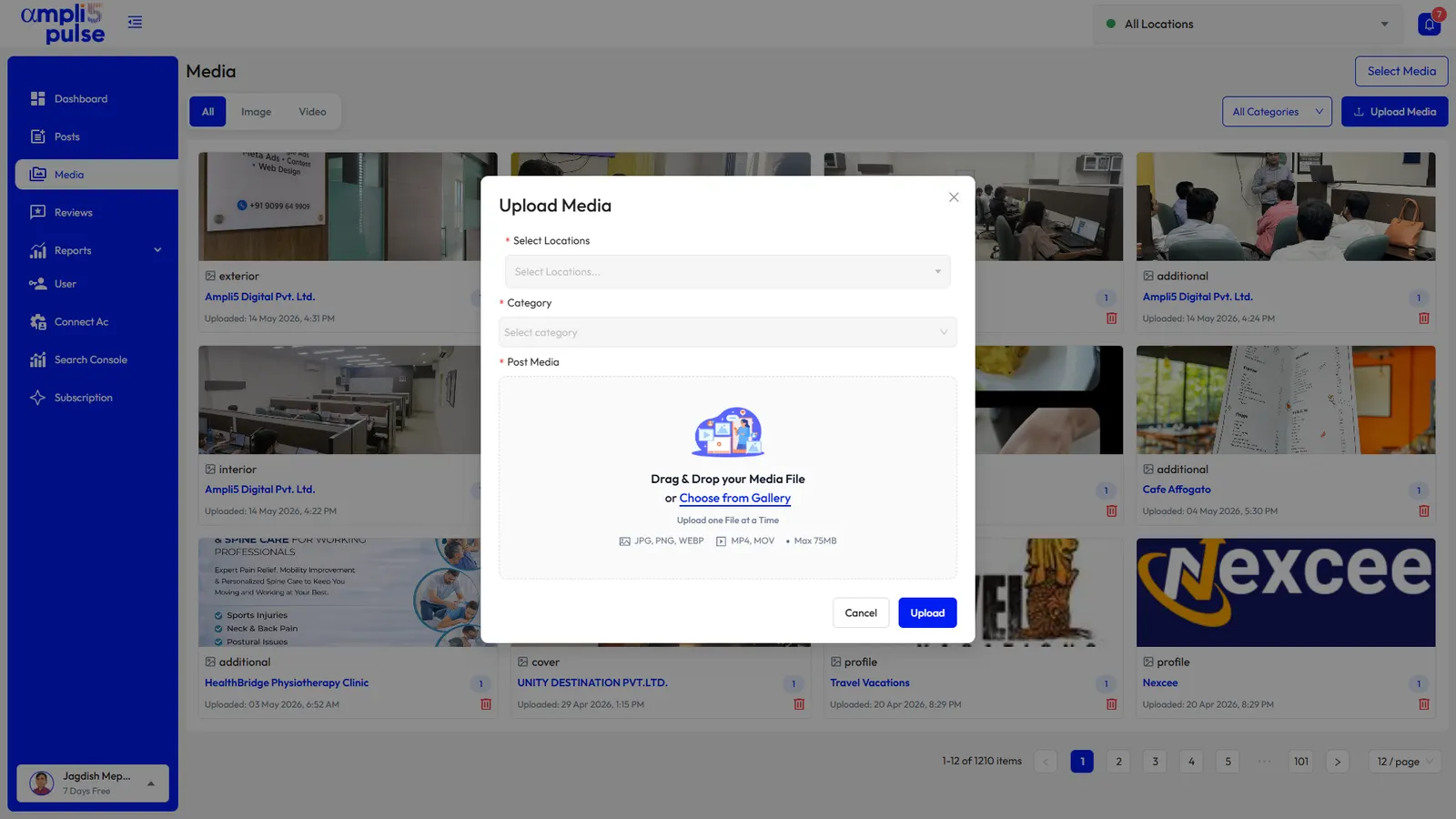
- Add new photos every week so the gallery reflects current styles and current staff.
Post ideas for salons, spas and barbers
Now offering brow lamination at our Harrow salon. Book a patch test first, online or by phone.
Wedding season is here. Bridal hair and make-up trials are open from May to September; book a consultation through our website.
Welcome Aisha, who joins our Bandra studio as a senior nail technician. See her work in our latest photos.
Tuesday and Wednesday afternoons: 20% off blow-dries for new clients. Valid until the end of March.
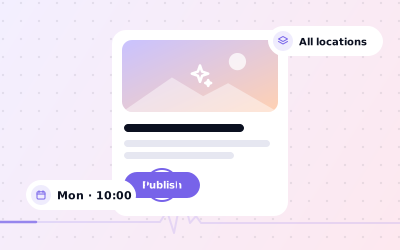
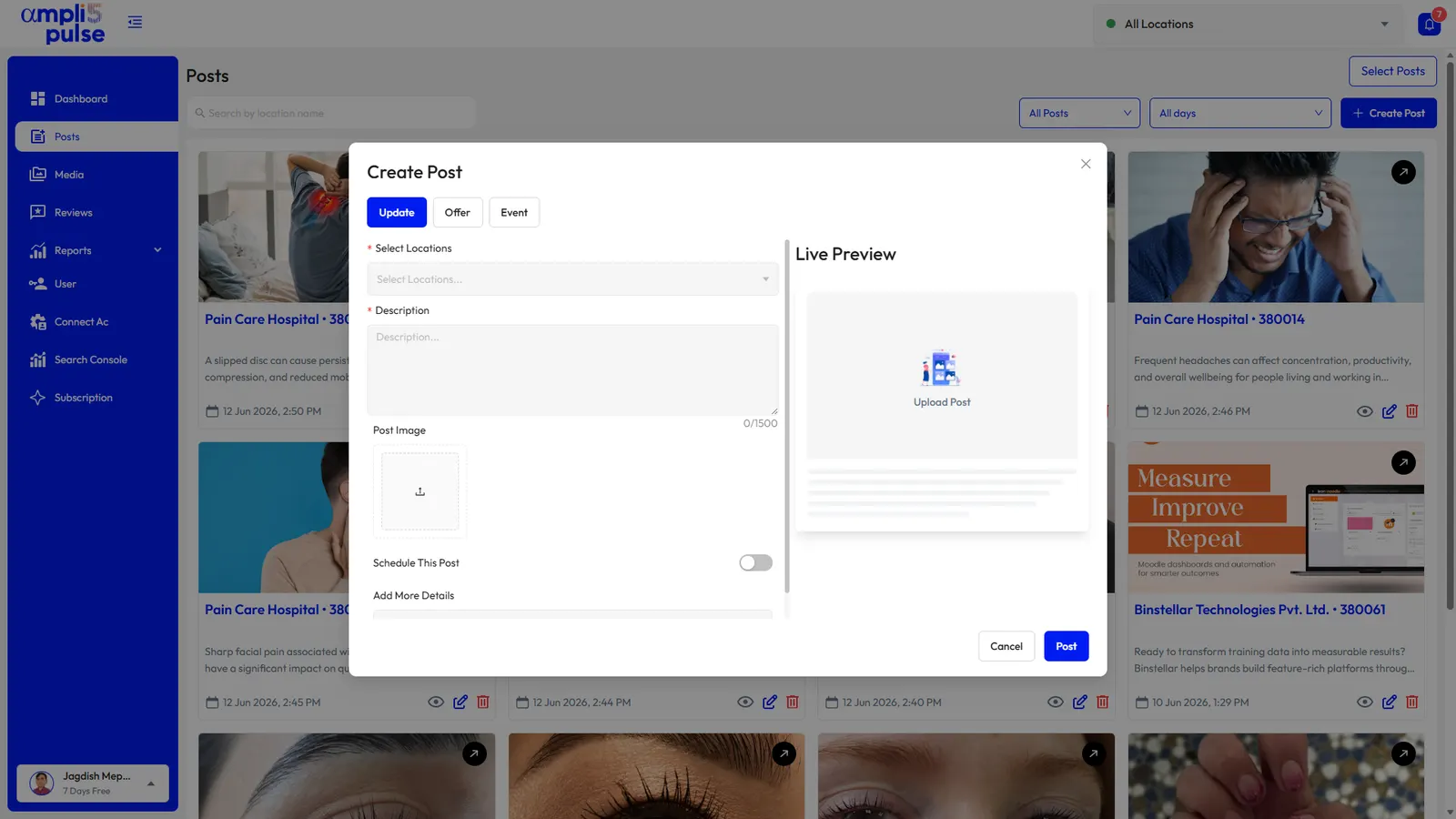
Ampli5 Pulse lets you write a post once, preview it and publish it to one salon or all of them, now or on a schedule. AI post suggestions give you a first draft on a busy day, and Instagram auto-post shares it with your followers too. Our guide to Google Business Profile posts covers formats and image sizes.
Reviews for beauty and wellness businesses
Beauty reviews are personal. A great cut can bring a glowing review that names the stylist; a colour that didn't come out as hoped can bring a long, upset one. Both deserve a reply, and both are read by the next client deciding whether to book.
- Praise that names a stylist, therapist or barber: thank the client by name and say you'll pass it on.
- 'Not what I asked for': acknowledge it, don't argue about the result in public, and offer a call or a chance to put it right.
- Running late or price surprises: explain briefly, without blaming the client.
- Allergic reactions or skin problems: treat them as serious, move the conversation offline straight away and don't discuss details publicly.
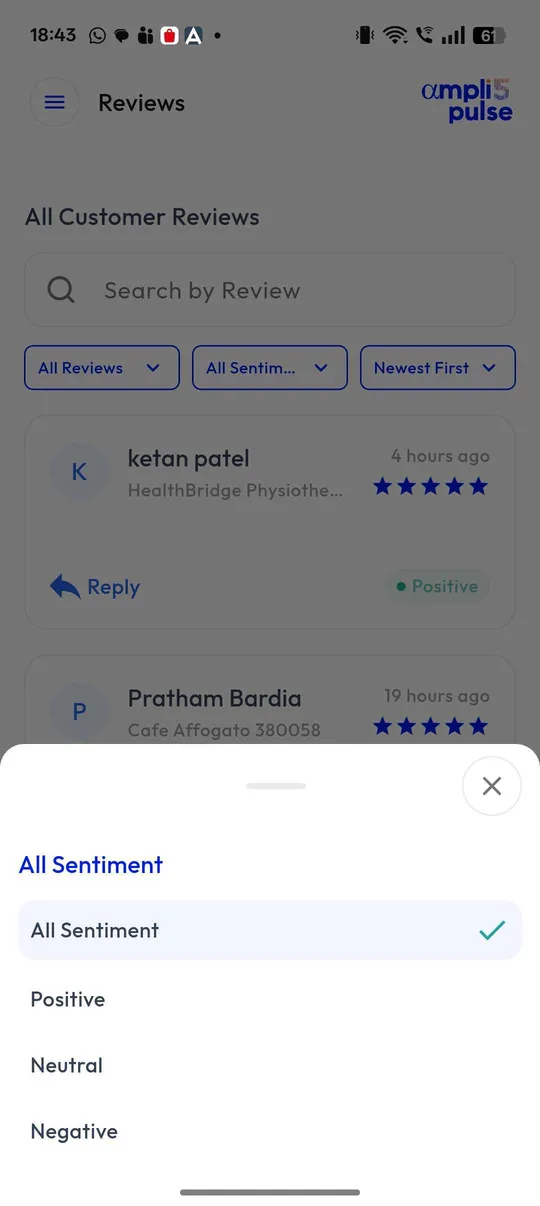
Ampli5 Pulse shows sentiment and themes across your reviews, so you can see whether 'friendly' and 'relaxing' keep coming up, or 'waiting'. Instant alerts mean the owner hears about a bad review the same day. For wording, read how to respond to Google reviews, and for collecting more, how to ask for Google reviews.
Local SEO for beauty chains and franchise salons
A group of barbershops, a spa brand inside hotels or a franchise of brow bars in shopping centres needs every branch to look like the same brand while each one competes with the independent salons on its own street. Local SEO for beauty chains is about doing the basics well, at every branch, every week.
- Location groups by region or franchisee, with side-by-side comparison.
- Bulk updates for holiday hours, phone numbers and booking links.
- Brand-wide offers published to every branch at once, with local posts for local events.
- Review comparison across branches to spot where training or staffing needs attention.
- Team access so branch managers upload their own photos and reply to their own reviews.
- White-label reports when an agency looks after your profiles.