Holiday hours right in every store
 Explore the Platform
 Request a Demo


 In short
- Shops should choose a specific primary category, add their main products with photos, switch on the attributes Google offers and link each store to its own store page.
- Add special hours a couple of weeks ahead of every bank holiday, stocktake day and late-night shopping evening, because wrong hours send shoppers to a locked door.
- Put a review QR code at the till and on receipts, train staff to mention it, and never offer a discount or prize draw in return.
How shoppers find local shops on Google
Retail searches are often practical and immediate. Someone needs a birthday present this afternoon, a prescription tonight or a replacement charger before a flight. They search, look at the map, check that you're open and likely to have what they need, then walk or drive over. The button they tap is 'Directions', and for a shop it's often the number that matters most.
'shoe shop near me', 'bookshop Oxford', 'hardware store open now', 'saree shop in Jayanagar'.
'where to buy a kettle near me', 'school uniform shop', 'organic flour near me', 'phone case shop'.
'pharmacy open now', 'late night chemist', 'flu jab near me', '24 hour medical store near me'.
'Christmas gifts Bath', 'Diwali gifts near me', 'wedding outfits', 'back to school shoes'.
Google ranks these results mainly on relevance, distance and prominence. A shop can't change its distance from the shopper, but it can be far more relevant: precise categories, a description that names your main ranges and brands, products added to the profile and photos of what's on the shelves. Reviews and regular activity build prominence.
Optimising a Google Business Profile for retail stores
- Primary category: be specific. A category such as Shoe store, Book store, Hardware store, Pharmacy or Gift shop tells Google far more than a general one. Names vary slightly by country.
- Additional categories: add the other things you genuinely sell in quantity, such as a bookshop with a café or a pharmacy with a large beauty counter.
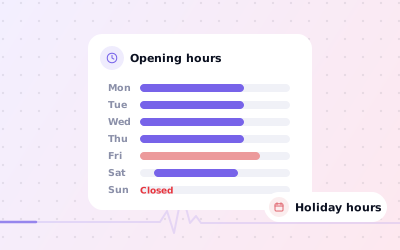
- Hours: keep regular hours right and add special hours for every bank holiday, stocktake day and late-night shopping evening. Wrong hours send shoppers to a locked door, and they tend to say so in a review.
- Products: add your main products or ranges with a photo, a short description and, if you like, a price. They appear on your profile and help it match product searches.
- Attributes: switch on the ones Google offers for your category, such as in-store shopping, in-store pick-up, delivery, accessibility and payment options.
- Photos: shopfront (so people recognise it from the street), interior, window displays, products and staff. Refresh them every season.
- Website link: point each store to its own store page with its address, hours and services, not just the homepage.
Holiday hours: the easiest win in retail
Bank holidays, Boxing Day, Diwali, Eid and regional holidays all change trading hours, and every one is a chance to get it wrong. Add special hours a couple of weeks ahead. For a chain, Ampli5 Pulse lets you apply holiday hours to many stores in one bulk edit, then adjust the few that differ, such as stores in shopping centres that follow the centre's hours. Our guide to changing business hours on Google explains special hours in detail.
Retail reviews: what shoppers mention and how to respond
Shop reviews tend to be short and specific. Shoppers praise helpful staff, a good range and fair prices, and complain about stock that wasn't there, long queues, refunds and returns, and hours that didn't match the profile. Each review is also free feedback that a store manager can act on.
| Theme | What it tells you | How to reply |
|---|---|---|
| Helpful staff | Who is doing a good job | Thank the reviewer and pass the praise on to the colleague they mention. |
| Out of stock | The profile or website promised something the shelf didn't have | Apologise, say when stock is due and offer to set one aside. |
| Returns and refunds | A policy that's unclear or applied inconsistently | Explain the policy simply and invite them to speak to the manager. |
| Closed when it said open | The hours on the profile are wrong | Apologise, fix the hours the same day and say so in the reply. |
| Queues and parking | Busy times or access problems | Acknowledge it and mention quieter times or nearby parking. |
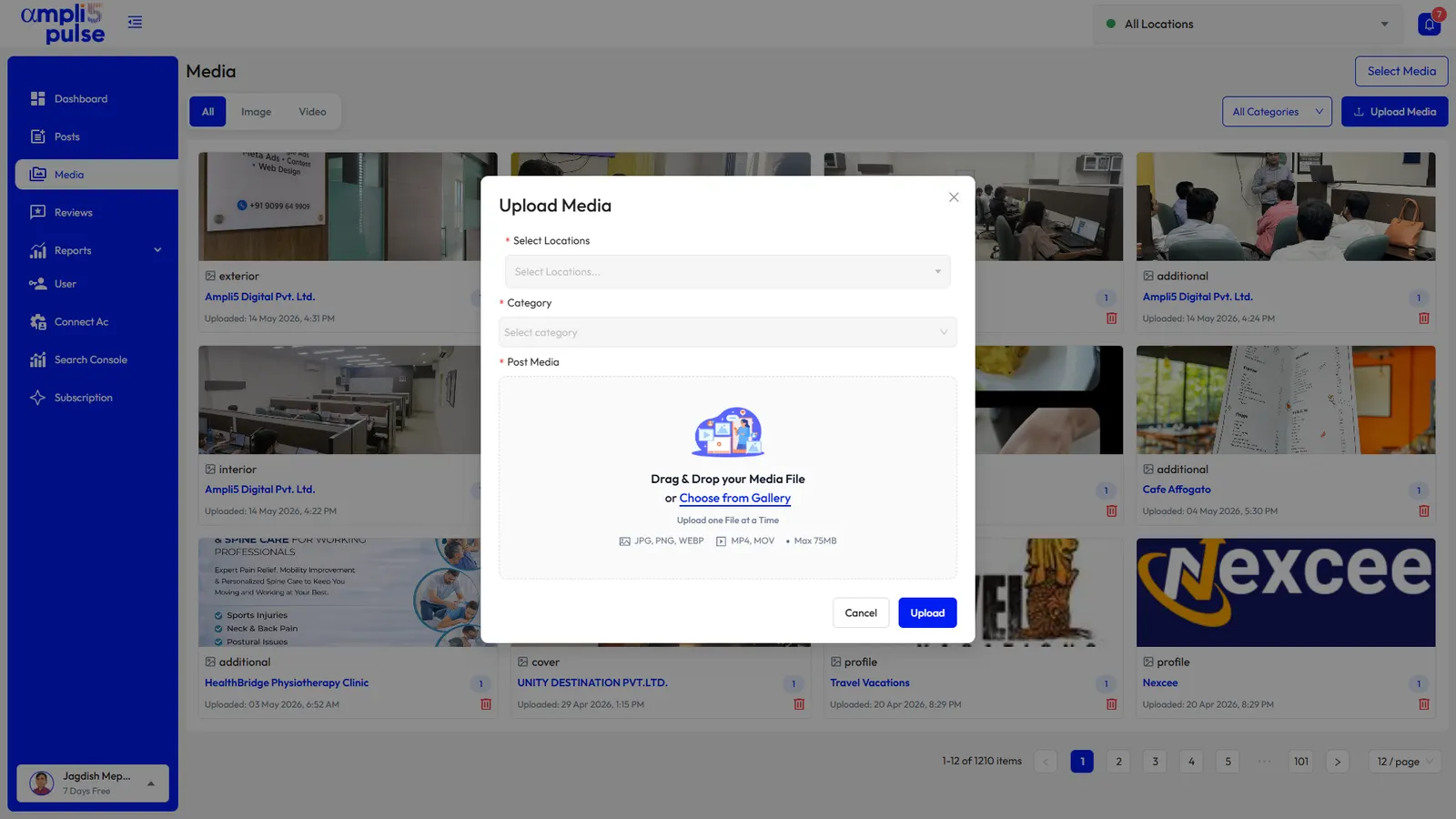
Sentiment and themes in Ampli5 Pulse group what shoppers mention across all your reviews, so a chain can spot the store where refunds keep coming up. Review comparison shows which stores are falling behind on replies.
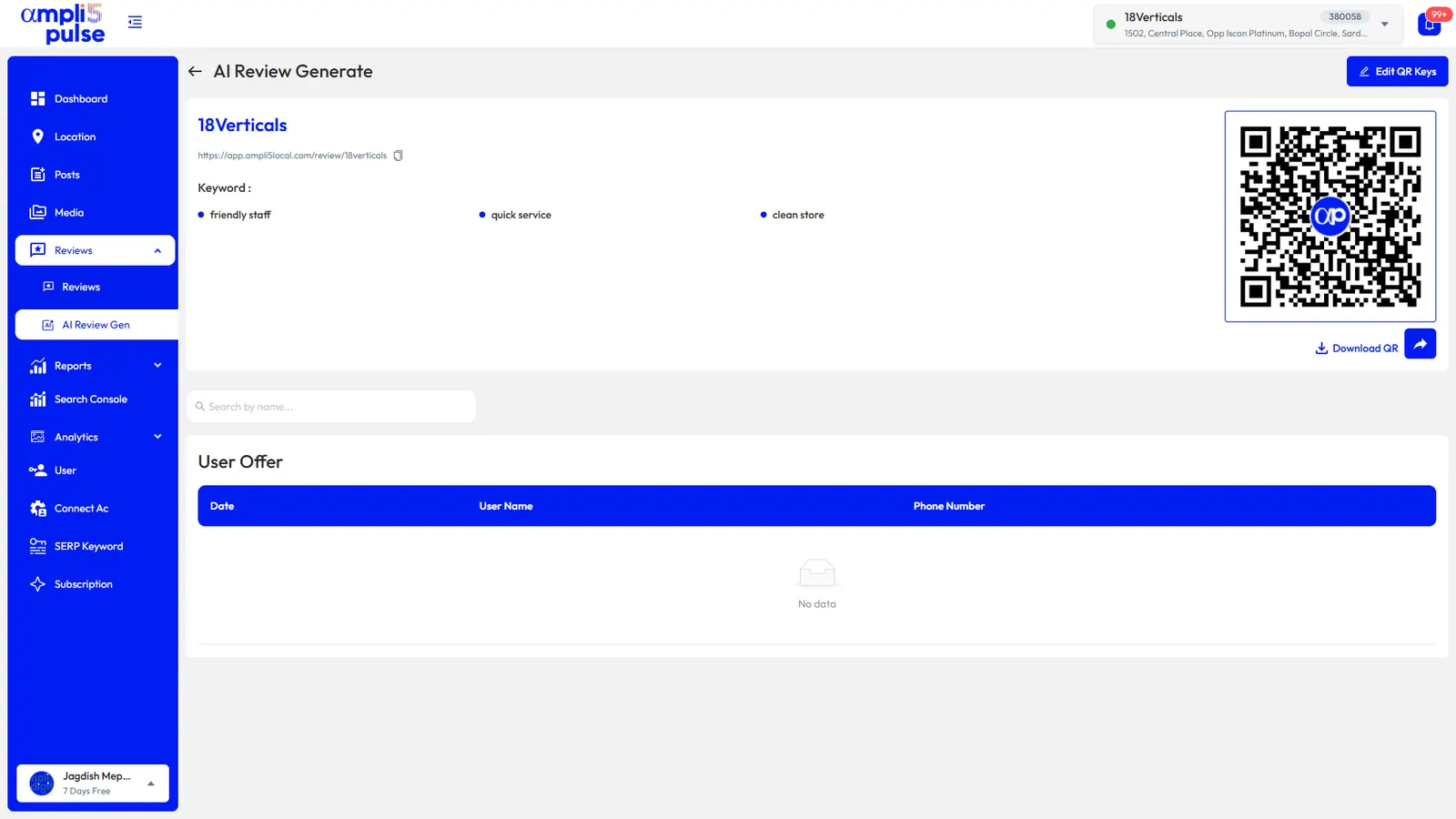
To build reviews, put a QR code at the till and on receipts, and train staff to mention it at the end of a good conversation. Don't offer a discount or prize draw in return; that breaks Google's review policy. If you need a printable code, see our Google review QR code page.
Posts, seasons and running a chain of stores
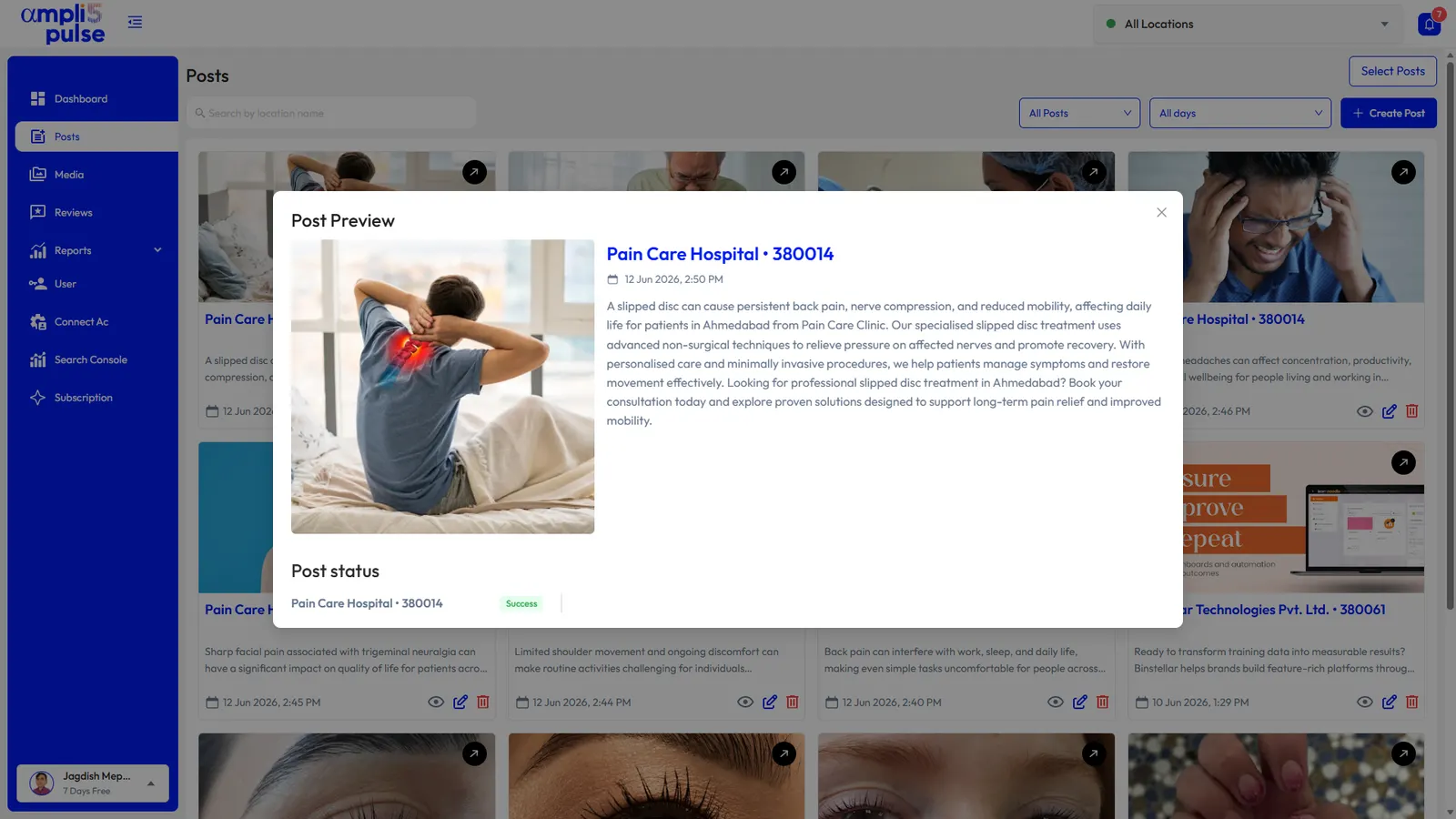
Posts are where a shop can talk about what's new. Keep them visual and tied to the retail calendar.
- New arrivals: a photo of the new range on the shelf, with a line on what's special about it.
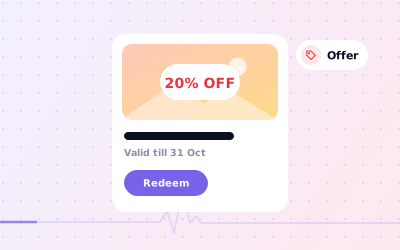
- Offers: seasonal sales, bundles and loyalty events as Offer posts with start and end dates and terms.
- Events: late-night shopping, book signings, tastings, product demonstrations and launch days.
- Seasonal stories: back to school, Christmas, Diwali, Eid, Mother's Day and the summer holidays.
- Services: alterations, gift wrapping, click and collect, repairs or prescription collection, if you offer them.
For more on writing and timing offer posts, see how to create an offer on Google Business Profile.
Chains and franchise retailers
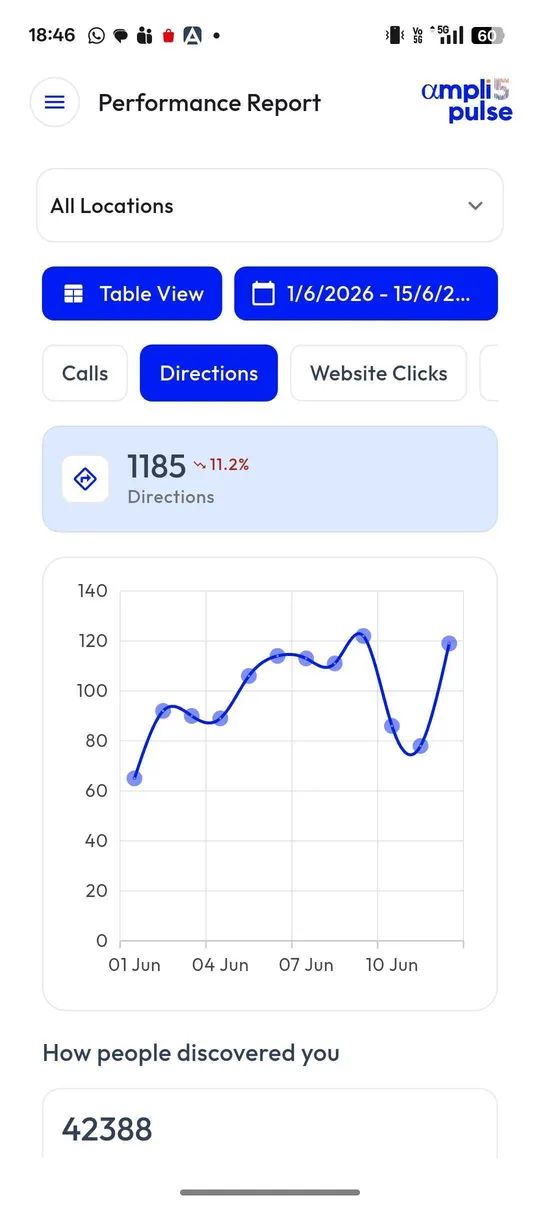
With ten or fifty stores, small errors multiply: one shop with the wrong Sunday hours, another still showing a closed concession, a third with no reply to last month's complaints. Ampli5 Pulse shows every store in one dashboard with its rating, replies, verification status and last post, so the gaps stand out. Group stores by region, publish chain-wide offers in one go and give each store manager access to their own profile. Our page on multi-location management goes further.