Review replies drafted, checked, then published
 Explore the Platform
 Request a Demo


 In short
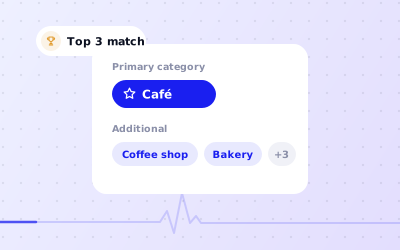
- Professional firms should choose a primary category for the office's main work and add categories, services and a description covering each specialism they actively offer.
- Reply to reviews without confirming someone was a client or sharing fees, dates or outcomes, and point complaints to your complaints procedure or a named partner.
- Make sure the firm, not an individual, owns every profile, and keep posts factual and within your regulator's rules on advertising and testimonials.
How clients choose a firm on Google
Few people know a good solicitor or accountant until they need one. When they do, the need is often urgent and personal: a divorce, a dismissal, a tax bill, an inheritance, a company to set up. They search, compare two or three firms on the map, read the reviews closely and call the one that feels safest.
'family solicitor near me', 'employment lawyer Birmingham', 'conveyancing solicitor', 'will writing', 'property lawyer in Bandra'.
'accountant near me', 'small business accountant', 'self assessment help', 'chartered accountant for GST filing', 'ITR filing near me'.
'independent financial adviser near me', 'pension advice', 'mortgage adviser', 'mutual fund distributor near me'.
'immigration adviser', 'notary public', 'company secretary', 'HR consultant for small business'.
Google matches these searches using relevance, distance and prominence. Specialist searches are where many firms lose out: a profile that only says 'law firm' gives Google little reason to show it for 'employment lawyer'. Additional categories, a list of services and a clear description fix that. Reviews and a complete, active profile build the prominence that helps you compete with larger firms nearby.
Setting up a Google Business Profile for professional services
| Detail | Good practice |
|---|---|
| Primary category | Choose the category for the work the office mainly does, such as Law firm, Solicitor, Accountant, Tax consultant or Financial planner. Category names vary by country. |
| Additional categories | Add specialisms you actively offer, such as family, employment or immigration law categories, or bookkeeping and tax preparation for accountants. Search the category list in your country for the closest wording. |
| Services | Describe each practice area in plain language: what it covers, who it's for and how the first conversation works. |
| Description | Up to 750 characters: practice areas, the clients you serve, languages spoken, accreditations you hold and the areas you cover. Don't promise outcomes. |
| Hours | Office hours, plus special hours for bank holidays. If you see clients by appointment outside office hours, say so in the description rather than listing hours when nobody answers the phone. |
| Appointment link | Where Google offers it for your category, link to your booking or enquiry page so people can request a consultation. |
| Photos | Reception, meeting rooms, the building entrance and the team. A real office builds more trust than stock images. |
For help choosing, see our guide to Google Business Profile categories.
Partners, advisers and individual practitioners
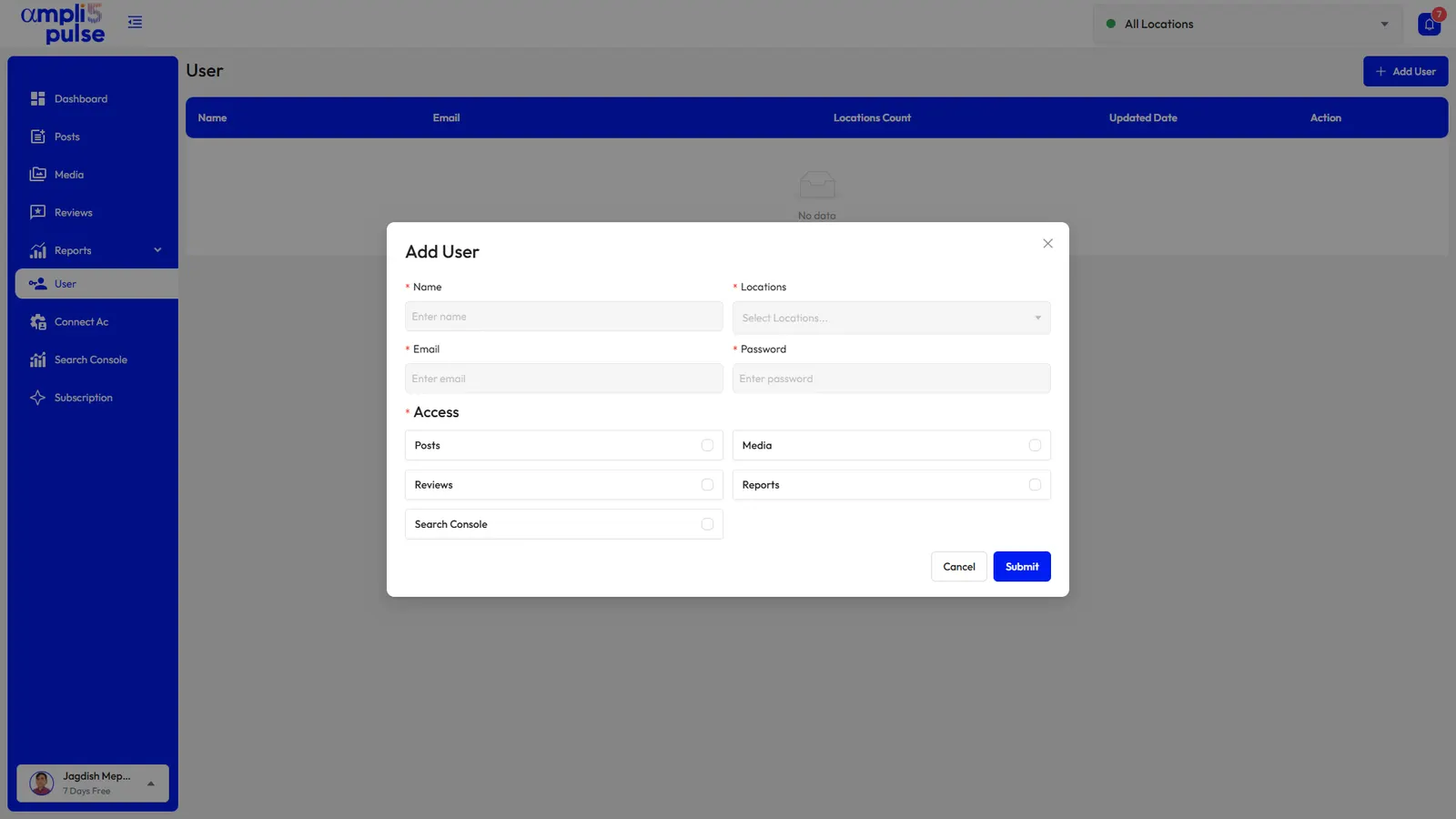
Google's guidelines allow individual practitioners, such as lawyers and financial planners, to have their own profile in some cases. That can help a well-known partner, but it splits reviews and creates a problem when someone moves on. Many firms keep one strong profile per office and feature partners in photos and posts. Whatever you choose, make sure the firm, not an individual, owns every profile and that staff are added as managers. Our guide on how to add users to a Google Business Profile explains the roles.
Handling reviews when confidentiality comes first
Reviews matter a great deal to a client choosing a firm, but replying is harder for you than for a café. A careless reply can confirm that someone was a client or reveal details of their matter. A few rules cover most situations.
Don't confirm the relationship
Avoid phrases like 'we're sorry your divorce took longer than expected'. Thank the reviewer for the feedback without referring to their case.
Never share details
No fees, dates, outcomes or names of other parties, even if the reviewer has posted them first.
Take it offline
For a complaint, point to your complaints procedure or a named partner and invite the reviewer to get in touch. Other readers see that you take it seriously.
Report what isn't genuine
Reviews from the other side in a dispute, from people who were never clients or containing abuse can be reported to Google. See our guide to removing negative Google reviews.
'Thank you for taking the time to leave a review. We're glad our team was able to help, and we wish you all the best.'
'Thank you for your feedback. We take every concern seriously, but we can't discuss individual matters here. Please contact our client care partner on the number on our website so we can look into this properly.'
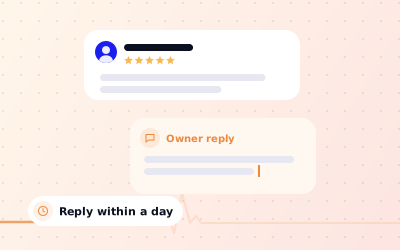
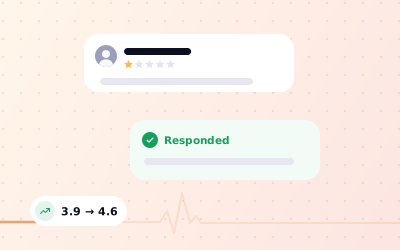
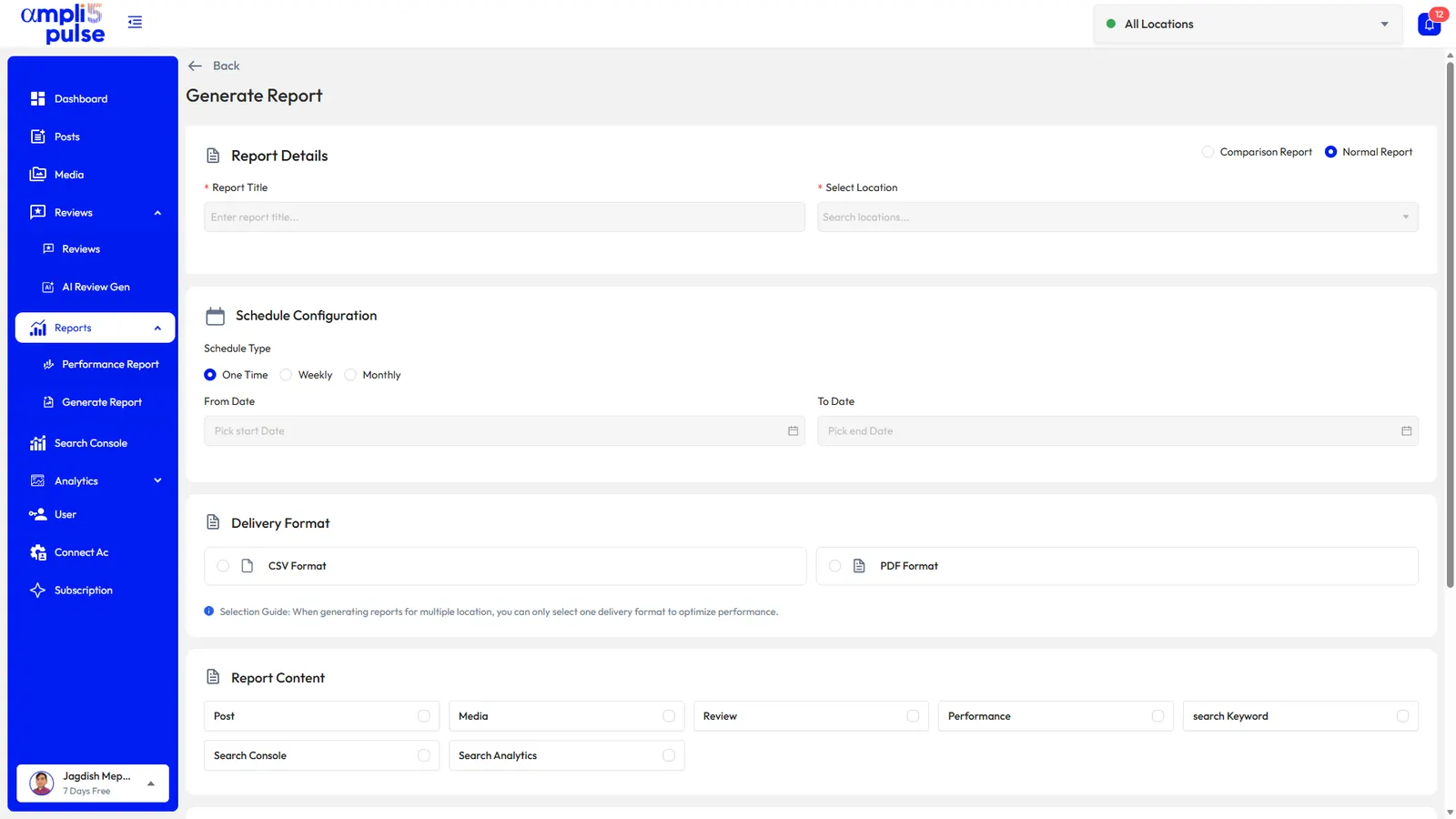
In Ampli5 Pulse, use AI drafts rather than auto-reply for a firm like yours. Each draft is written in the firm's voice, and the person responsible edits and approves it before it's published. Instant alerts mean a critical review is seen the same day, and sentiment and themes show what clients mention most across all your offices.
Posts that show expertise without selling
Posts suit professional firms because they let you show knowledge in a few sentences. Keep them factual, dated and useful.
| Profession | Post ideas |
|---|---|
| Solicitors and law firms | Changes in the law explained simply, will-writing weeks, seminar dates, new team members and practice areas |
| Accountants | Self Assessment and VAT deadlines (UK), GST and income tax return deadlines (India), year-end checklists, extended hours in deadline weeks |
| Financial advisers | Tax-year allowance reminders, pension seminars and budget summaries, with any risk warnings your compliance team requires |
| Consultants and other firms | Workshop dates, short case notes shared with client consent, answers to common questions |
Schedule posts for the run-up to deadlines, when searches rise and your team is too busy to remember. For a step-by-step guide, see Google Business Profile posts.
Firms with several offices
A firm with offices in different towns needs a verified profile for each, with its own phone number and reviews. In Ampli5 Pulse you can compare calls, website clicks and reviews across offices, publish firm-wide news to all of them at once and leave local updates to each office manager.