Every guest review answered from one inbox
 Explore the Platform
 Request a Demo


 In short
- Hotels should keep the parts of their profile they control complete and accurate, especially amenities, room photos, check-in times and the link to their own booking page.
- Hotels can't use Offer posts or mention deals and discounts in posts, so use Update and Event posts instead and keep rates on your website.
- Reply to guest reviews good and bad, and ask every guest for a review the same way, never offering a discount, upgrade or free drink in return.
What guests check on a Google Business Profile for hotels
A hotel profile on Google works differently from a shop's. Alongside your photos, reviews and contact details, Google can show prices from booking sites, a list of amenities, check-in and check-out times and a summary of what guests mention. Several of these come from Google and its partners rather than from you, which makes the parts you do control matter more.
| Detail | What guests want to know | What you can do |
|---|---|---|
| Amenities | Parking, Wi-Fi, breakfast, pool, pets, accessibility | Keep amenities complete and accurate in your profile on Google |
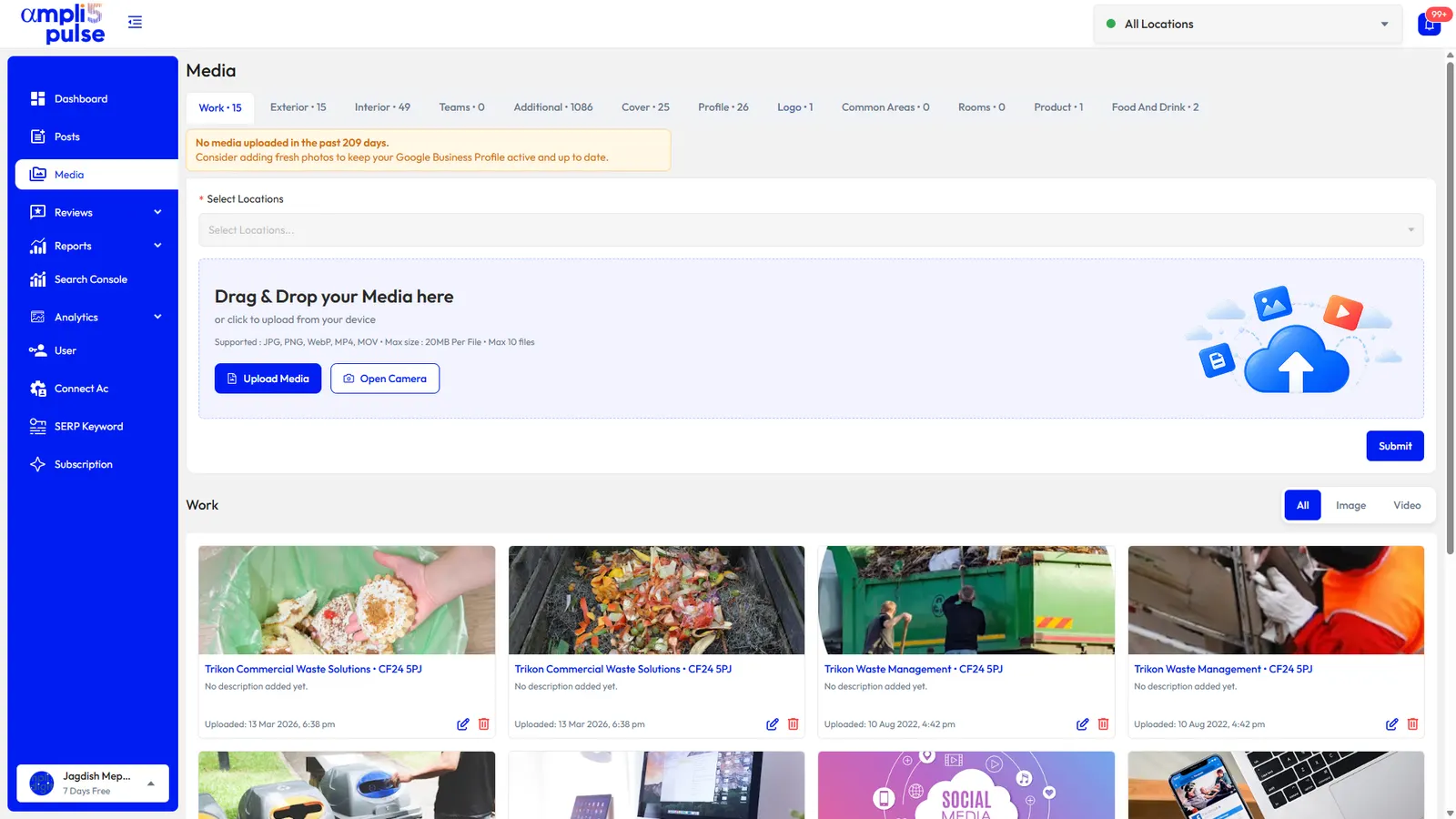
| Photos | What the rooms, bathrooms and views really look like | Upload current photos of each room type, the exterior, the entrance and dining areas |
| Phone and website | How to book direct or ask a question | Link to your own booking page and use a number reception answers |
| Check-in and check-out | When they can arrive and when they must leave | Check these whenever your policy changes |
| Reviews and replies | Whether problems get put right | coordinate responses to customer feedback, good and bad |
| Booking options | Where to book and for how much | Ask your booking engine or channel manager whether it can show your direct rate on Google |
Ampli5 Pulse syncs the core details it manages, such as phone, website and categories, and gives you a full photo library for every property. Our Google Business Profile optimisation guide covers the rest of the profile.
Responding to guest reviews
Hotels get reviews about everything from shower pressure to breakfast eggs. That variety is useful: themes that keep appearing tell you what to fix, and your replies show future guests how you treat people when something goes wrong.
Themes that come up again and again
- Cleanliness and the condition of the room
- Noise from the street, the bar or neighbouring rooms
- Waiting at check-in, or a room that wasn't ready
- Breakfast and the restaurant
- Value for money, especially when a booking site showed a different price
- Staff, often by name
Thank you, Rahul. We're so pleased the room upgrade made your anniversary special, and we'll pass your thanks to Meera on reception. We'd love to welcome you back.
Thank you for letting us know, and we're sorry the noise from the street kept you awake. Our quieter rooms face the courtyard; please ask for one next time, or contact us directly when booking and we'll note it.
We're sorry your booking wasn't showing when you arrived. Reservations made through third-party sites occasionally reach us late, but that is ours to solve, not yours. Please contact our front office manager so we can look into it.
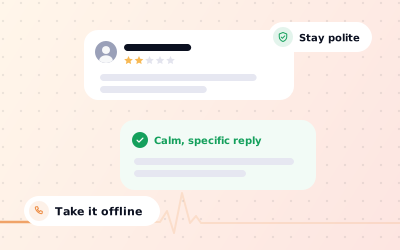
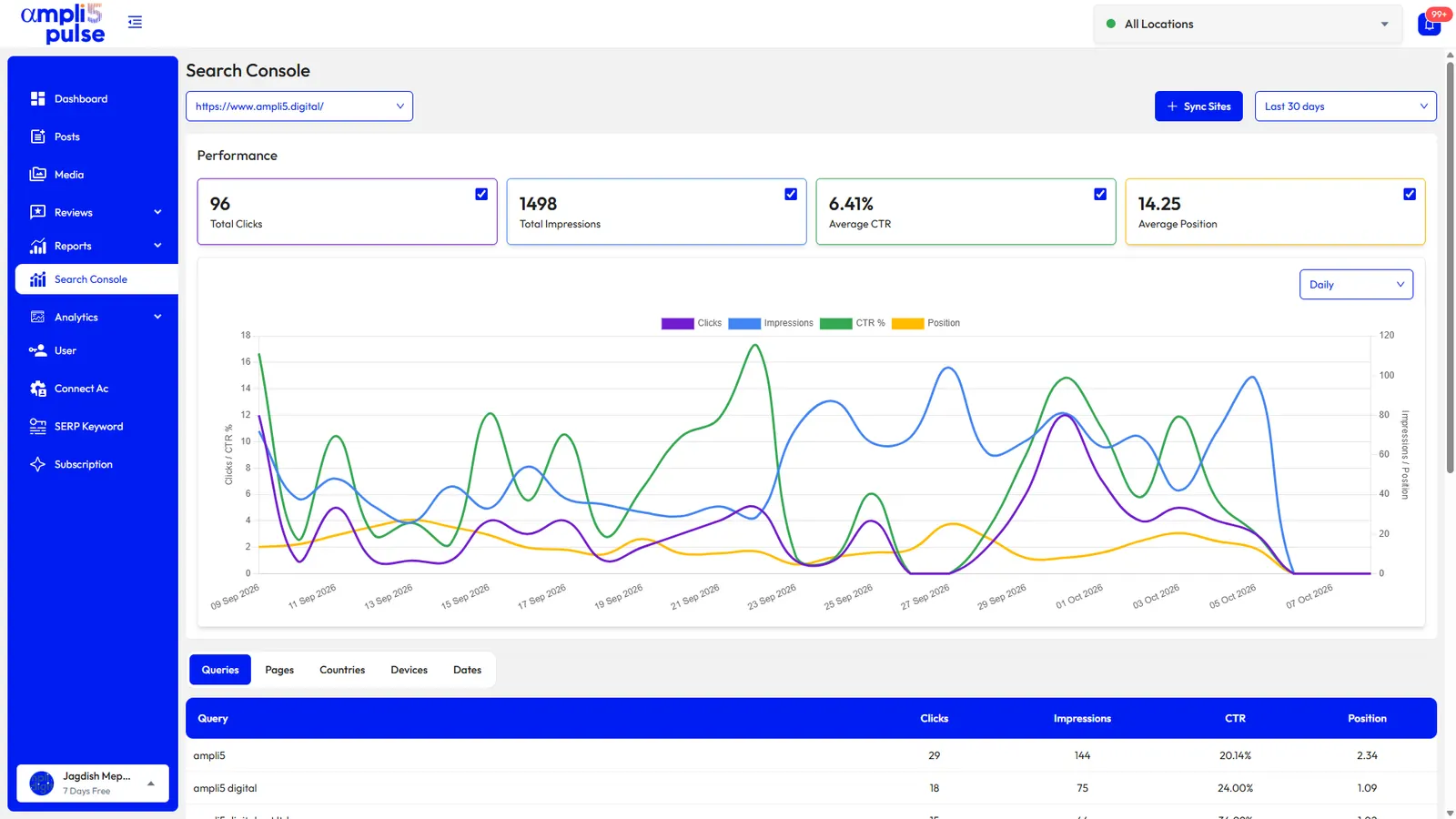
In Ampli5 Pulse, AI auto-reply can answer short positive reviews in your brand's voice, while longer or negative ones come to you as AI drafts to edit. Instant alerts on the iOS and Android apps let the duty manager respond the same day, and sentiment compared across properties shows where operations need attention. Read more in our guide to handling negative Google reviews.
Local SEO for hotels: photos, posts and direct bookings
Local SEO for hotels has two goals: appear when travellers search your area, and give them a reason to visit your own website. A complete profile with honest photos, steady reviews and regular posts does both.
Photos guests look for
- Every room type, shot in daylight with the bed made and clutter removed.
- Bathrooms, because guests always look for them.
- The exterior and entrance, so arriving guests recognise the building.
- Dining, bar, pool, gym, garden or meeting rooms if you have them.
- The view and the neighbourhood, shown honestly.
Post ideas that follow the rules
- Events at the property: a wine tasting, live jazz, Christmas lunch, a New Year's Eve dinner.
- Local events guests travel for, such as a festival, a cricket match or a conference at the nearby venue.
- Updates: refurbished rooms, a new chef, EV chargers installed, pet-friendly rooms.
- Practical news: road closures, parking changes, reception hours over the holidays.
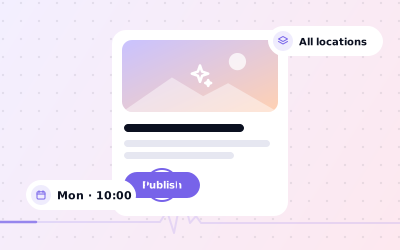
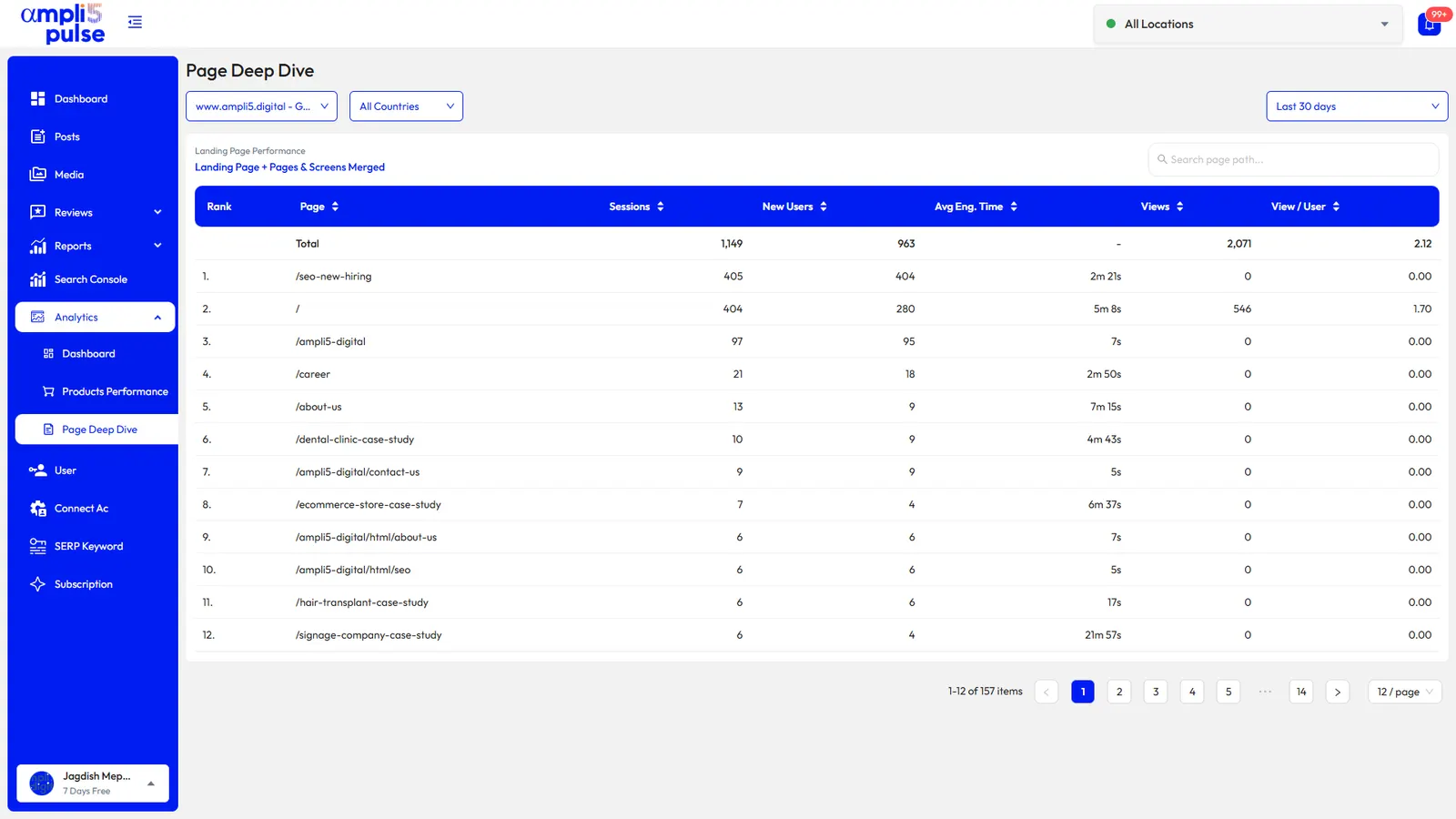
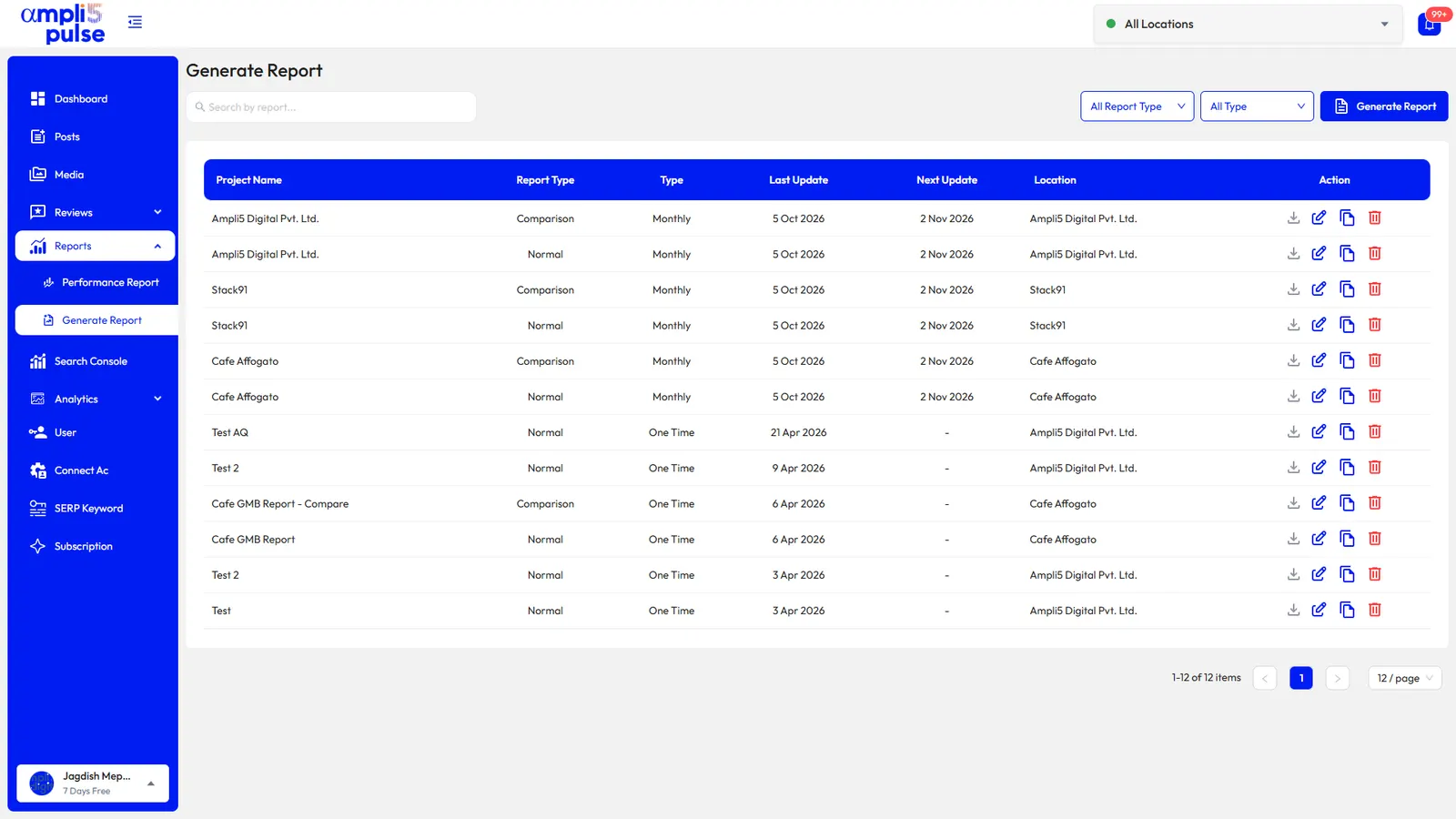
Ampli5 Pulse lets you schedule Update and Event posts for one property or across the group, with a photo and live preview. Then measure the result in the performance report: website clicks, calls, direction requests and bookings for each property, plus Search Console and Google Analytics data for your own site. Our guide to Google Business Profile posts has more examples.
Hotel groups, serviced apartments and multi-property operators
A hotel group, a serviced apartment operator with buildings across the city or a B&B owner with two properties all need the same thing: see every property at once and catch problems early.
- Location groups by brand, city or owner.
- Side-by-side comparison of ratings, reviews and replies.
- Bulk edits for phone numbers, websites and categories, synced to Google.
- Team access with permissions, so each general manager handles their own property's reviews and photos.
- Scheduled comparison reports emailed to owners and management companies.
- Client access and white-label reports for agencies that manage hospitality clients.
Each property at its own address needs its own profile. A restaurant or spa inside a hotel that serves the public may qualify for a separate profile if it operates as a distinct, public-facing part of the business; check Google's guidelines for representing your business first.