Open days and admissions posts scheduled ahead
 Explore the Platform
 Request a Demo


 In short
- Education providers should choose a primary category for what they are, list subjects, levels and age groups as services, and keep office hours and holiday closures accurate.
- Never name or identify a pupil in a reply, post or photo caption, and only use photos where children can't be recognised or you have written consent.
- Ask for reviews at natural high points such as results or the end of a course, ask everyone the same way, and move complaints offline.
How parents and students choose on Google
Choosing a school, a tutor or a course is a considered decision, often made by a parent on behalf of a child. Families shortlist on Google, read reviews over several evenings, check the location against the school run and then call or book a visit. For coaching institutes and academies, searches build around admissions windows, exam results and the start of term.
'nursery near me', 'primary schools in Harrogate', 'CBSE school near me', 'international school Bangalore'.
'maths tutor near me', '11 plus tutor', 'GCSE English tuition', 'home tuition for class 10'.
'JEE coaching in Kota', 'NEET coaching near me', 'IELTS coaching', 'bank exam coaching'.
'Spanish classes near me', 'spoken English classes', 'coding classes for kids', 'driving school', 'music lessons'.
Google ranks local results mainly on relevance, distance and prominence. Distance matters a lot here, because families want somewhere within reach of home or school. Relevance comes from your categories, services and description; prominence from reviews, photos and how complete and active your profile is.
Optimising a Google Business Profile for education providers
| Detail | What to do |
|---|---|
| Primary category | Choose what you are, not what you'd like to rank for: School, Primary school, Preschool, Tutoring service, Language school, Coaching centre, Driving school or Music school, for example. Names vary by country. |
| Additional categories | Use some of your nine extra slots for other things you genuinely offer, such as a language school that also runs exam preparation. |
| Services or courses | List subjects, levels and age groups, such as KS2 maths, A level chemistry, IELTS Academic or JEE foundation. A sentence on each helps parents see the fit. |
| Description | Up to 750 characters: who you teach, which boards or exams you prepare for, class sizes, languages of instruction and the areas you serve. Avoid claims you can't back up, such as 'best results in the city'. |
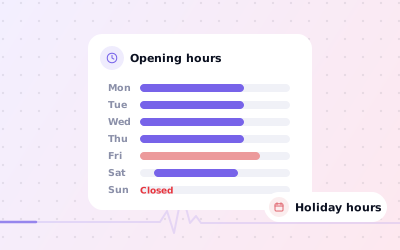
| Hours | Office or reception hours when someone can answer the phone. Add special hours for holidays and closures. |
| Photos | Entrance and signage, classrooms, labs, library, play areas and staff (with their consent). Avoid photos in which pupils can be identified unless you have permission. |
| Website and phone | Link to the admissions or course page, and use a number that's answered during the hours you show. |
Term time, holidays and exam weeks
Education businesses keep unusual hours: term time and holidays, Saturday classes, evening batches and exam weeks when the centre stays open late. Keep your regular hours to the times the office can be reached, use special hours for holiday closures, and put batch timings and term dates in posts and the description. Our guide to changing business hours on Google explains special hours.
If you run several branches, each needs its own verified profile and phone number. A tutor who teaches in students' homes can set up as a service-area business with the home address hidden. Online-only tuition with no face-to-face contact isn't eligible for a profile; see our guide to Google Business Profile for online businesses.
Reviews from parents and students
Education reviews come from two groups with different concerns. Parents write about safety, communication, teaching quality, fees and value. Students write about teachers, batches, study material and results. Both are read closely by the next family.
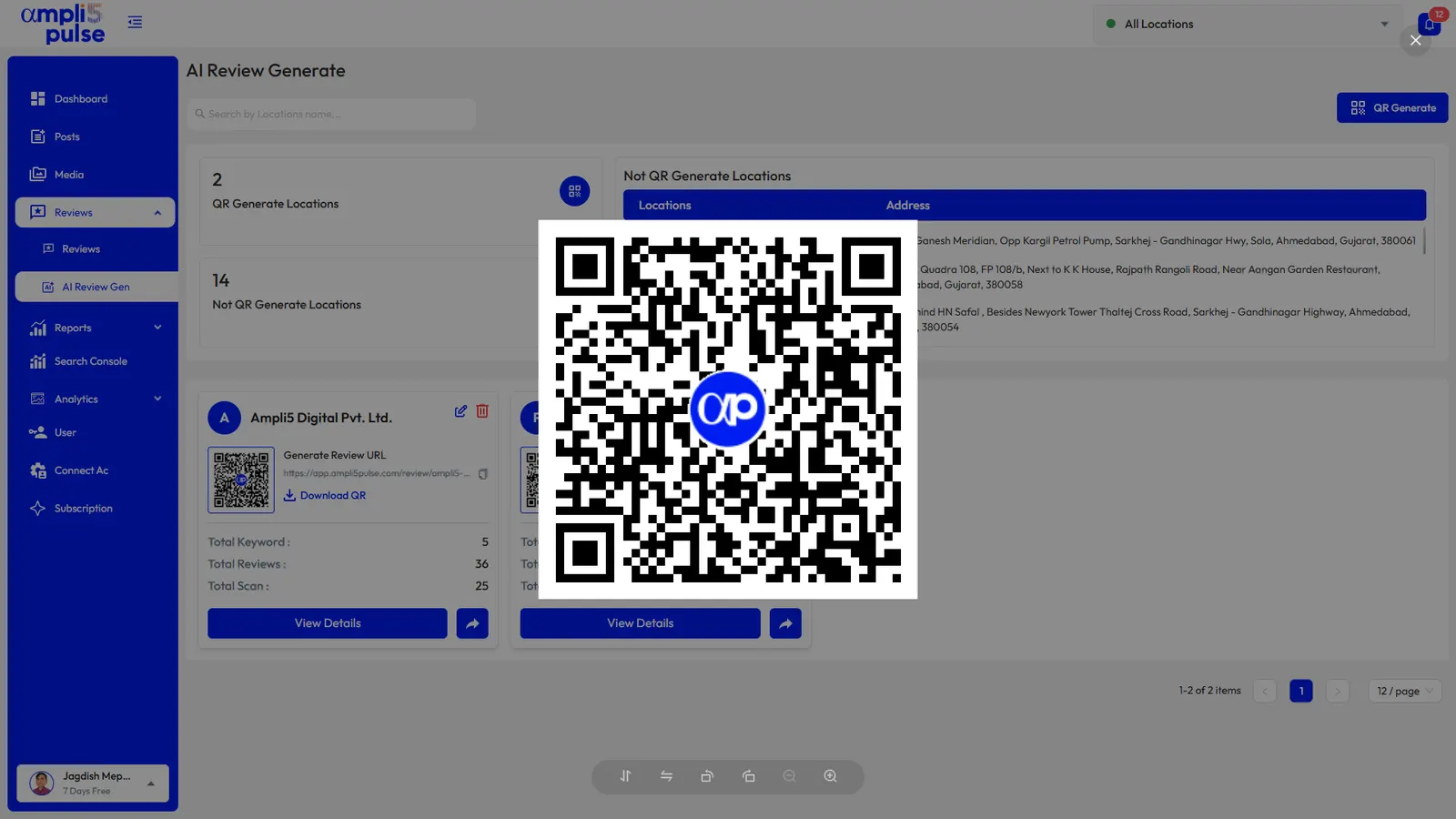
- Ask at natural high points: after results, at the end of a course, after a successful admission or at parents' evening. A QR code at reception and a short message with your link work well.
- Ask everyone in the same way. Don't ask only the families you expect to be happy, and never offer fee discounts or gifts in return. Google prohibits incentivised and selective requests.
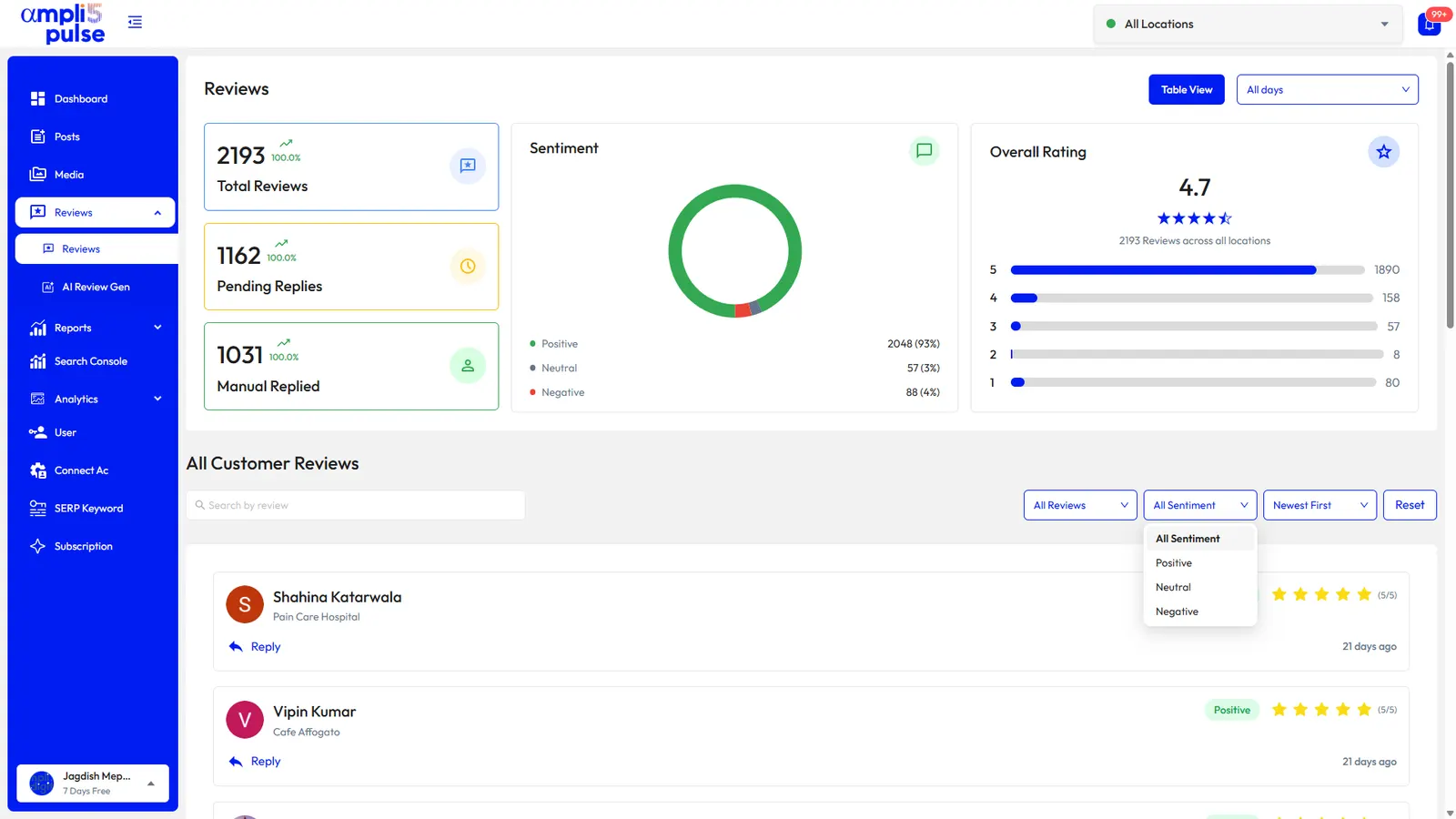
- Reply within a day or two, in a warm, professional tone. Thank parents for specific praise and mention the teacher or programme in general terms.
- Move complaints offline. Acknowledge the concern, leave out any details about the child and give the name of the head, principal or centre manager to contact.
- Watch for coordinated attacks. Coaching institutes sometimes see a burst of negative reviews from people who were never students. Report reviews that break Google's rules; see our guide to removing fake Google reviews.
'Thank you for your kind words. We're delighted the year went so well, and we'll pass your thanks on to the maths team.'
'Thank you for raising this. We'd like to understand what happened and put it right. Please contact our centre manager on the number on our website so we can talk it through.'
Posts for the academic year
The academic year gives you a ready-made posting calendar. Plan the main dates once, schedule them in Ampli5 Pulse and add news as it happens.
| When | Post idea | Post type |
|---|---|---|
| Autumn (UK) or before the new session (India) | Open days, school tours and admission deadlines | Event |
| Before new batches start | Trial classes, timetables for new batches, early registration | Offer or Event |
| Exam season | Revision sessions, extra classes, exam-day tips | Update |
| Results days | Congratulations to students, with consent and without claims you can't back up | Update |
| School holidays | Holiday camps, crash courses and summer schools | Event |
| All year | A day in the classroom, new facilities, staff introductions | Update |
For step-by-step help with event posts, see how to create an event on Google Business Profile.
Schools and academies with several campuses
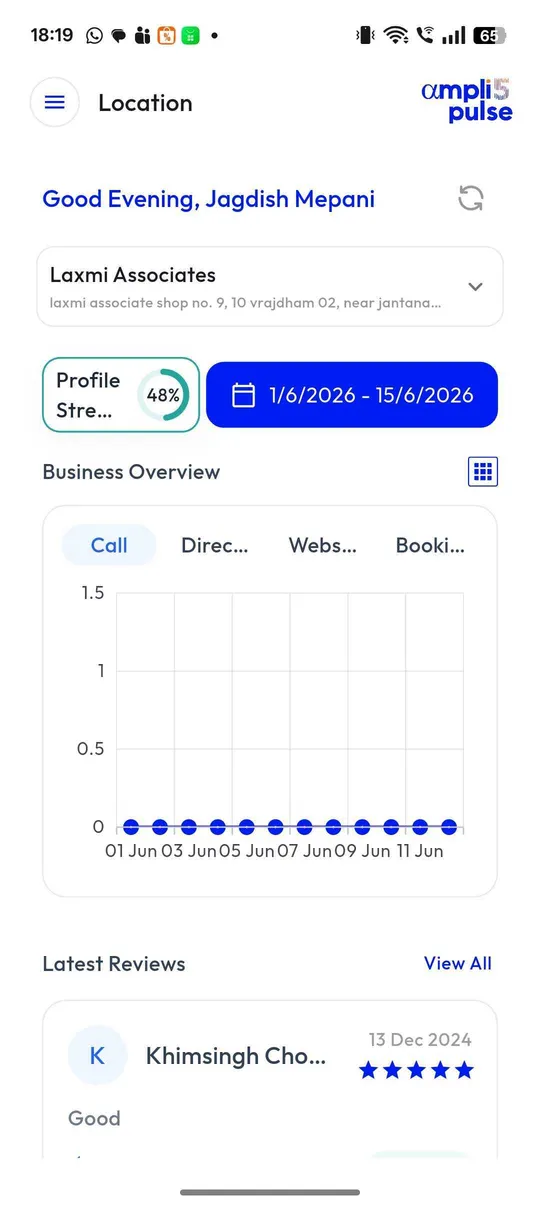
Publish admissions posts to every campus at once and leave local news to each branch. Compare calls and reviews across campuses each month, and give each branch head access to their own profile only. For larger networks and franchised academies, see our page on multi-location management.