Calls, directions and bookings for every site
 Explore the Platform
 Request a Demo


 In short
- Garages and dealers should choose a primary category for their main trade, list each job as a service, and keep weekday, Saturday and bank holiday hours accurate.
- Reply to complaints within a day, stick to facts, keep registrations and invoice details private, and never offer discounts or a free valet for reviews.
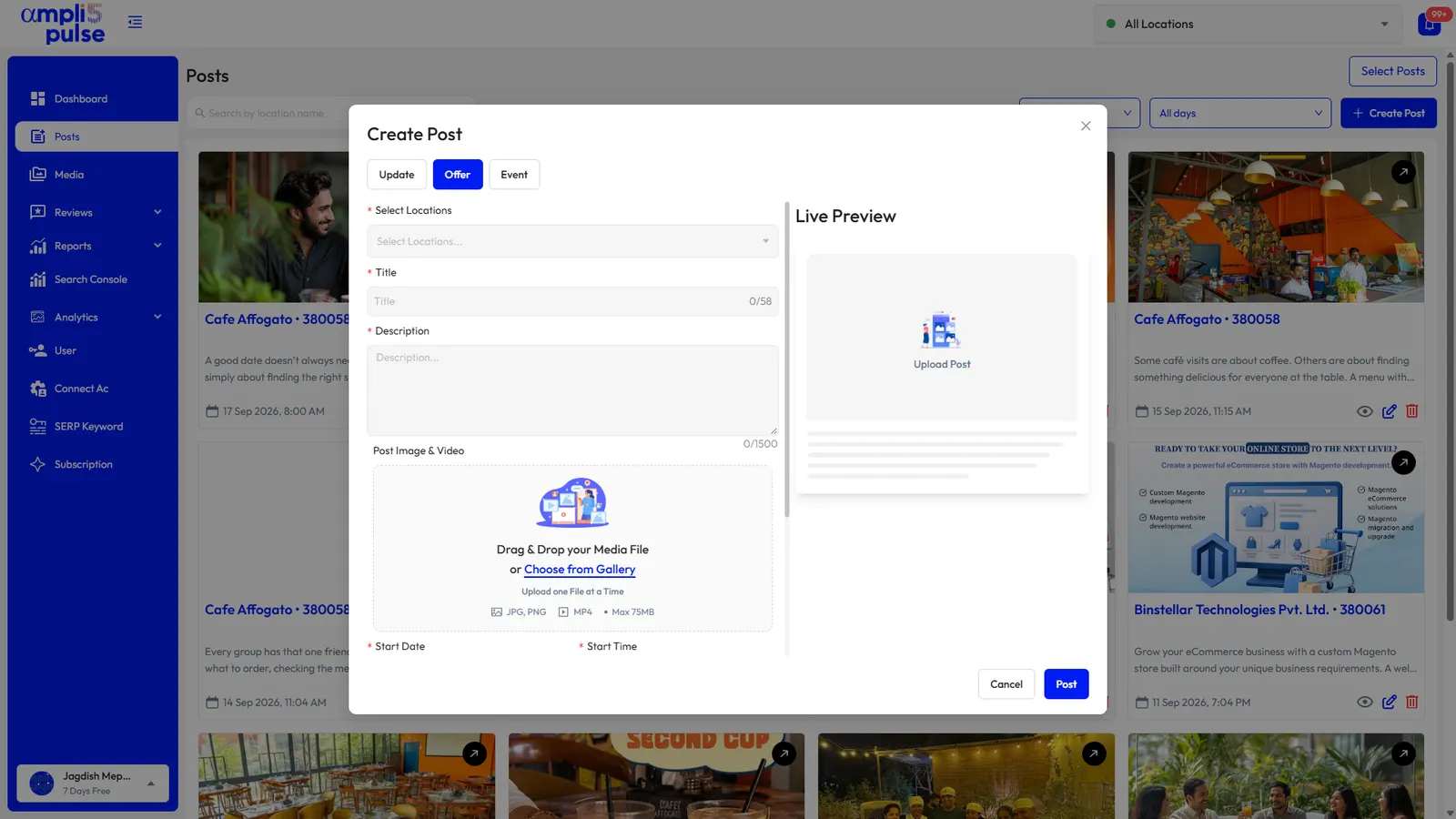
- Plan posts around the motoring year, such as winter checks or air-con regas, writing and scheduling a month of them at once in Ampli5 Pulse.
How drivers search for garages and car dealers on Google
Car trouble is rarely planned. A driver with a flat tyre, a failed MOT or a grinding noise from the brakes picks up a phone and searches. They look at the few garages Google shows on the map, glance at the star rating and the number of reviews, check whether the place is open and then call or tap for directions. Many never visit a website at all.
Google decides which businesses to show using three main factors: relevance (does your profile match the search), distance (how close you are to the person searching) and prominence (how well known and well reviewed you are). You can't move your workshop, but you can make your profile far more relevant and build prominence through reviews, photos and regular activity.
Searches your customers make
'mechanic near me', 'car battery replacement near me', 'puncture repair open now', 'recovery truck' plus a town name.
'MOT near me', 'full car service', 'cambelt replacement', 'air con regas', 'wheel alignment' plus a town.
'BMW specialist', 'DPF cleaning', 'auto electrician', 'EV servicing', 'classic car restoration'.
'used cars in Leeds', 'Kia dealer near me', 'car showroom Ahmedabad', 'two-wheeler showroom near me'.
'car service center near me', 'bike service near me', 'denting and painting near me', 'car wash near me'.
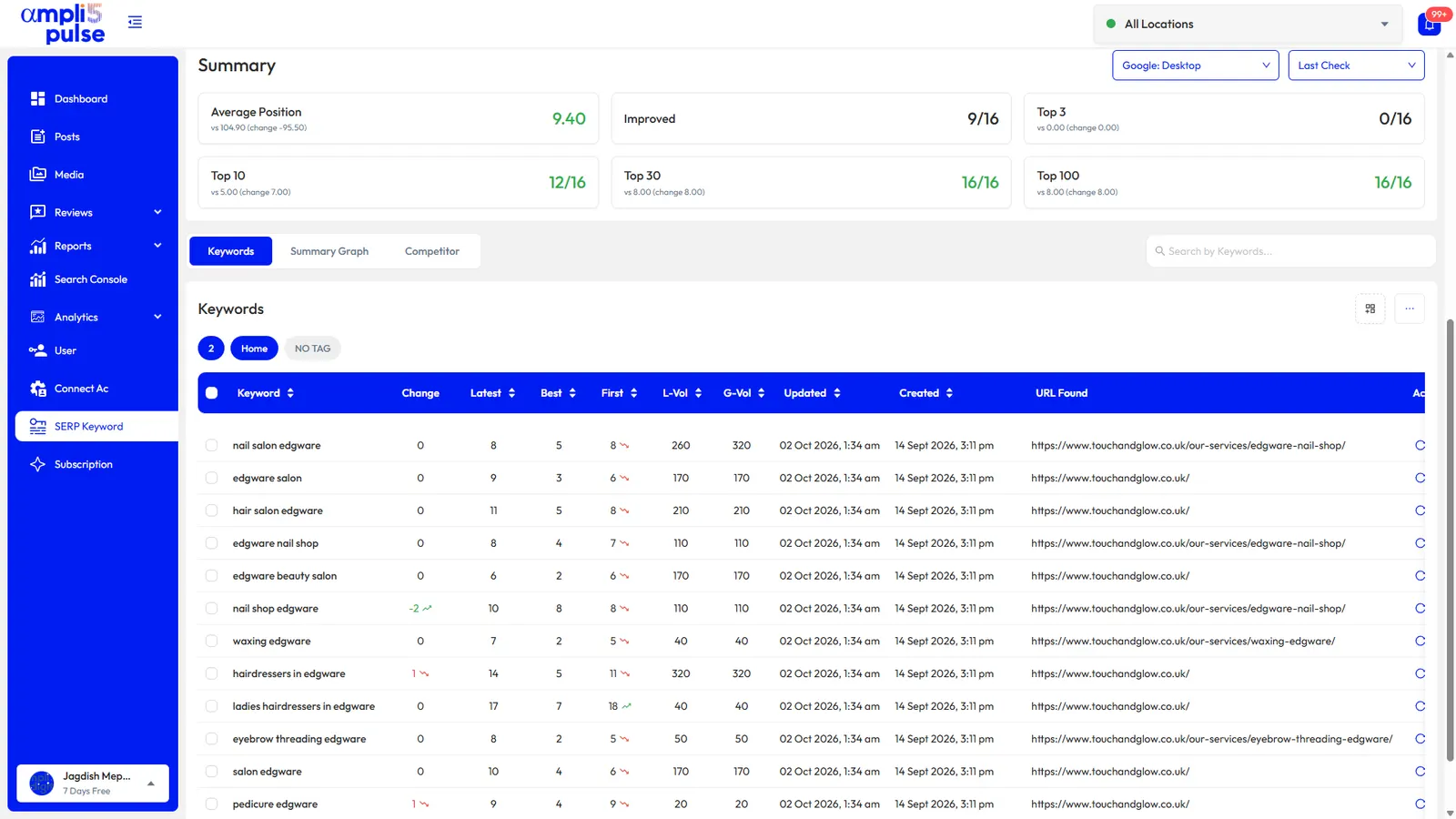
The performance view in Ampli5 Pulse lists the search terms that showed your profile, so after a month you'll know which of these your customers really use, and which services you need to make more visible.
Setting up a Google Business Profile for automotive businesses
Plenty of garages have a profile that was set up years ago and never touched again. Work through these details in order. They decide which searches you appear for and whether a driver trusts you enough to call.
| Profile detail | What to do | Why it matters |
|---|---|---|
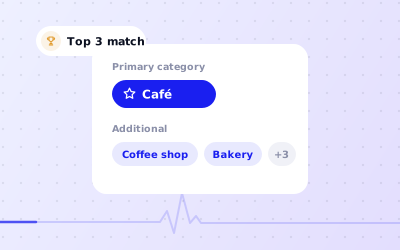
| Primary category | Choose the one that describes your main trade, such as Auto repair shop, Tyre shop, Car dealer, Used car dealer or Auto body shop. Names vary slightly by country. | It carries the most weight for relevance. A garage listed only as a car dealer will struggle in repair searches. |
| Additional categories | Add up to nine more for work you really do, such as Mechanic, Brake shop, Oil change service, Car wash or Auto electrical service. | Each one opens a new set of searches. Don't add categories for work you send elsewhere. |
| Services | List each job with a short, plain description: MOT, interim service, clutch replacement, tyre fitting, diagnostics. | Helps Google match specific searches and answers the driver's first question: do you do this? |
| Hours | Set weekday and Saturday hours, and add special hours for bank holidays and Christmas. | 'Open now' searches are common when a car breaks down. Wrong hours lose the job and earn angry reviews. |
| Phone number | Use the line that is actually answered in the workshop or showroom. | For a garage, the call is the sale. A missed call usually goes to the next result. |
| Attributes | Turn on the ones Google offers for your category, such as accessibility, payment options or online appointments. | Small details that help a driver choose between two similar garages. |
| Description | Up to 750 characters: what you fix, the makes you specialise in, the approvals you hold and the areas you cover. | Your pitch in plain words. Write it for drivers, not for search engines. |
| Photos | Workshop, reception, team, signage, the forecourt and finished work. | Helps people recognise you when they pull up and shows the premises are real. |
Dealerships and multi-department sites
A dealership often has a showroom, a service workshop and a parts counter on one site, each with different hours. Google's guidelines allow some departments to have their own profile when they are publicly distinct and have their own category. Read the current guidelines before creating one, because duplicate profiles for the same business can be removed or suspended. If you're an authorised dealer, Google also has brand-specific dealer categories for many manufacturers; only use one that matches your franchise.
For the full picture, see our guides to Google Business Profile categories and adding services to your profile.
Reviews for garages: what customers write and how to reply
Trust is the whole decision for most drivers. They can't judge a repair themselves, so they read what other customers say. Reviews for garages and dealerships tend to cluster around a few themes.
- Honesty and price. Praise for explaining the fault and sticking to the quote; complaints about extra work or a bill higher than expected.
- Speed. How long the car was off the road, whether it was ready when promised and whether anyone rang with updates.
- MOT results. Drivers who failed sometimes suspect the garage was creating work. A calm, factual reply matters here.
- The sales experience. For dealers: pressure, part-exchange valuations, the handover and how problems after the sale were handled.
How to reply
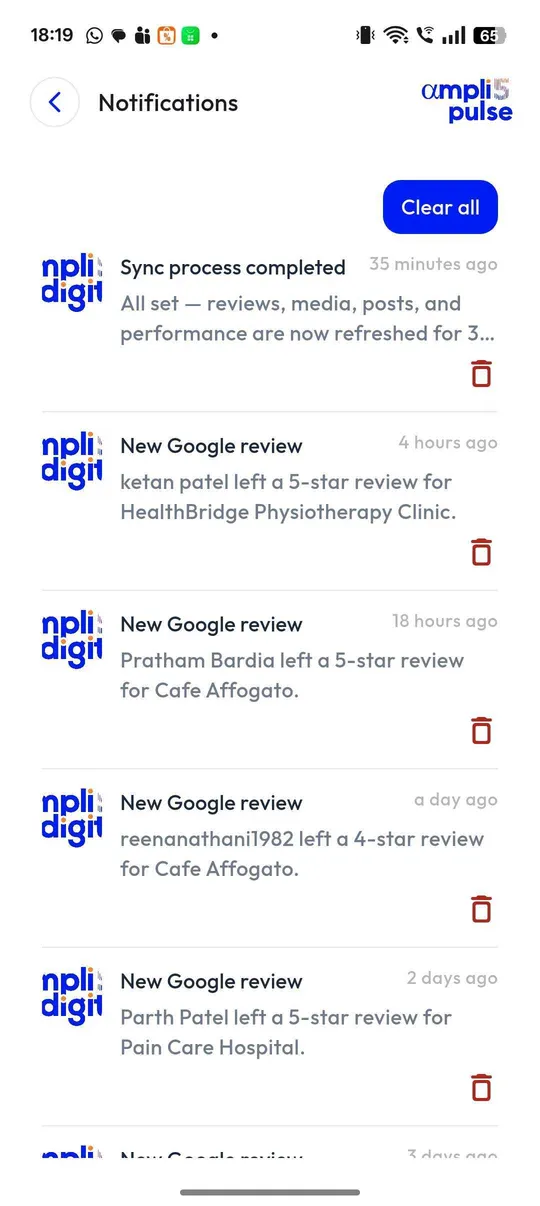
coordinate responses to customer feedback, quickly
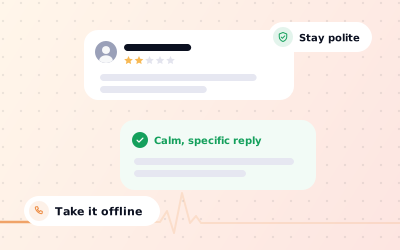
A short, specific thank-you to a five-star review is enough. For a complaint, aim to reply within a day so the next reader sees that you dealt with it.
Stick to facts and keep details private
Don't post the customer's registration, invoice amount or repair history in public. Acknowledge the problem, explain your process in general terms and give a name and number to call.
Don't argue about the MOT
Explain that results follow the official inspection standards and offer to walk the customer through the defects. Readers judge your tone more than the outcome.
Report what breaks the rules
You can't delete reviews, but you can report ones that break Google's policies, such as reviews from people who were never customers. See how to remove fake Google reviews.
There's more on tone and wording in our guide to handling negative Google reviews.
Posts and offers that suit the motoring year
Google posts are a low-cost way to show that a garage is active and to promote the work you want more of. Plan them around the moments when drivers already have their cars on their minds.
| When | Post idea | Post type |
|---|---|---|
| Autumn and winter | Winter checks: battery, tyres, wipers, antifreeze and lights | Offer |
| Spring and summer | Air-con regas and pre-holiday checks | Offer |
| March and September (UK) | New registration plates: showroom stock, test-drive days and part-exchange events | Event |
| Before the monsoon (India) | Brakes, tyres, wipers and underbody protection | Update |
| Festive season (India) | New car and two-wheeler deliveries around Navratri, Dussehra and Dhanteras | Event or Offer |
| All year | A job of the week: before-and-after photos of a repair, with a line on what was wrong | Update |
Keep each post short, use your own photo of the workshop or the car, and add a button so people can call or book. Ampli5 Pulse lets you write a month of posts in one go and schedule them. See how to create an offer on Google Business Profile for the details of offer posts.
Groups with several garages or showrooms
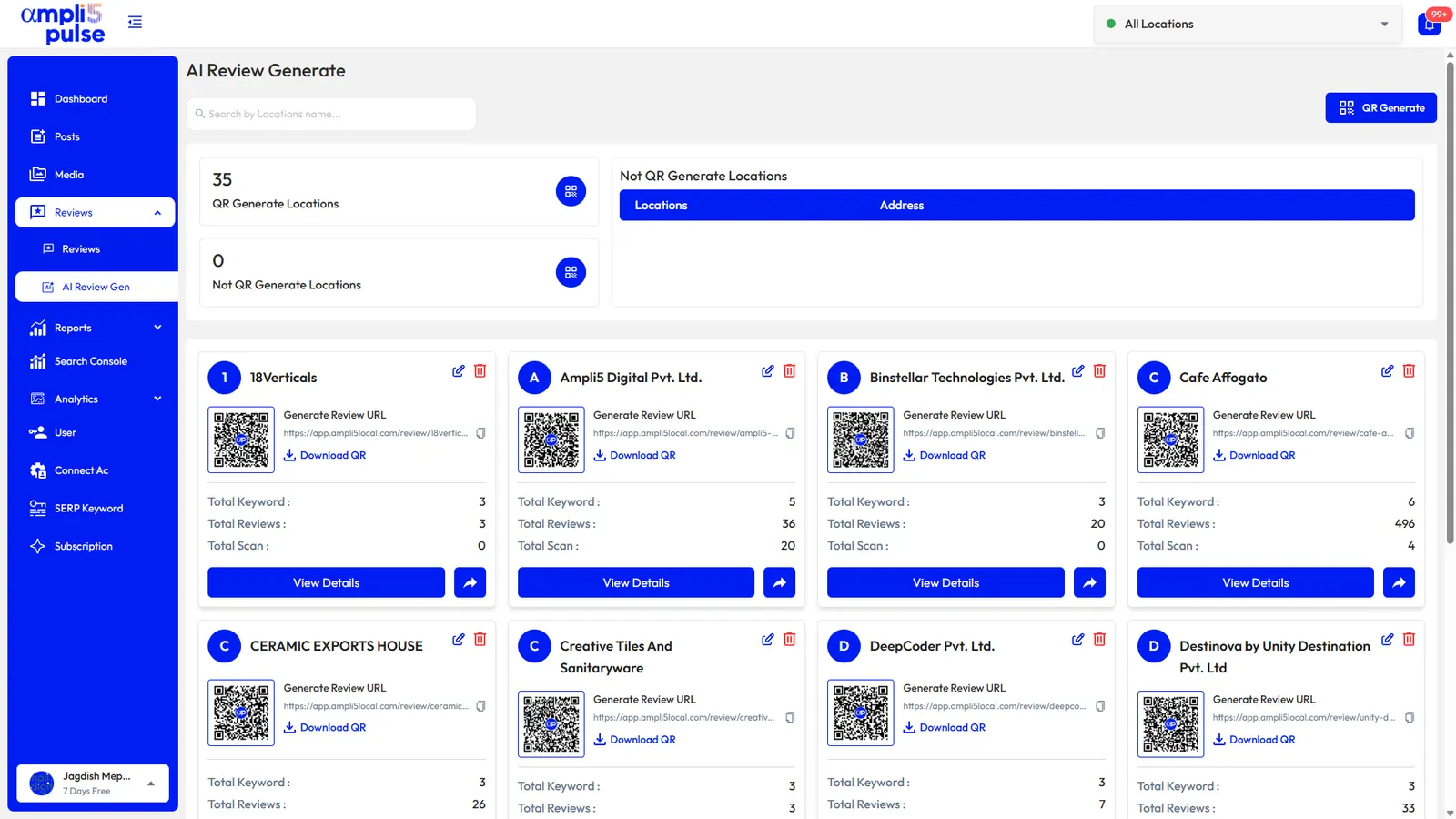
If you run more than one site, publish shared offers to every location at once and keep site-specific news local. Compare calls and direction requests to see which site is busiest, and check that each one has its reviews answered. Our page on multi-location management covers this in more depth.